Many labels on the rail, one look across the shop.
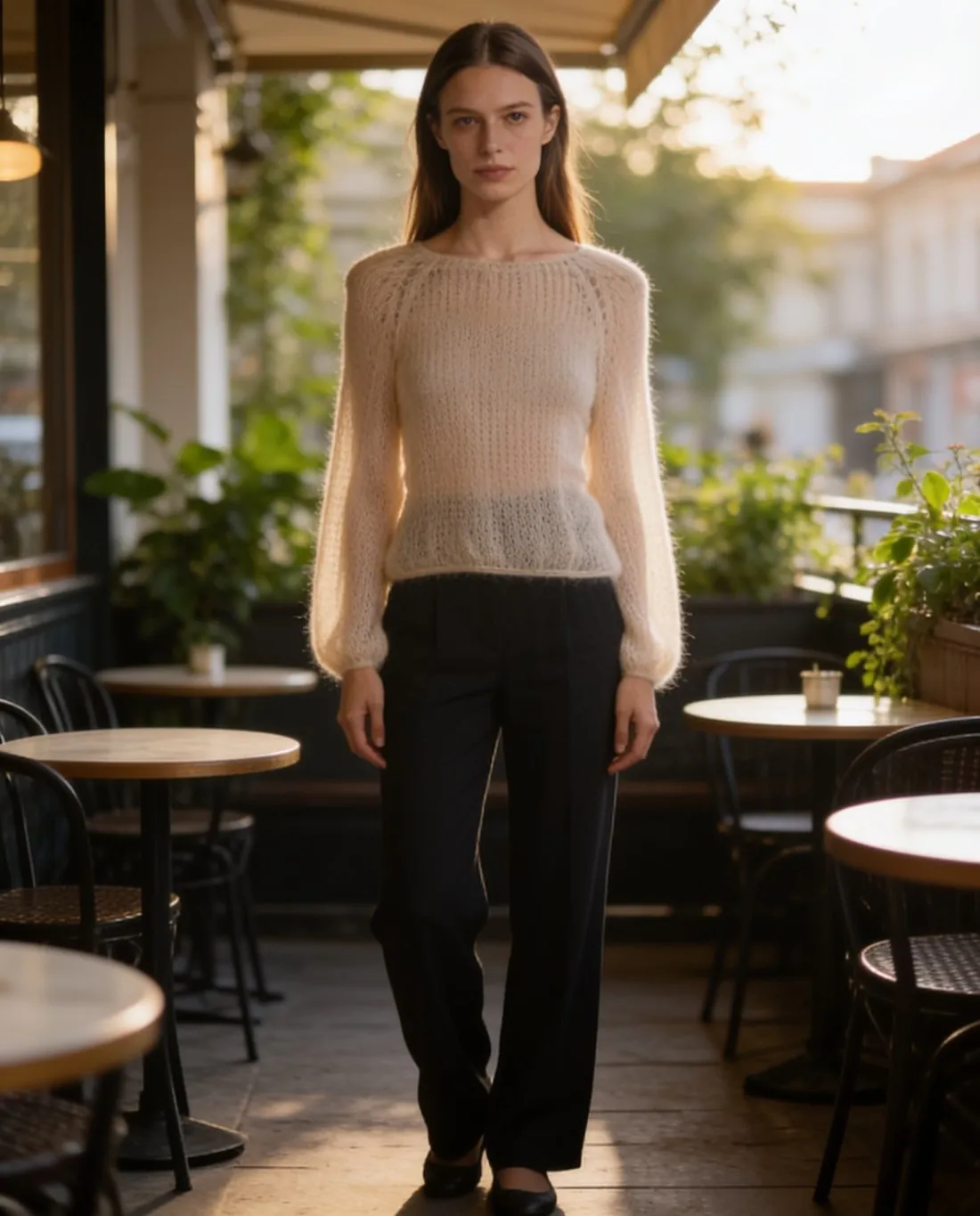
A boutique buys small quantities from several labels, and each label supplies photos in its own style, or none at all. Herofab dresses one studio model in every new arrival from a phone photo taken in the shop, so the shop's pages look like one shop and not like a list of suppliers.
What a boutique's photos have to hold together.
- 1
A weekly routine for one person
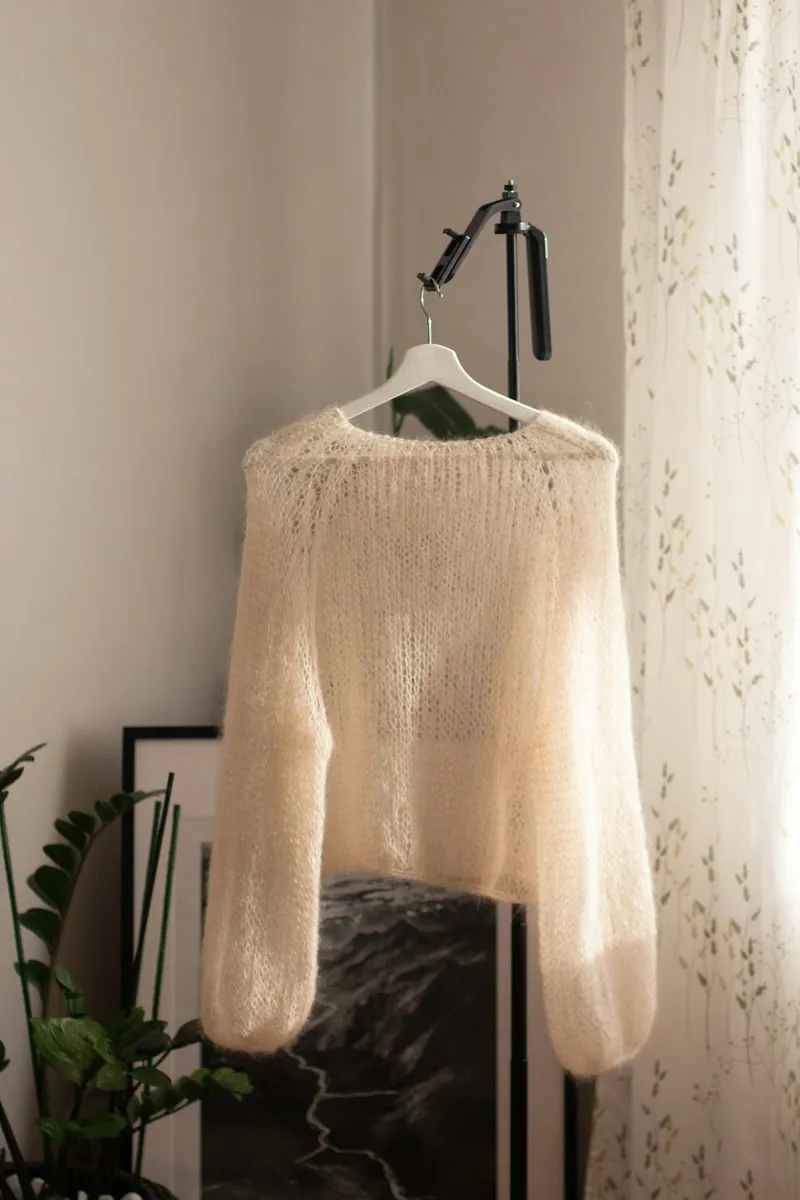
New stock arrives in small deliveries, and the person who unpacks it usually takes the photos too. Each piece is hung up, photographed once from the front with a phone and uploaded. For every arrival the seller chooses the model, the pose and the background used for the stock already in the shop.
- 2
One model and one background across labels
A knit from one label and trousers from another have nothing in common but the shop that sells them. A model saved to the library, one studio white or studio grey and one aspect ratio give them a common frame. Models are synthetic, not photographed people, and a created model remains in the library for the next delivery.
- 3
Photos the shop is entitled to use
The source should be a photo the shop took itself, or one it has permission to use; a label's campaign image is not the shop's to reuse without that permission. Before publishing, compare each result with the garment on the rail: small logos, the button count and prints are the details in which labels differ.
Photographing new arrivals in the shop.
- Set up one spot near a window, with a hanger on a plain door or wall, and photograph every new arrival there, so all source photos share one daylight.
- Take the piece out of its bag, remove the swing tag, do up the buttons and let the creases from the box drop out; a garment still in its packaging is flagged at upload.
- Take one front photo per piece, whole and straight on, and add a back photo or a close-up only where the back has a print or the logo is small.
AI product photos for boutiques, answered.
Can garments from different labels be shown on the same model?
Yes. The model is chosen for each image, not for each label: a ready-made model, or one created and saved to the library, can wear every piece the shop stocks. With one model, pose, background and aspect ratio for each arrival, a mixed rail takes on the look of a single collection.
Can the shop's own interior be used as the background?
Yes. Besides studio white, studio grey, outdoor and lifestyle backgrounds, virtual try-on accepts the seller's own image as the background. A photo of the shop floor or of a wall by the fitting room, taken by the shop itself, places the pieces of every label in the shop's own setting. A plain studio image of each piece still serves as the catalogue view.
What can be done when a delivered image gets a detail wrong?
Every plan includes free fixes each month. The seller marks the area that is wrong, a button row or a logo for example, and describes what should be there. Reading each image against the garment before publishing is what brings such a detail to light, and small lettering is the place to start.
How much does it cost?
5 credits per image, plus one credit for 4K. The cost is shown before you generate, and if a job fails the credits are returned. The 20 free credits at sign-up cover 4 images with this tool.
Your next collection, shot this week.
20 credits at sign-up, no card required. Images made with free credits carry a watermark.