One model for the brand, selected for every product.
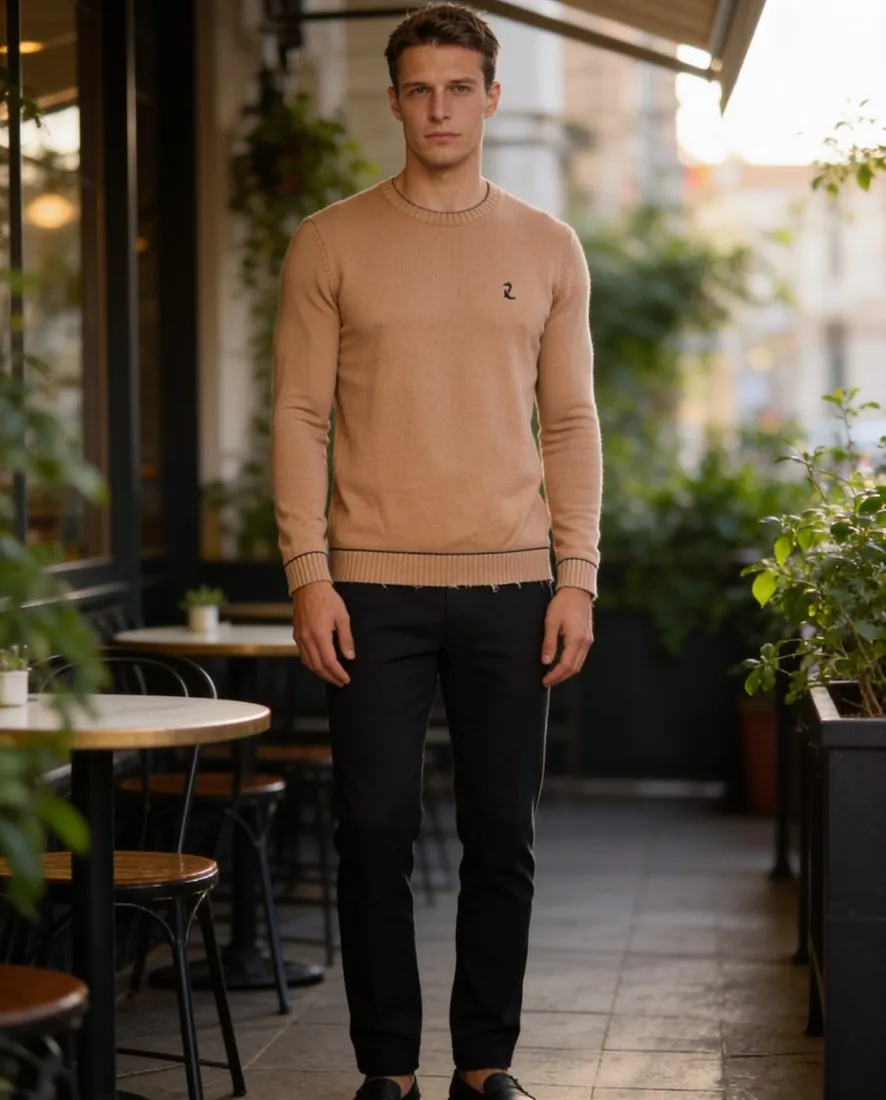
A catalogue reads as one shoot when the same person wears every piece. With Herofab a brand describes its model once, saves it to the model library and selects it in each virtual try-on, so a garment added next season joins the pages already published with the model they show.
What a brand model does and does not settle.
- 1
From a description to a library entry
The brand describes the model it needs: gender, age range, ethnicity, body type from slim to plus, and hair. Create model generates a synthetic studio model from that description, not a photographed person. Once saved to the library, the model is offered in every virtual try-on and can be picked again for each new product.
- 2
Selected each time, made each time
Consistency here means that the same saved model is selected for every product. Each image is still made separately, so two images of the brand model can differ in small ways. Several poses of the same model can be ordered together for one product, which gives a product page its standing, walking and close-up views in one order.
- 3
The check across the whole range
Before a collection goes online, place its images side by side and compare the model, not only the garments: hair length and colour, skin tone, build and apparent age. Then read each garment for small lettering, fine logos and the button count. An image in which the model drifts from the others is better left out of the range.
Preparing the model and the garment photos for a whole range.
- Settle the model before the first product is dressed: decide gender, age range, body type and hair for the brand, save the result to the library, and select that entry every time.
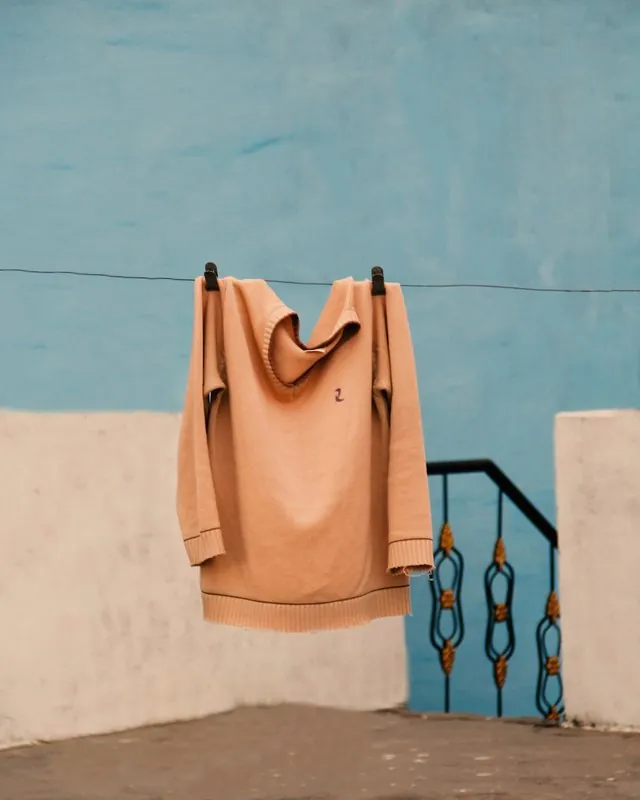
- Photograph each garment of the range alone, whole and straight on, on a hanger or laid flat; a phone photo is enough, and the front is required.
- Hold the size, the background, the light and the aspect ratio steady from product to product, so that the model is not the only constant on a category page.
A consistent AI model for a clothing brand, answered.
Will the brand model look identical in every image of the catalogue?
The same saved model is selected for each try-on, and that is what the library provides. Every image is still generated on its own, so an identical face in each one is not promised. Compare hair, skin tone and build across the range before publishing, and leave out an image that does not sit with the rest.
Can a brand keep a second model for a second line?
Yes. A further model can be created for another line, for example menswear next to womenswear or a plus range next to the main one, and saved to the same library. Body type is chosen from slim, average, curvy and plus when the model is described. Selecting one model per line keeps each line reading as its own shoot.
Can a photographed house model be used in place of a created one?
Virtual try-on accepts three kinds of model: a ready-made one, one the brand created, or a model photo the brand has permission to use. For the third kind, upload only a photo the brand has the right to use. A created model is synthetic, with no photographed person behind it, and every delivered image carries a machine-readable AI marker in the file whichever kind is chosen.
How much does it cost?
5 credits per image, plus one credit for 4K. The cost is shown before you generate, and if a job fails the credits are returned. The 20 free credits at sign-up cover 4 images with this tool.
Your next collection, shot this week.
20 credits at sign-up, no card required. Images made with free credits carry a watermark.