
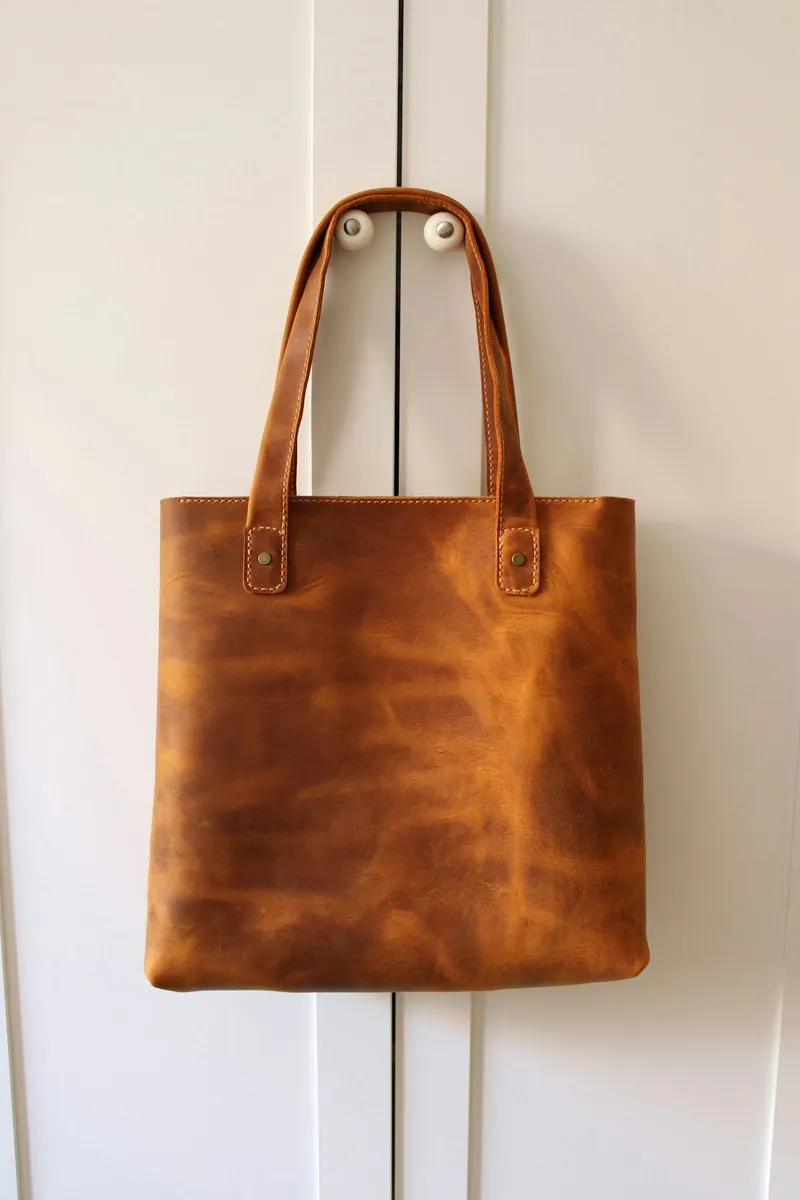
JPEG was built for photographs: smooth tones, soft shadows, fabric and skin. It handles sharp-edged graphics poorly. Letters, thin lines and flat areas of colour pick up a faint ripple and smudge around their edges, so a size chart, an infographic or a logo is better saved as PNG, while the photos of the same listing stay JPEG.
Many export dialogs also store colour at a lower resolution than brightness, a step called chroma subsampling. It saves weight and is rarely visible, except where a saturated colour meets a sharp edge: a thin red stripe on a white shirt or fine coloured embroidery turns soft. The highest quality settings usually switch it off, which is worth doing for detail shots.
The endings .jpg and .jpeg mean the same format. Renaming a PNG or HEIC file to .jpg does not convert it, and upload systems that read the file itself reject the mismatch or show an unsupported type error. A real JPEG comes from saving or exporting as JPEG in an image editor or converter, which also flattens any transparent area onto a solid colour.