T-shirts on white, cut out as photographed.
The background remover takes a photo of a t-shirt and lifts it off whatever is behind it: a floor, a door, a wall. The shirt itself is not redrawn, so the result is the seller's own photo on white, on grey or as a transparent PNG.
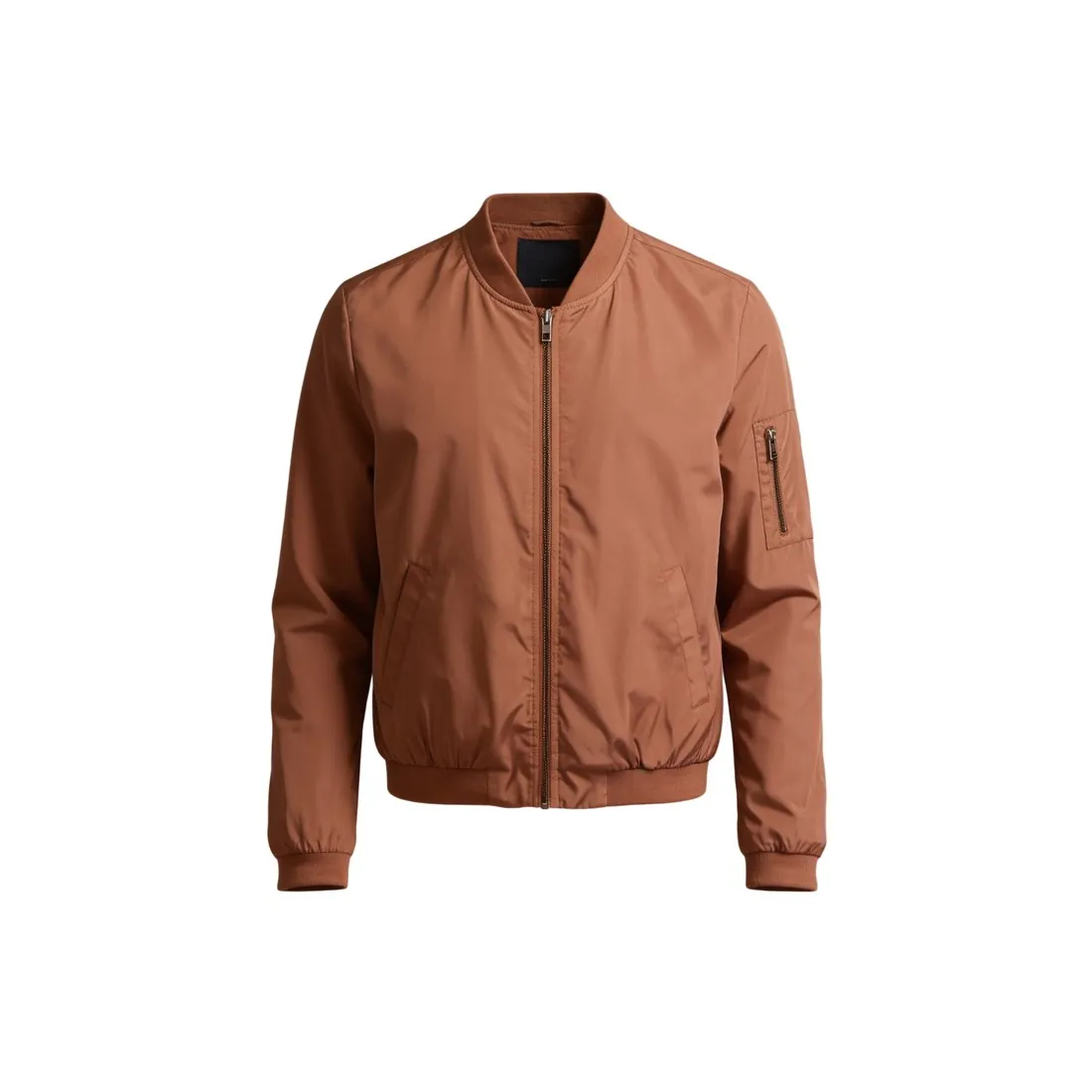
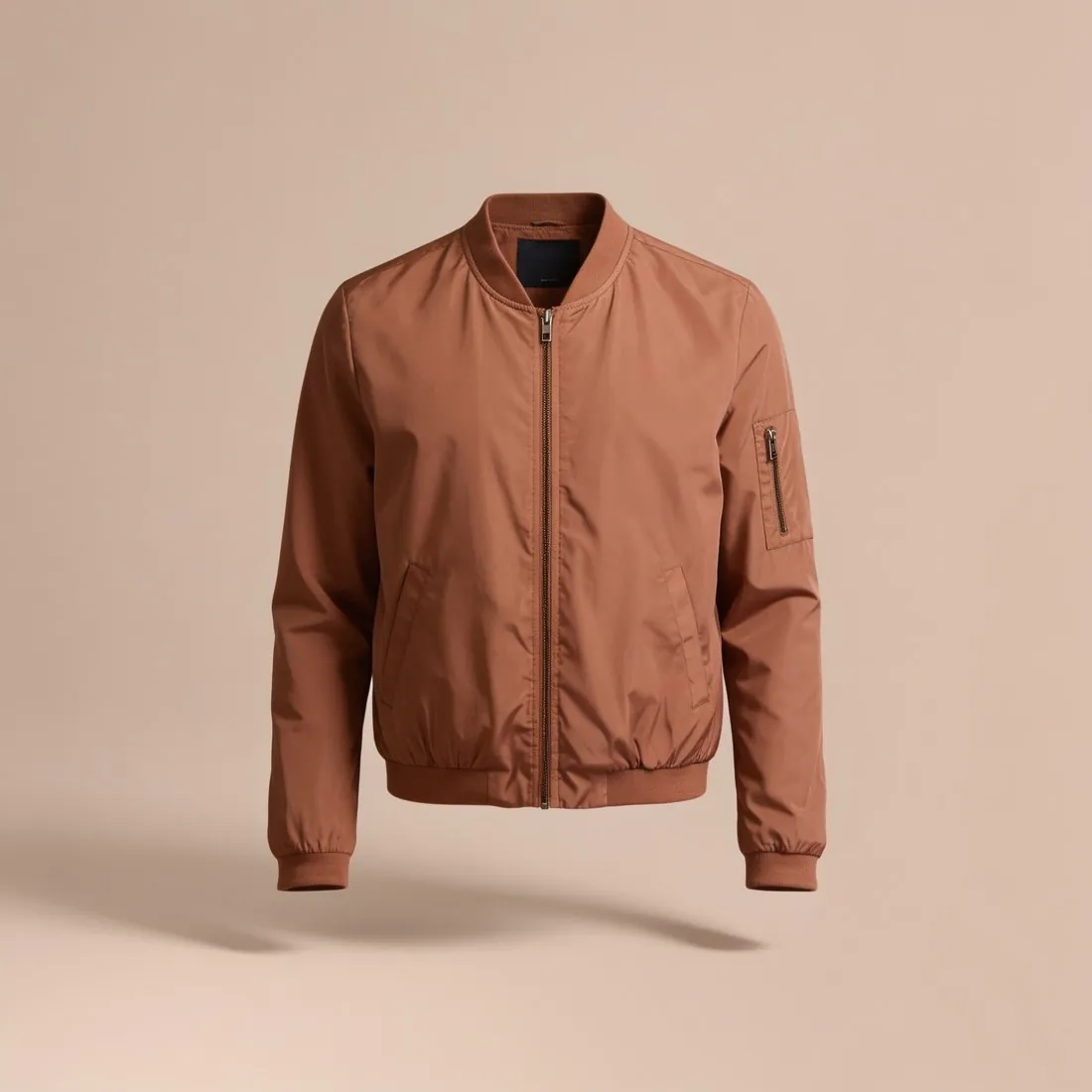
What a t-shirt cut-out keeps and leaves.
- 1
The shirt stays as it was laid
Creases across the body, a twisted side seam, sleeves at uneven angles and a collar that sits off-centre all stay, because only the background is removed. A t-shirt that was smoothed and squared before the photo looks ready on white. The print, the neck rib and the hem stitching are the photo's own.
- 2
Shadows on the fabric
Light falling from one side leaves one half of a white or pale tee darker, and a hanger casts a shadow under the collar. Those tones are part of the garment in the photo and remain after the cut-out. Even, shadow-free light at the shoot is what makes the white version read as a studio image.
- 3
Edges against white
A dark tee on a pale floor separates cleanly. A white tee on a white sheet is the hard case, with little contrast for the outline to follow. Check the sleeve hems, the shoulder line and the neck opening on both a dark and a light background, and photograph pale shirts on a darker surface.
Photographing a t-shirt for a cut-out.
- Iron or steam the shirt first, then lay it flat and pull the hem and both sleeves straight so the two sides mirror each other.
- Choose a surface that contrasts with the fabric and photograph from directly above, with the phone parallel to the floor and the whole shirt in the frame.
- Light it from a window on an overcast day or from two sides, so that no shadow of the phone or of an arm falls across the chest.
White background for t-shirts, answered.
Will the creases in my t-shirt be removed?
No. Background removal changes what is around the garment, not the garment. Creases, folds and a wavy hem remain as they were photographed, so steam the shirt and lay it flat before the photo. When the shirt should gain a worn, 3D shape instead, Ghost mannequin is the tool for that.
Can a white t-shirt go on a white background?
Yes, though it asks more of the source photo. Photograph the white shirt on a darker surface so its outline is clear, and check the delivered edge along the sleeves and the hem. On the listing, the natural shading of the fabric separates a white tee from the white around it; the grey output is an alternative.
Is this the same as a ghost mannequin image?
No. This page is about a cut-out, in which the t-shirt keeps the flat or hung shape it had in the photo. Ghost mannequin starts from a hanger or flat-lay photo and delivers the garment with a hollow-body shape. A cut-out suits a neat flat lay; the mannequin shape suits a shirt that should look worn.
How much does it cost?
1 credit per image. The cost is shown before you generate, and if a job fails the credits are returned. The 20 free credits at sign-up cover 20 images with this tool.
Your next collection, shot this week.
20 credits at sign-up, no card required. Images made with free credits carry a watermark.