A plain grey ground, for products white hides.
White products vanish on white, and a catalogue shot in many rooms never looks like one catalogue. Herofab removes the background from each photo and delivers the product on a plain grey ground, so a white shirt has an edge and a whole range shares one backdrop.
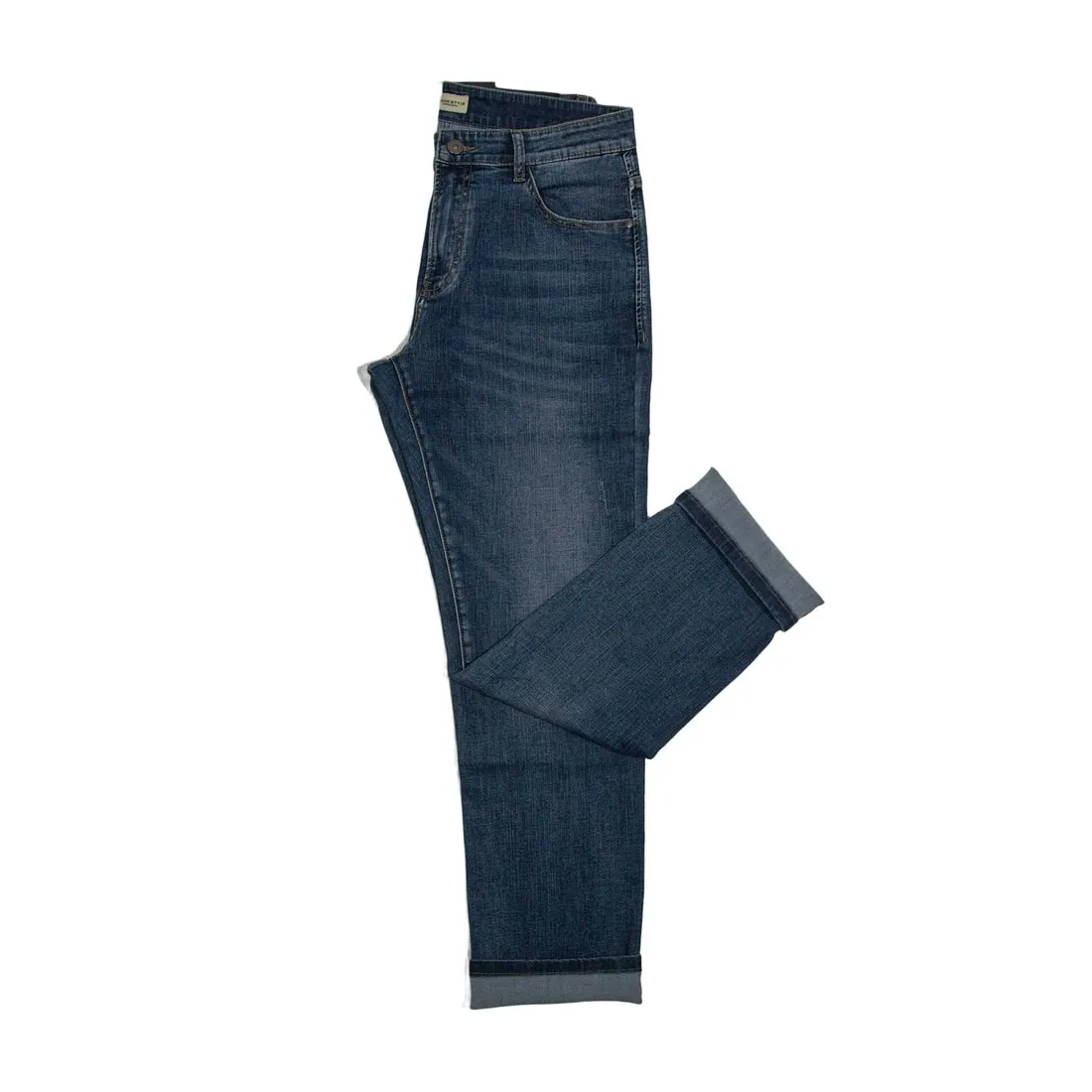
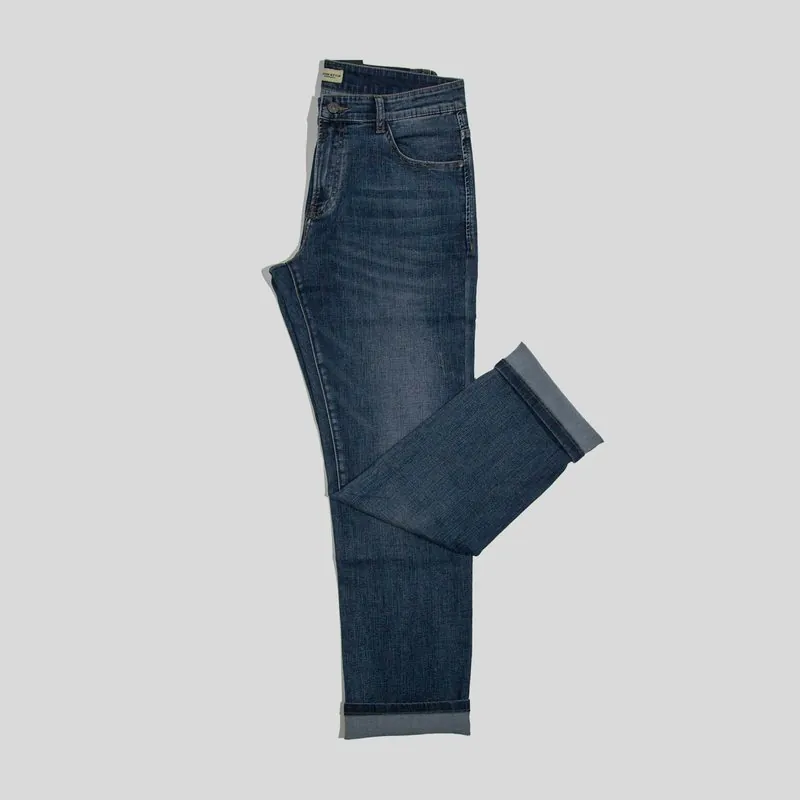
Why grey, and what to look at.
- 1
White and pale products
A white tee, an ivory dress or a cream bag has no outline on a white page. On grey the edge is visible, and so are white trims, stitching and buttons. This is the usual reason a brand picks grey for its own shop while keeping a white version for channels that ask for one.
- 2
One backdrop for a mixed archive
Photos taken over several seasons, on different floors and walls, look uneven next to each other. Putting them all on the same grey makes a category page read as one set. Light and shadows on the product stay as shot, so photos lit very differently will still differ.
- 3
Edges and what shows through
Lace, mesh, fringe and fine straps let the background show through. After the change it is the grey that should show through, with no trace of the old wall or floor. Zoom into openwork and into the gaps between straps to see that they are clean.
Photographing products for a grey background.
- Shoot against any plain surface that differs from the product in tone, and keep the same distance and angle across a range.
- Use soft, even light from the same side for every product, so the set matches once the backgrounds are the same.
- Lay or hang garments smoothly and unfolded; the tool changes the background, and the garment keeps the shape it had in the photo.
Grey background for product photos, answered.
Can the same photo be delivered on white as well?
Yes. The result can be transparent, white or grey, so one photo can serve a white listing image and a grey image for the brand's own shop. Each result can be downloaded in marketplace sizes without cropping.
Does a grey background work for on-model images?
Yes. The tool takes product photos and on-model images alike. Hair is the edge to look at on a model: fine strands against the old background are the hardest to separate, and the cut-out is briefed to keep them.
Will the garment get a 3D shape on the grey background?
No. Background removal leaves the garment as photographed, flat or on its hanger. When the garment should gain a hollow-body shape, Ghost mannequin is the tool for it, and grey is among its backdrops too.
How much does it cost?
1 credit per image. The cost is shown before you generate, and if a job fails the credits are returned. The 20 free credits at sign-up cover 20 images with this tool.
Your next collection, shot this week.
20 credits at sign-up, no card required. Images made with free credits carry a watermark.