Logos and prints, at reading distance.
A chest logo, an embroidered badge or a placed print is often the reason a garment is chosen, yet it fills a small corner of the full image. Herofab frames that part alone, from a product photo or an image it delivered, with the brief to keep the mark as the source shows it.
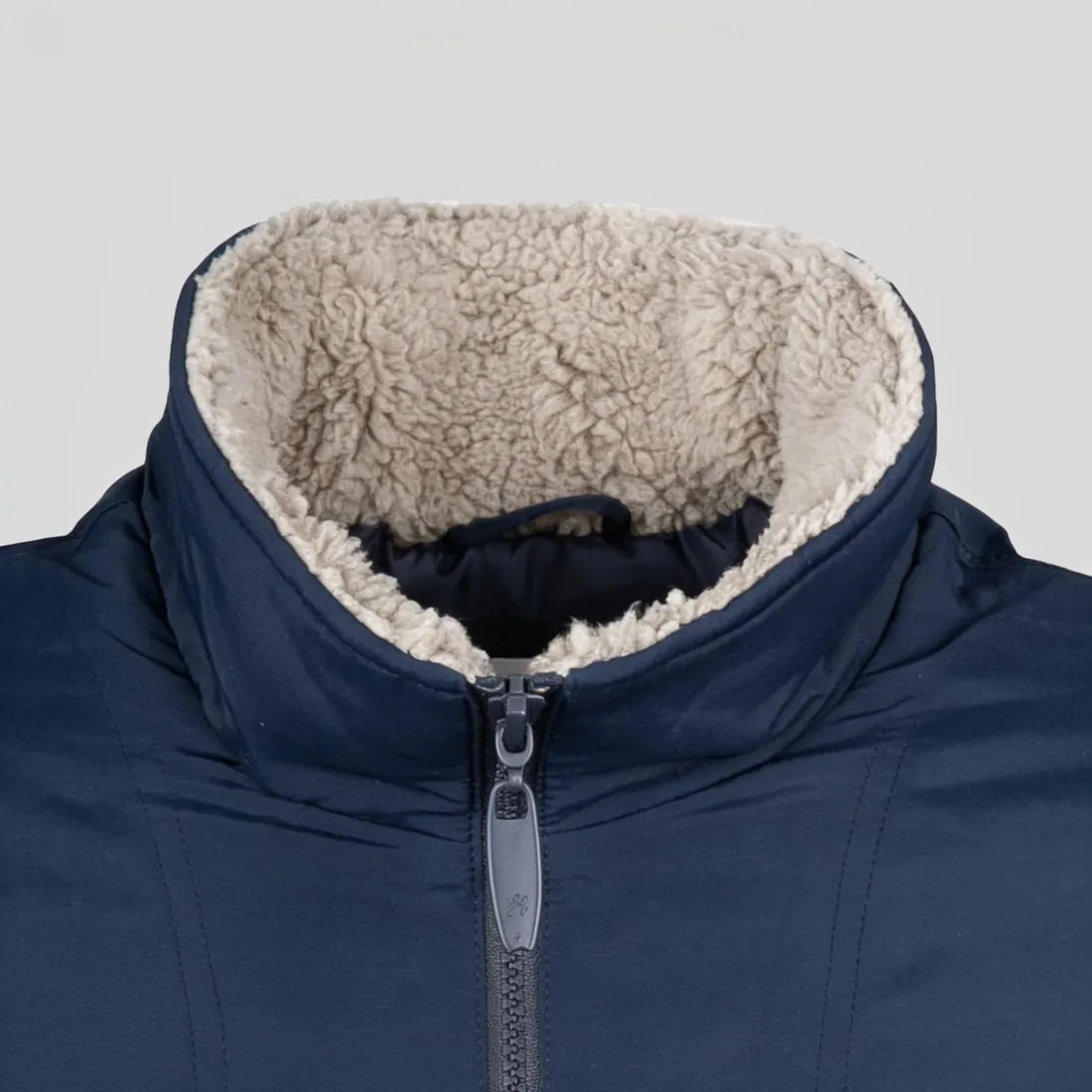
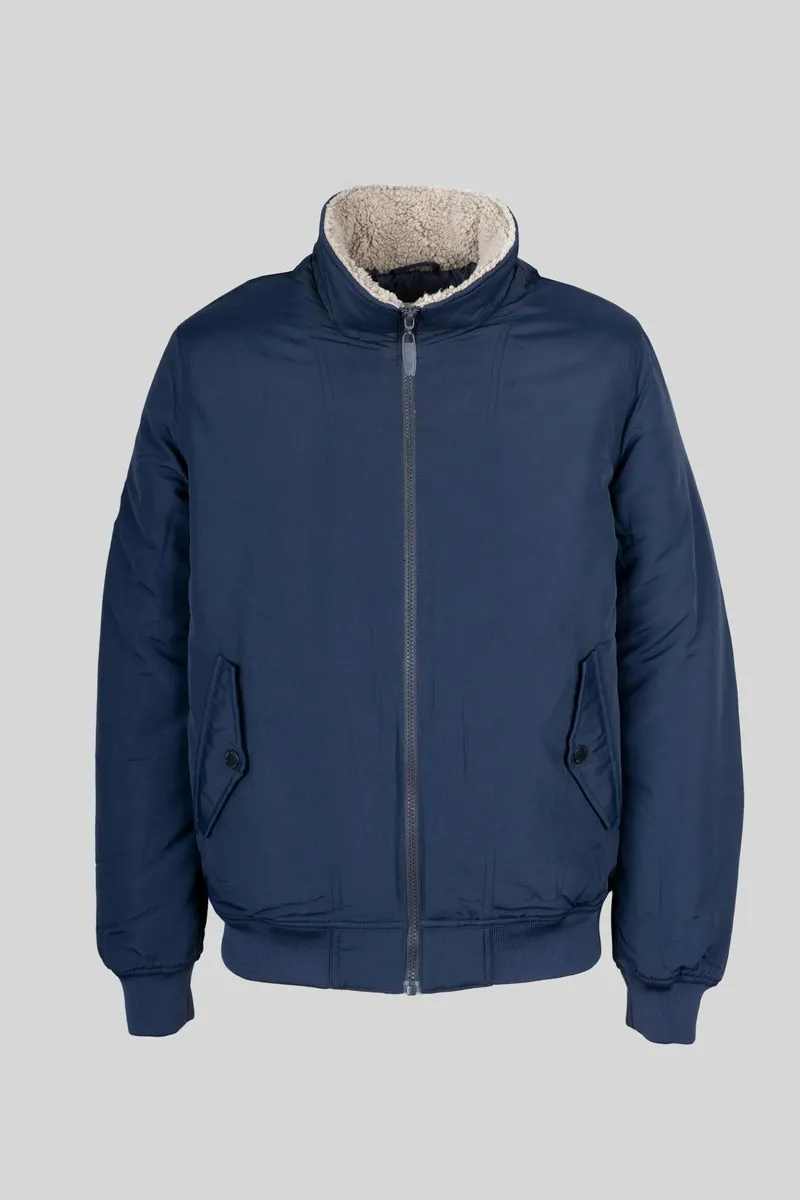
What a logo close-up is checked for.
- 1
Lettering, letter by letter
Small lettering is the first thing to read in a logo close-up. Go through each word against the garment: the spelling, the spacing between letters, the weight of the strokes and any small symbol beside the name. A letter that is closed up, doubled or missing passes unnoticed in a thumbnail and is plain at full size.
- 2
Embroidery, weave and transfer
A logo has a make as well as a shape. Embroidery sits raised, with thread running in a direction; a woven label has a fine grid and folded ends; a screen print lies flat and a heat transfer has a smooth film. The close-up should show the make the source shows, and not turn stitched thread into flat ink.
- 3
Placed prints and their edges
A placed print has an outline, a size and a set of colours, whether it sits on the chest, on a sleeve or across the back. Compare the outline of the motif and the number of colours with the garment. Fine lines, halftone shading and small text inside the artwork are the parts that deserve a second look.
The source image for a logo or a print.
- Use a source in which the logo is sharp and lies flat; a badge caught in a fold or lettering blurred by a moving hand does not become clearer in the close-up.
- Face the logo squarely instead of photographing it from an angle, so the letters keep their proportions and a round badge stays round.
- For a small woven label or a tiny chest mark, take the photo from nearer, until the lettering can already be read in the source itself.
Logo and print close-ups, answered.
Why does the logo have to be sharp in the source?
Because the close-up is made from what the source shows. Lettering that is too small or too soft to make out in the photo cannot be reproduced faithfully, and the result would be a reading of it instead of a copy. A sharp, evenly lit photo with the logo large in the frame gives the tool the letters themselves.
Which detail option fits a logo, a badge or a label?
Print or logo is the entry in the detail list for all of them: a chest mark, an embroidered badge, a woven label at the hem or a placed print. The automatic option goes to the most distinctive detail in the image, which may be a collar or a zip, so select print or logo when that is the subject.
Can a print on the back of a garment be shown close up?
Yes, when the source shows the back. Use a back photo of the garment, or a delivered back view, as the source image; a front photo holds no record of what is printed behind. On an on-model image, see that hair or an arm does not cross the print where the close-up will look.
How much does it cost?
3 credits per image, plus one credit for 4K. The cost is shown before you generate, and if a job fails the credits are returned. The 20 free credits at sign-up cover 6 images with this tool.
Your next collection, shot this week.
20 credits at sign-up, no card required. Images made with free credits carry a watermark.