Stitching and hardware, shown as proof of make.
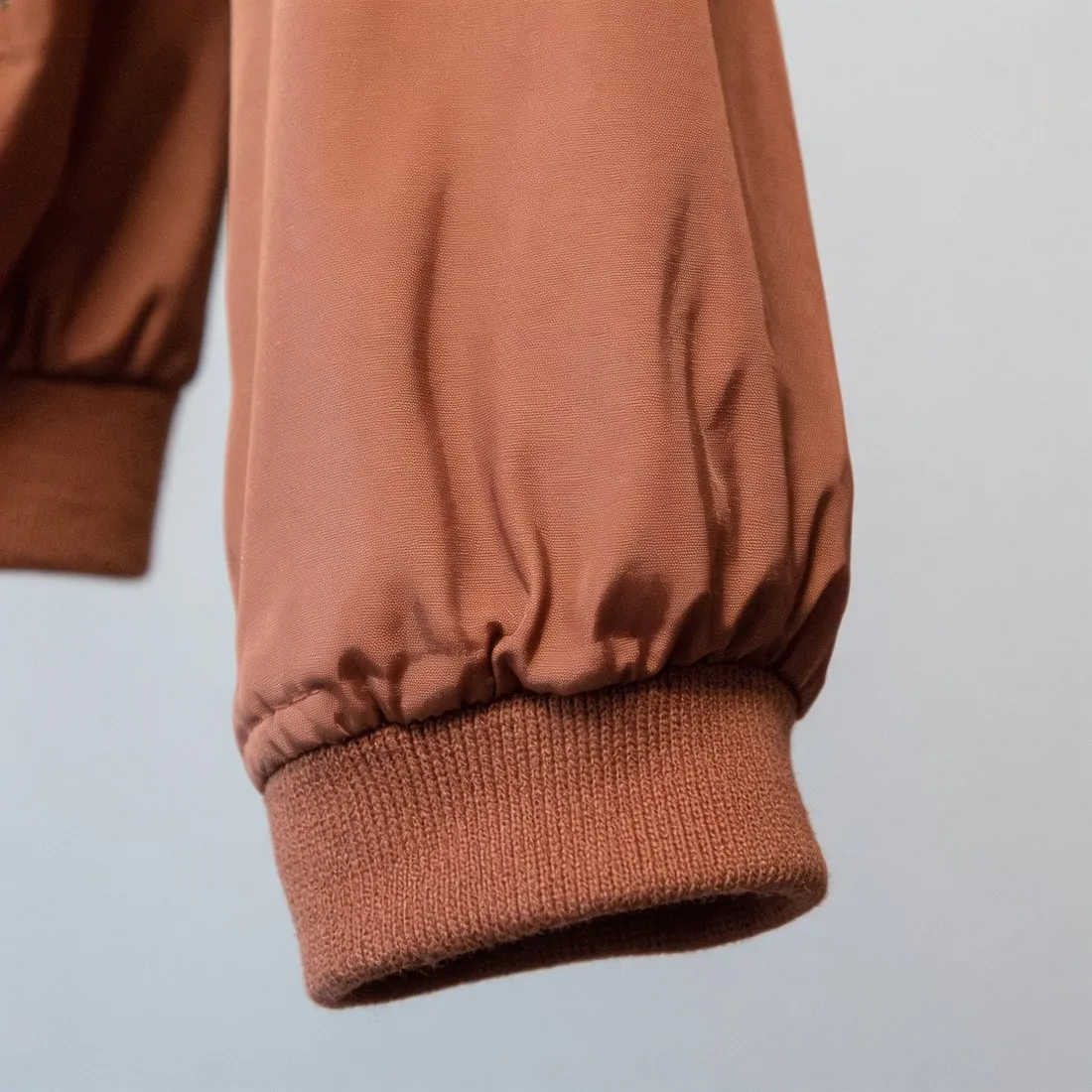
How a product is made shows in its smallest parts: the line of a topstitch, a bar tack at a pocket corner, the teeth of a zip, the edge of a sole. Herofab frames one of them as a close-up from a product photo or a delivered image, with the brief to keep every stitch and every part as the source has it.
What repeated parts ask of a close-up.
- 1
Stitch lines and bar tacks
Topstitching has a stitch length, a thread colour and a distance from the edge; a twin needle lays two parallel rows; a bar tack is a short dense block at a point of strain. Follow each line in the close-up from end to end. It should run as straight and as evenly spaced as on the product, in the same thread.
- 2
Counting what repeats
Zip teeth, snaps, rivets, eyelets, buckle holes and the lugs of a sole come in rows, and a row is where one part can be added or dropped without being noticed. Count them against the product. On a zip, look at the pull and the stop at each end; on a buckle, at the prong and the bar.
- 3
Metal tone and finish
Hardware is silver, brass, gunmetal, gold or enamelled, and polished, brushed or matt. Tone and finish belong to the product and are briefed to stay. Hold the real piece next to the screen to compare the colour of the metal, and read any engraving on a snap, a rivet or a clasp at full size, as it is small lettering.
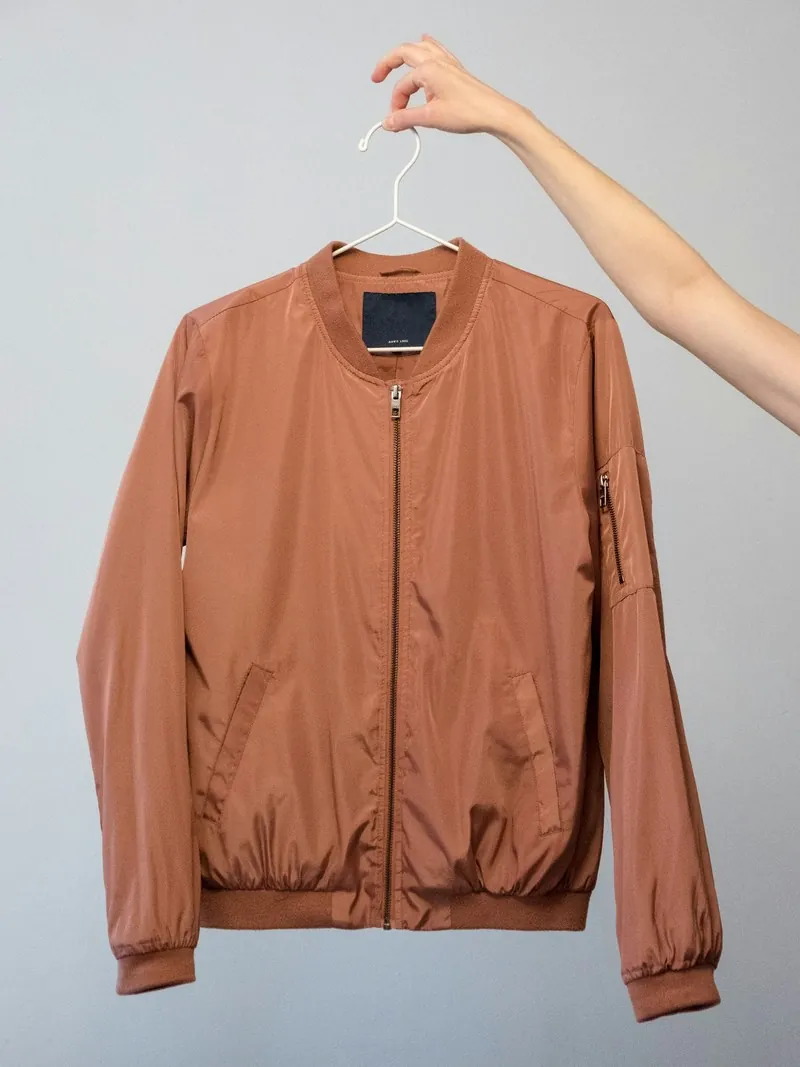
The source image for seams and metal parts.
- Close zips, snaps and buckles the way they should appear, and turn the product so the hardware faces the camera instead of sitting edge-on.
- Light the product evenly and keep the flash off metal; a burnt-out highlight hides the engraving and the true tone of a snap or a clasp.
- Place shoes and jewelry on a plain surface with the sole edge or the clasp turned into view; a clasp lying behind a pendant is not in the source.
Stitching and hardware close-ups, answered.
Does contrast stitching keep its thread colour in a close-up?
The thread colour is taken from the source and is briefed to stay. Contrast stitching on denim or leather carries over more readily when the photo is evenly lit and in focus along the seam. Compare the thread with the product in daylight, and see that the stitches are as regular as on the real seam.
Which detail option covers a sole, a heel or a jewelry clasp?
The detail list has separate entries for sole or heel, stone setting and clasp, beside closure or hardware and stitching. Choosing the entry that names the part directs the close-up to it. Left on automatic, Herofab goes to the most distinctive detail of the product, which may be a different part.
What if the zip or the buckle is partly covered in my photo?
A covered part cannot be reproduced faithfully, since the close-up is built from what the source shows. A zip under a storm flap, a buckle behind a strap end or a clasp turned to the back needs a new photo with that part uncovered. Open the flap or turn the piece, then use that photo as the source.
How much does it cost?
3 credits per image, plus one credit for 4K. The cost is shown before you generate, and if a job fails the credits are returned. The 20 free credits at sign-up cover 6 images with this tool.
Your next collection, shot this week.
20 credits at sign-up, no card required. Images made with free credits carry a watermark.