Jacket details, framed close.
A jacket is bought on its details: the collar, the zip and its pull, the cuff, a quilted panel, a badge. Herofab frames a close-up of the part chosen from a product photo or a delivered image, and is briefed to keep it as it is in the source.
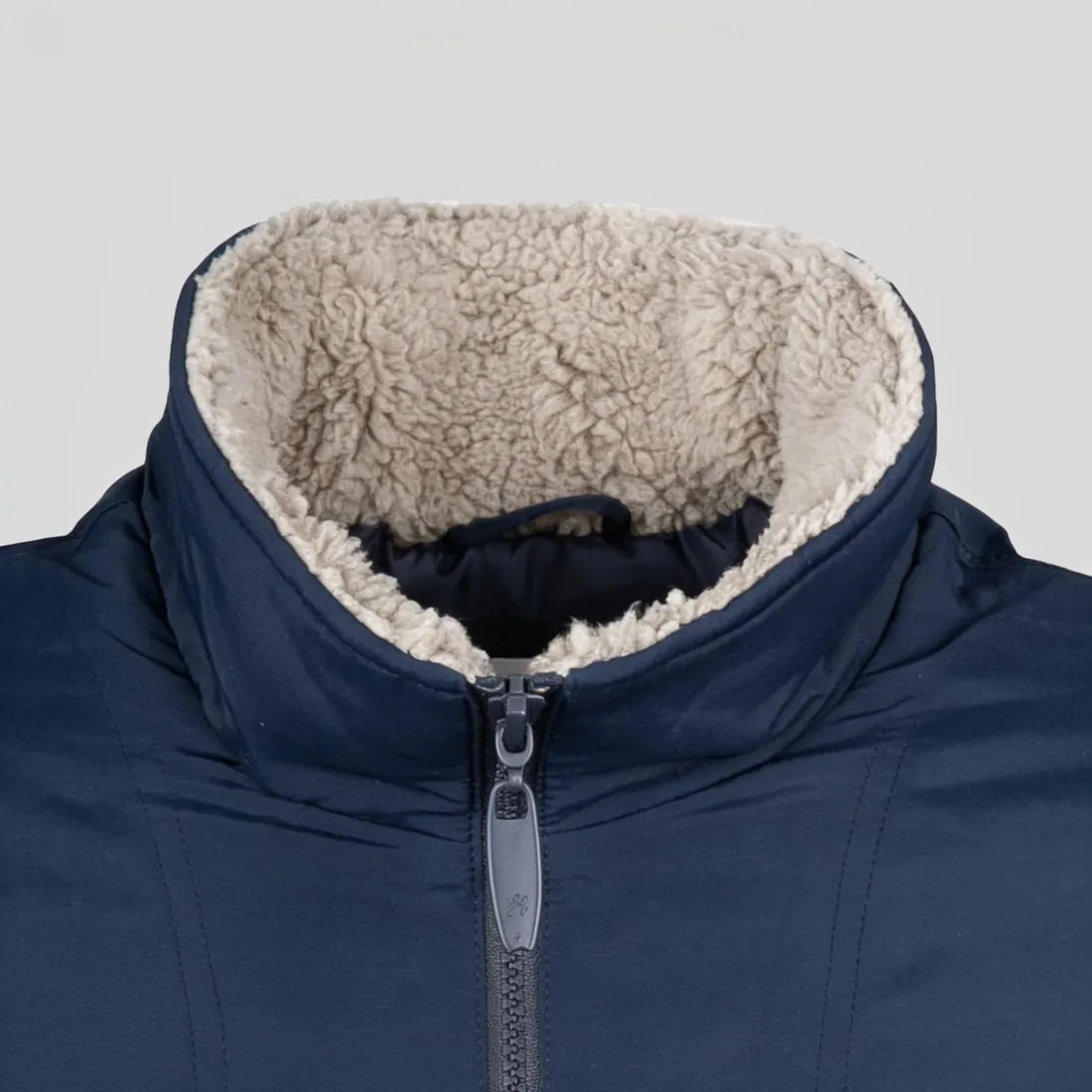
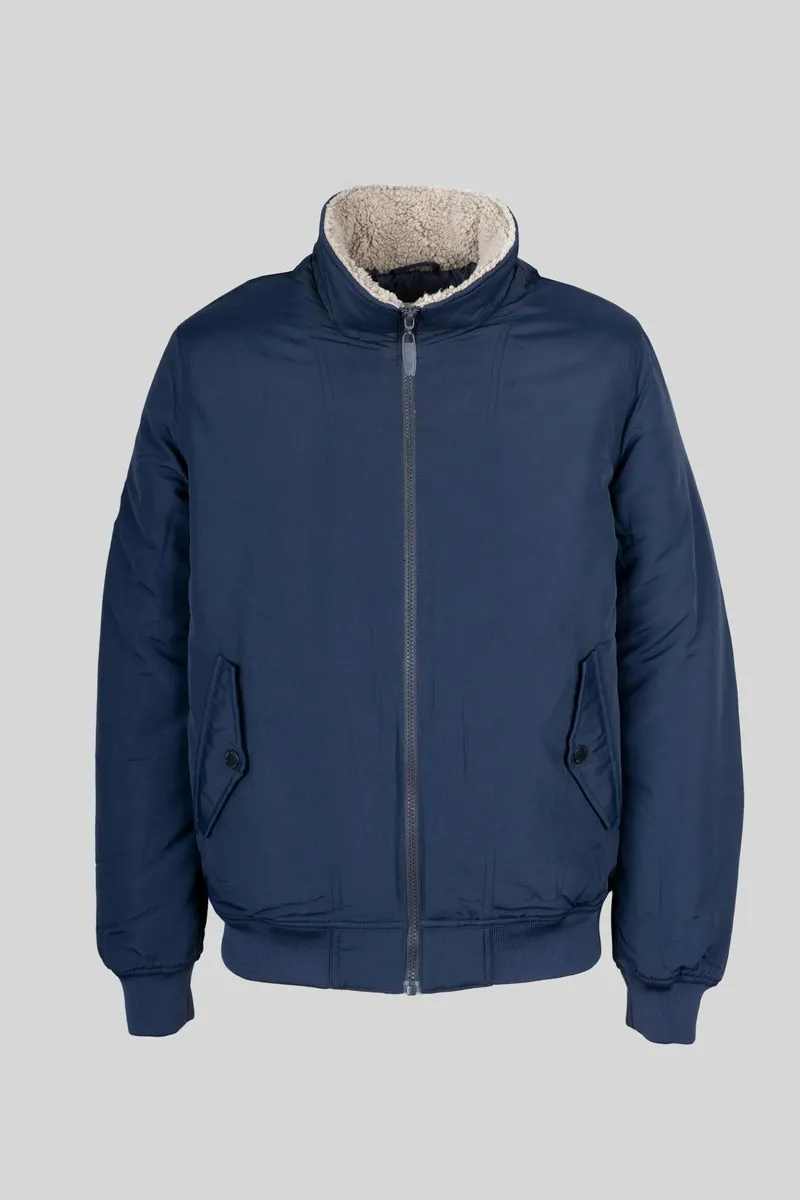
Which jacket details earn a close-up.
- 1
Collar and neckline
A stand collar, a shirt collar, a rib-knit bomber collar or a hood with its drawcords sets the character of a jacket. The close-up shows how it is built: the topstitching, the snap or the throat tab, the lining where the neck opens. Compare the stitch lines with the garment.
- 2
Closure and hardware
A zip has teeth, a tape and a pull, often with a logo; snaps and buttons have a finish and sometimes engraving. These are small and repeated, which is where a close-up needs checking. Count them, and read any lettering on the pull or the button at full size.
- 3
Cuff, hem and stitching
Rib cuffs and hems, a sleeve tab, a storm cuff, bar tacks at the pocket corners and contrast topstitching tell a buyer how well a jacket is made. Choose the cuff, the hem or the stitching as the detail, or leave the choice to Herofab for the most distinctive part.
The source image for a jacket detail.
- Use a sharp photo in which the detail is clearly visible and not in shadow; a collar folded under or a cuff turned inside is not in the source.
- Zip or button the jacket as it should appear in the close-up, and straighten the collar and the cuffs before the shot.
- A delivered image works as a source too: a try-on, a ghost mannequin or a product studio image of the same jacket.
Detail shots for jackets, answered.
Can a detail shot show the inside lining or the label?
Only when the source shows it. The close-up is made from what the image contains, so a lining or an inside label needs a photo with the jacket open and that part in view. A part that is hidden or too small to make out cannot be reproduced faithfully.
What does the automatic choice pick on a jacket?
The most distinctive detail in the image, which on a jacket is often the collar or the closure. When a specific part matters more, such as a chest badge or a sleeve pocket, choose the detail yourself from the list.
In which formats is the close-up delivered?
Square or portrait, in 2K, or 4K as an option. Like any delivered image it can be downloaded in marketplace sizes without cropping, so the same close-up can serve as an additional image on several sales channels.
How much does it cost?
3 credits per image, plus one credit for 4K. The cost is shown before you generate, and if a job fails the credits are returned. The 20 free credits at sign-up cover 6 images with this tool.
Your next collection, shot this week.
20 credits at sign-up, no card required. Images made with free credits carry a watermark.