Change the background, leave the product alone.
A background changer is useful only if the product in the new image is still the product in stock. Herofab takes a photo taken on any surface and places the product in another scene; shape, colours, materials, logos and printed text are briefed to stay, and what changes is the scene and the light around it.
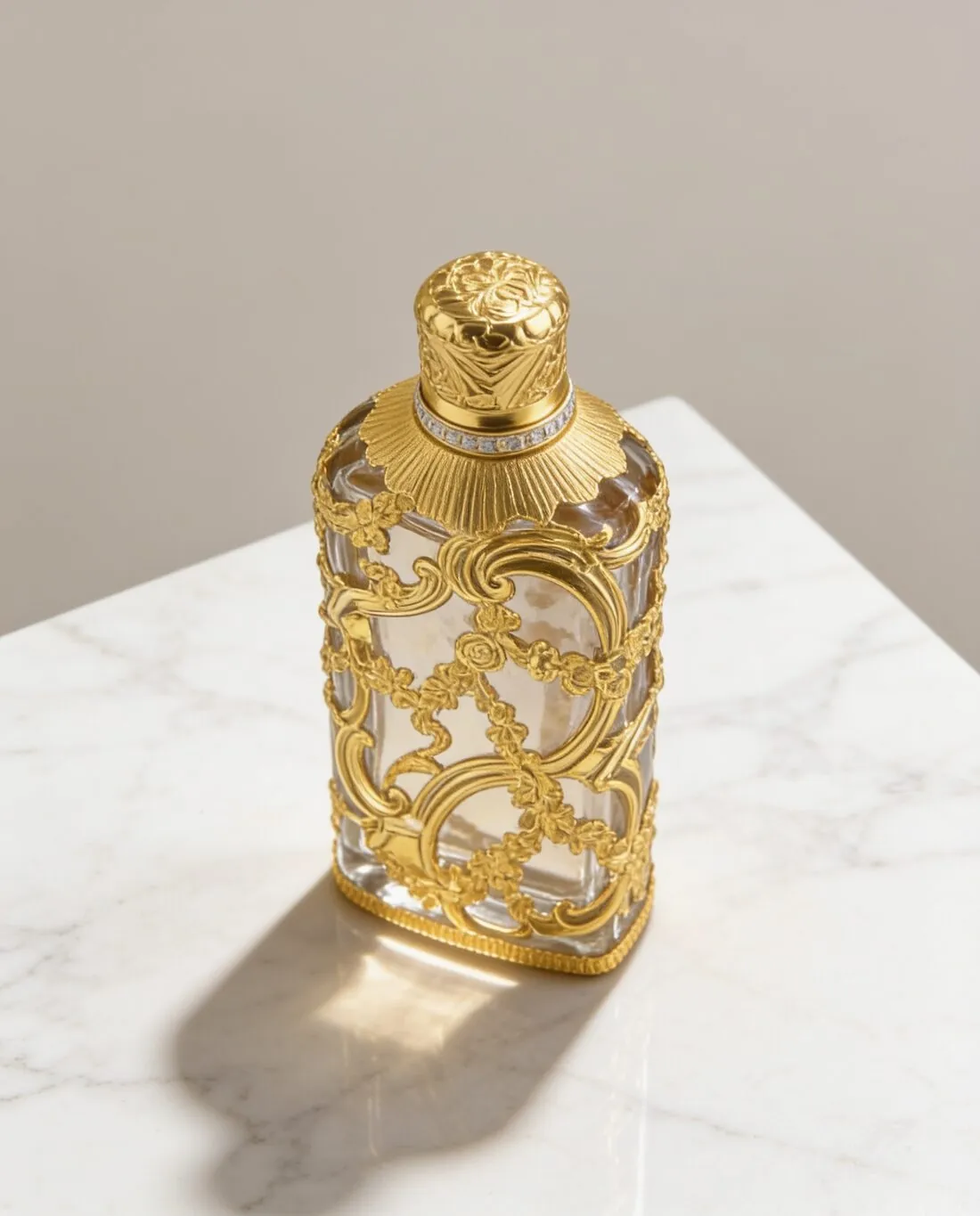
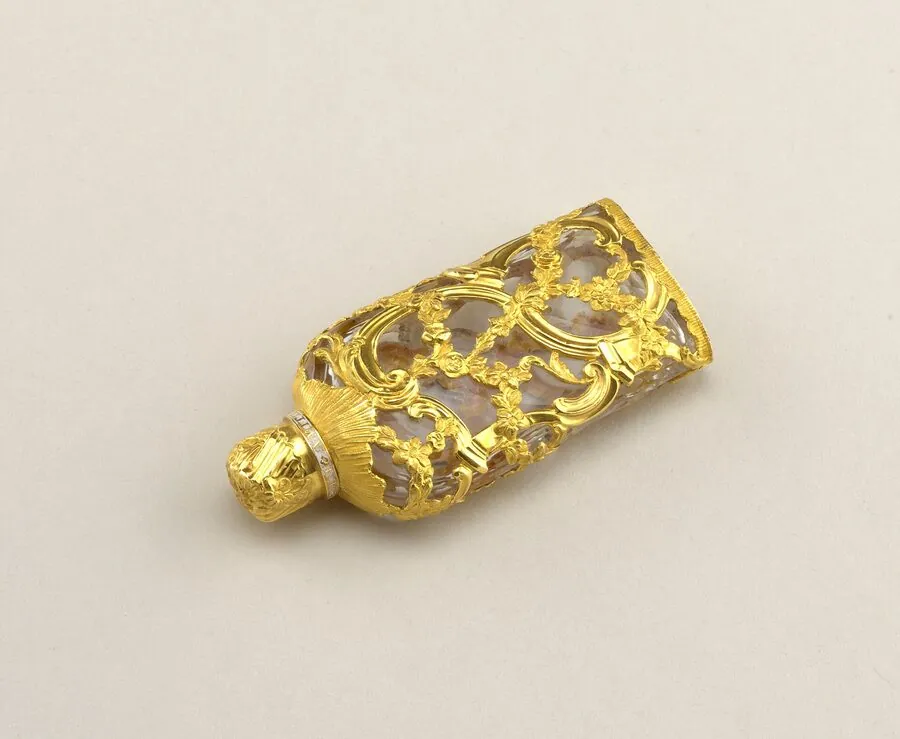
What changes and what is meant to stay.
- 1
The scene and its light change
The ground under the product, the space behind it and the direction and warmth of the light are new. The choices are studio white, grey or beige, marble, wood, linen, a podium, an outdoor setting and a home setting. The shadow is set separately: soft, none, or a reflection.
- 2
The product is briefed to stay
Outline, proportions, colour, material, hardware, logos and printed text are meant to come through as in the source photo. New light alters how a colour looks, as it would in a real room. Compare the result with the product in daylight, and read the small text on labels first.
- 3
Your own background image
A photo of the shop's own table, shelf, tiled wall or brand backdrop can be uploaded as the background, and the product is placed in it. Choose an image with a clear, empty area where the product can stand, taken from roughly the angle at which the product was photographed.
The photo to start from when changing a background.
- Photograph the product alone and complete; the old background does not matter, but anything lying over the product does.
- Match the camera height to the scene in mind: straight on for a shelf or a podium, from above for a top-down image on linen or wood.
- Avoid strong coloured light from a lamp or a screen, which tints the product itself and travels with it into the new scene.
Product background changer, answered.
Can I keep my product photo and only swap what is behind it?
Here the product is placed in the new scene and briefed to stay as photographed, with scene and light changing around it. If the photo itself must remain as taken, the background remover is the tool: it cuts the product out without redrawing it and delivers it transparent, on white or on grey.
What kind of image can I upload as my own background?
An image the seller has the right to use: a photo of a counter, a fabric, a wall, a garden corner or a backdrop in a brand colour. An uncluttered image with even focus gives the product a clear place. It is uploaded in place of the ready-made scenes, and the angle and shadow are chosen as usual.
Can one product be shown on several backgrounds?
Yes. The same source photo can be used again with a different scene each time, for example a studio ground for the catalogue and wood or a home setting for social posts. Keeping one angle across the set makes the images read as a series, and each is delivered in 2K, or 4K as an option.
How much does it cost?
4 credits per image, plus one credit for 4K. The cost is shown before you generate, and if a job fails the credits are returned. The 20 free credits at sign-up cover 5 images with this tool.
Your next collection, shot this week.
20 credits at sign-up, no card required. Images made with free credits carry a watermark.