Lifestyle images, beside the plain main image.
The main image shows what the product is; a lifestyle image shows where it belongs. Herofab places a product photographed on any surface into a setting such as a home interior, an outdoor spot, wood, linen or marble, while the product itself is briefed to stay as it was photographed.
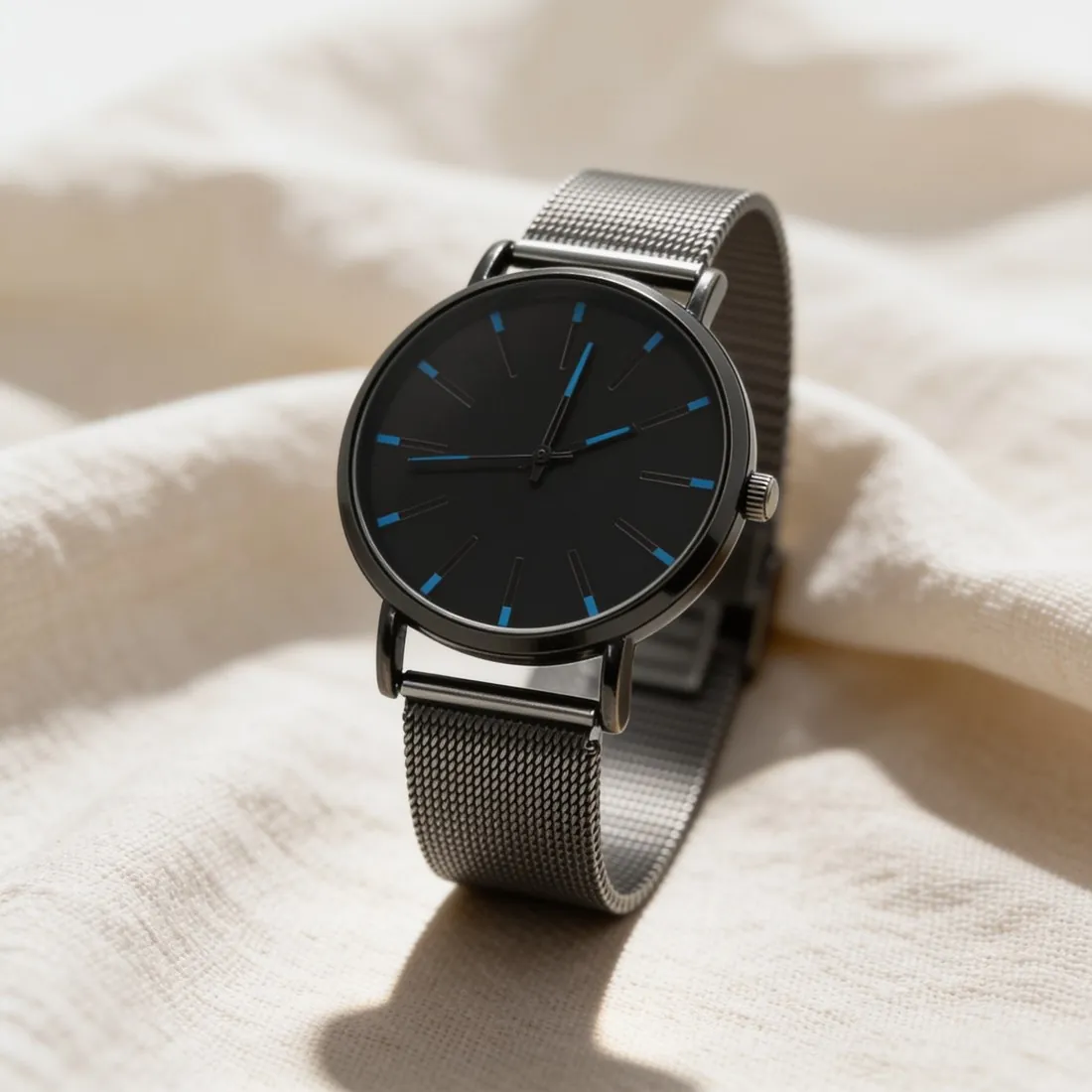
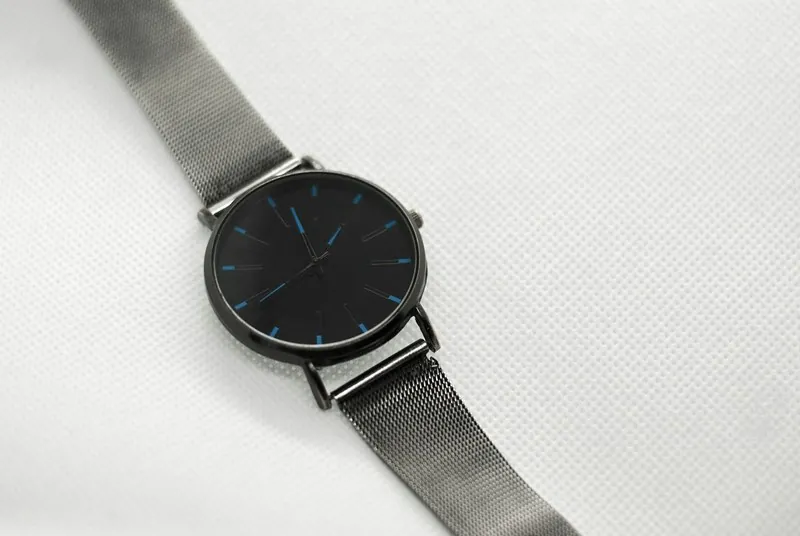
When a setting helps and what it must not hide.
- 1
A second image, not the first
A plain image on white answers what the product is, and it stays the main image. The lifestyle image comes after it, to give material, mood and use. A listing that has both lets the buyer check the product on white and picture it in a setting.
- 2
The setting must not hide the product
A scene is doing its job when the product is still the clearest thing in the frame. The whole product should be visible, in focus, and not lost against a surface of the same colour: a tan bag on wood or a silver watch on grey marble needs a look at contrast. Pick the scene against the product, not for itself.
- 3
Colour under scene light
Warm indoor light and outdoor light shift how a colour is seen, which is part of the appeal of a lifestyle image and also its risk. The product is briefed to keep its colours; compare the result with the white-background image and with the item itself, so the two images of one listing do not disagree.
The source photo for a lifestyle image.
- Start from the same clean photo used for the white-background image: one product, complete, sharp, in neutral light.
- Think of the setting before choosing the angle; top-down suits a product lying on linen or wood, front or three-quarter suits one standing in a room or outdoors.
- Leave props out of the source photo, since anything touching or covering the product makes its outline harder to read.
Lifestyle product photography, answered.
Can a lifestyle image be the main image of a listing?
That is decided by the place where the product is sold, and many ask for a plain background on the main image. The safe arrangement is a plain image first and the lifestyle image among the additional ones. Both can be made from one source photo, and each can be downloaded in marketplace sizes without cropping.
Which setting should I pick for my product?
The one where the product would be found in use. A home setting suits homeware and skincare; wood and linen suit watches, jewelry and leather goods; marble and a podium suit perfume and cosmetics; an outdoor scene suits sunglasses, hats and shoes. A seller's own background image can be used in place of any of these.
What if the product should be shown worn by a person?
That is a different tool. Product studio places the product itself in a scene; virtual try-on dresses a synthetic studio model in garments, bags, headwear, jewelry, footwear and eyewear, with outdoor and lifestyle backgrounds of its own. A delivered image can be sent straight from one tool to the next.
How much does it cost?
4 credits per image, plus one credit for 4K. The cost is shown before you generate, and if a job fails the credits are returned. The 20 free credits at sign-up cover 5 images with this tool.
Your next collection, shot this week.
20 credits at sign-up, no card required. Images made with free credits carry a watermark.