Jackets shown hollow, hardware in place.
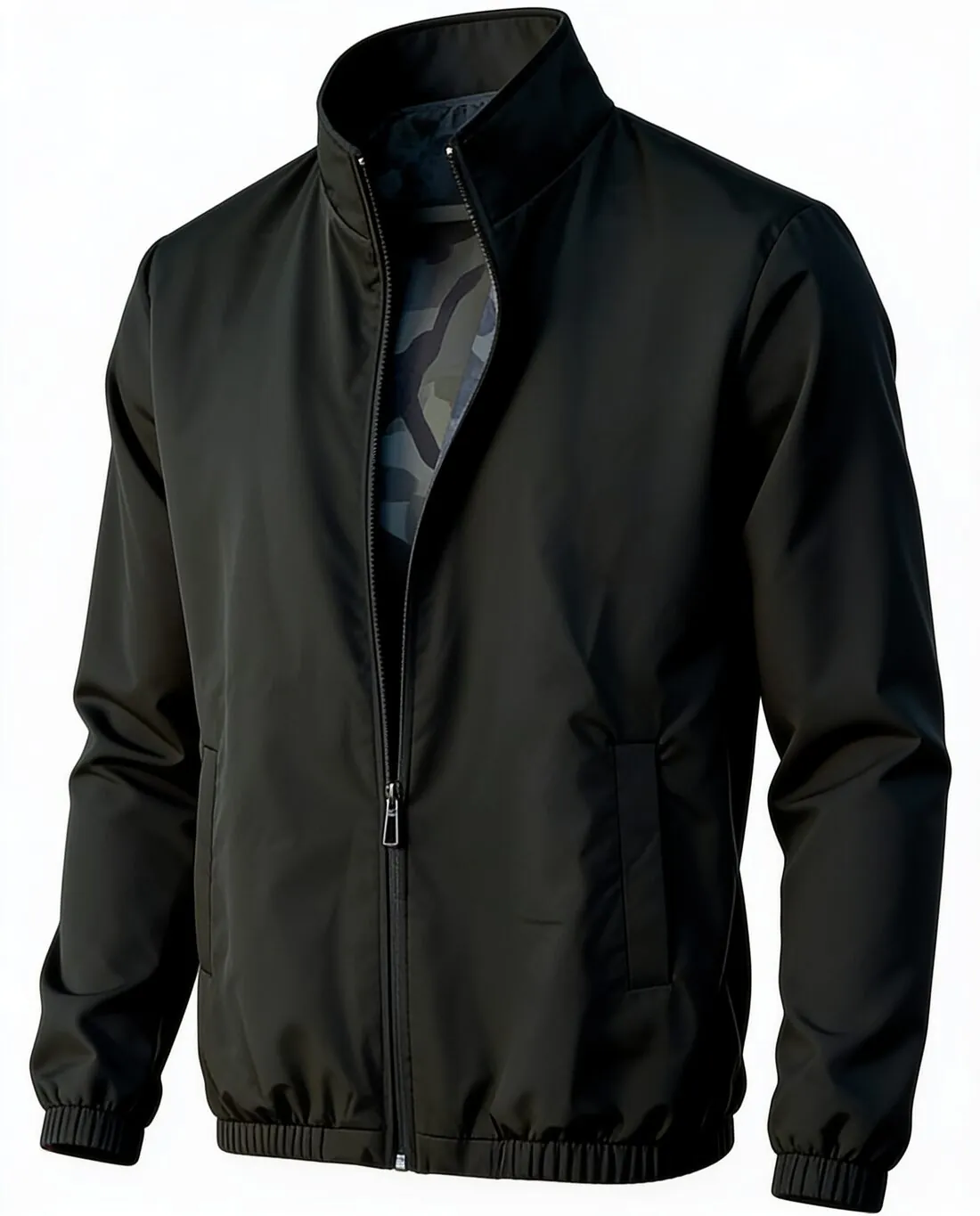
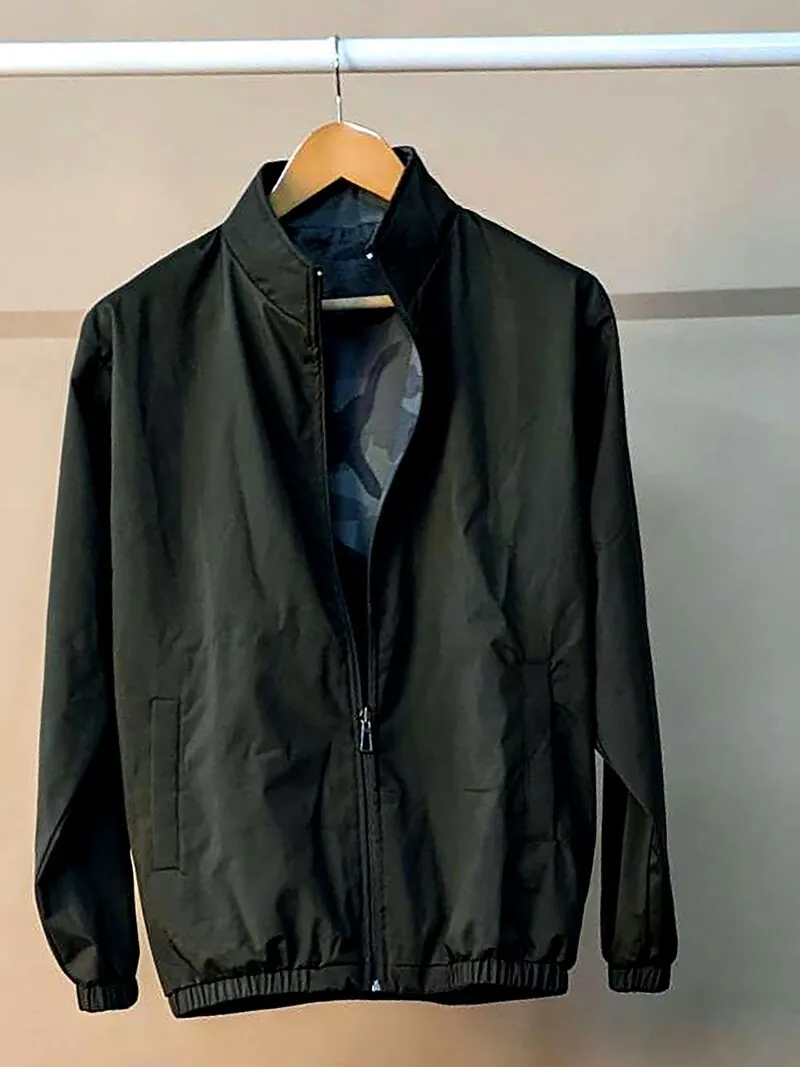
Bombers, denim jackets, biker jackets and windbreakers carry a lot of hardware for their size. Herofab turns one hanger or flat-lay photo into a hollow-body image, front or back, and is briefed to keep the zip, the snaps, the pockets and the fabric.
What a jacket image must get right.
- 1
Collar and the lining at the neck
With the body hollow, the neck opening shows the lining, the hanging loop and the top of the inside facing. A quilted or printed lining is a feature worth showing, so photograph the jacket with the neck slightly open if the lining should appear as it is and not as a rendered reading.
- 2
Zips, snaps and pocket flaps
Count them. Herofab is briefed to keep hardware as photographed, yet a row of snaps, a two-way zip or a pair of flap pockets is where a missing or extra piece is easiest to overlook. Metal colour, silver against brass, deserves the same check.
- 3
Rib trims and structured shoulders
Bomber rib at the collar, cuffs and hem should gather the body, and a biker or denim jacket should keep its squarer shoulder. Compare the outline of the result with the garment to see that the cut has not been rounded off or narrowed.
A jacket source photo that works.
- Close the zip or snaps to the height the jacket is normally worn at, and straighten the collar so both points are visible and level.
- Use a broad hanger for leather and padded jackets so the shoulders do not collapse, and keep cuffs and hem rib inside the frame.
- Shoot the back separately for embroidery, a yoke seam or adjuster tabs, and add a close-up of badges, pullers or branded snaps.
Ghost mannequin for jackets, answered.
Will a quilted or printed lining show in the neck opening?
Only the part of the lining visible in the source can be carried over; the rest of the inside is rendered. If the lining matters to the listing, open the neck a little for the photo and compare the result with the jacket, or show the lining in a separate detail image.
Which backdrop works for a black leather jacket?
Black on black loses the outline, so white, grey or beige is the practical choice for dark leather. Grey holds the highlights of a glossy surface calmly, while white gives the strongest contrast in a catalogue grid.
Can I show the jacket from behind?
Yes, with the back view selected and a second photo taken from behind; the front photo stays required. The back is where embroidery, a storm flap or waist adjusters appear, so check those against the jacket.
How much does it cost?
4 credits per image, plus one credit for 4K. The cost is shown before you generate, and if a job fails the credits are returned. The 20 free credits at sign-up cover 5 images with this tool.
Your next collection, shot this week.
20 credits at sign-up, no card required. Images made with free credits carry a watermark.