A dress in its worn shape, with no model booked.
On a hanger a dress loses its waist and its skirt falls into a column. Herofab takes that photo, or a flat lay, and delivers the dress with a 3D invisible-mannequin shape: the neckline open, the waist defined and the skirt shown down to its hem.
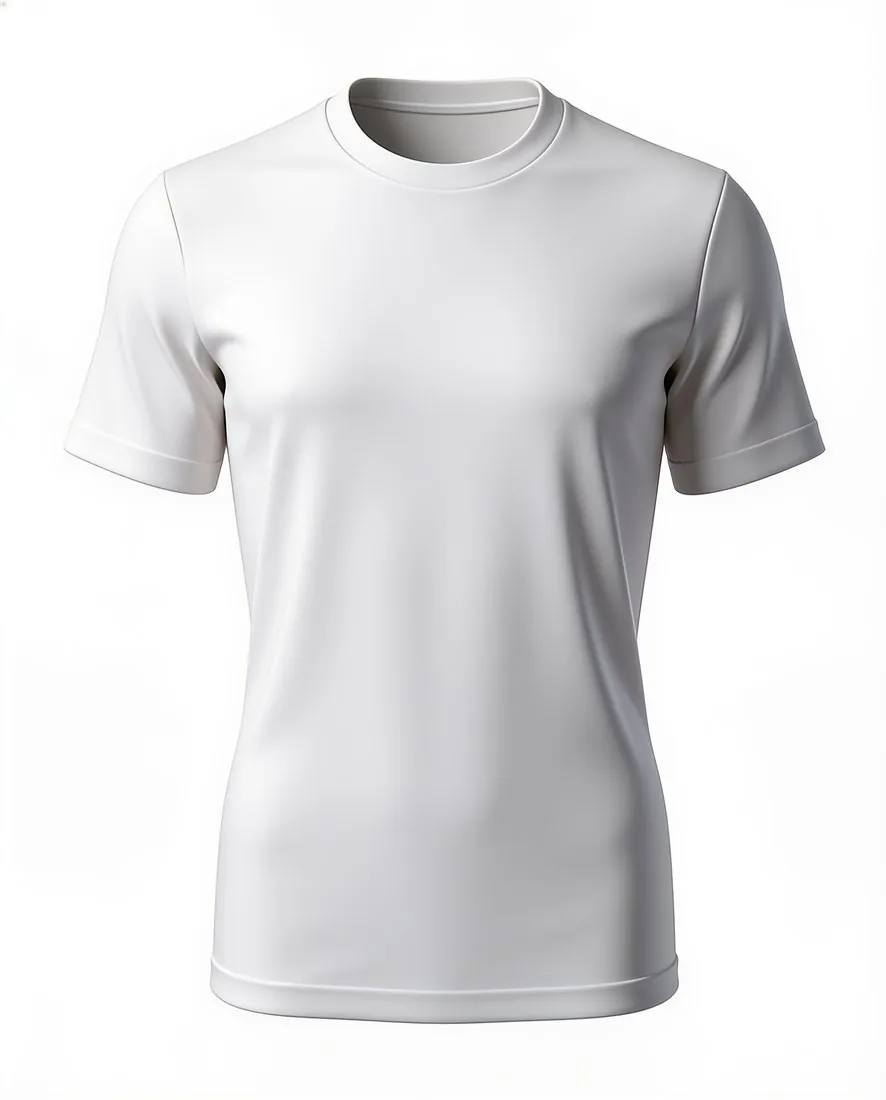
What a dress image has to make clear.
- 1
Neckline and straps
A V-neck, a square neck, a halter or thin straps are seen at the top of the hollow shape, together with the inside back of the dress. Thin straps slip on a hanger; check that both are present, equal in length and attached where the dress has them.
- 2
Waist seam and skirt volume
The waist seam, darts, elastic or a tie belt give the dress its silhouette. The result is briefed to keep the shape of the garment, so look at whether an A-line still flares, a bodycon stays narrow and a tiered skirt keeps each tier.
- 3
Length, slit and sheer layers
Mini, midi and maxi are terms the listing uses, and the image should agree with them. Keep the hem in the photo, then check slits and asymmetric hems. Lace, mesh sleeves and see-through overlays have fine edges that need a careful look.
Photographing a dress before upload.
- Hang the dress by its own straps or hanger loops with the zip closed, high enough that a maxi hem does not pool on the floor.
- Open the skirt slightly so pleats or tiers can be seen, and tie a waist belt the way it will be worn.
- Add the back photo for a low back, a zip or a bow, and a close-up of beading, embroidery or a small all-over print.
Ghost mannequin for dresses, answered.
Does a strapless dress work without a body to hold it?
It can, because the 3D shape supplies the form a bodice needs. Photograph the dress on a clip hanger or flat, with the top edge fully visible and not folded over; the tool is briefed to keep that edge, and the inside back is rendered.
How is a maxi dress framed?
Choose a portrait aspect ratio so the full length fits without the dress becoming small in the frame. The hem has to be in the source photo; if it is cut off, the length in the result is only the tool's reading of the dress.
Can I turn the result into an on-model image?
A delivered image can be sent straight to the next tool, including virtual try-on, where a dress counts as a one-piece garment. The hollow-body image can then stay as the catalogue view, with the on-model image beside it.
How much does it cost?
4 credits per image, plus one credit for 4K. The cost is shown before you generate, and if a job fails the credits are returned. The 20 free credits at sign-up cover 5 images with this tool.
Your next collection, shot this week.
20 credits at sign-up, no card required. Images made with free credits carry a watermark.