The back of the garment, shown as clearly as the front.
In a shop a garment is turned over before it is bought, and a listing can offer the same view. With the back view selected and a photo of the back uploaded, Herofab delivers the reverse of the garment as a 3D invisible-mannequin shape or a clean flat lay, on a white, grey, black or beige backdrop.
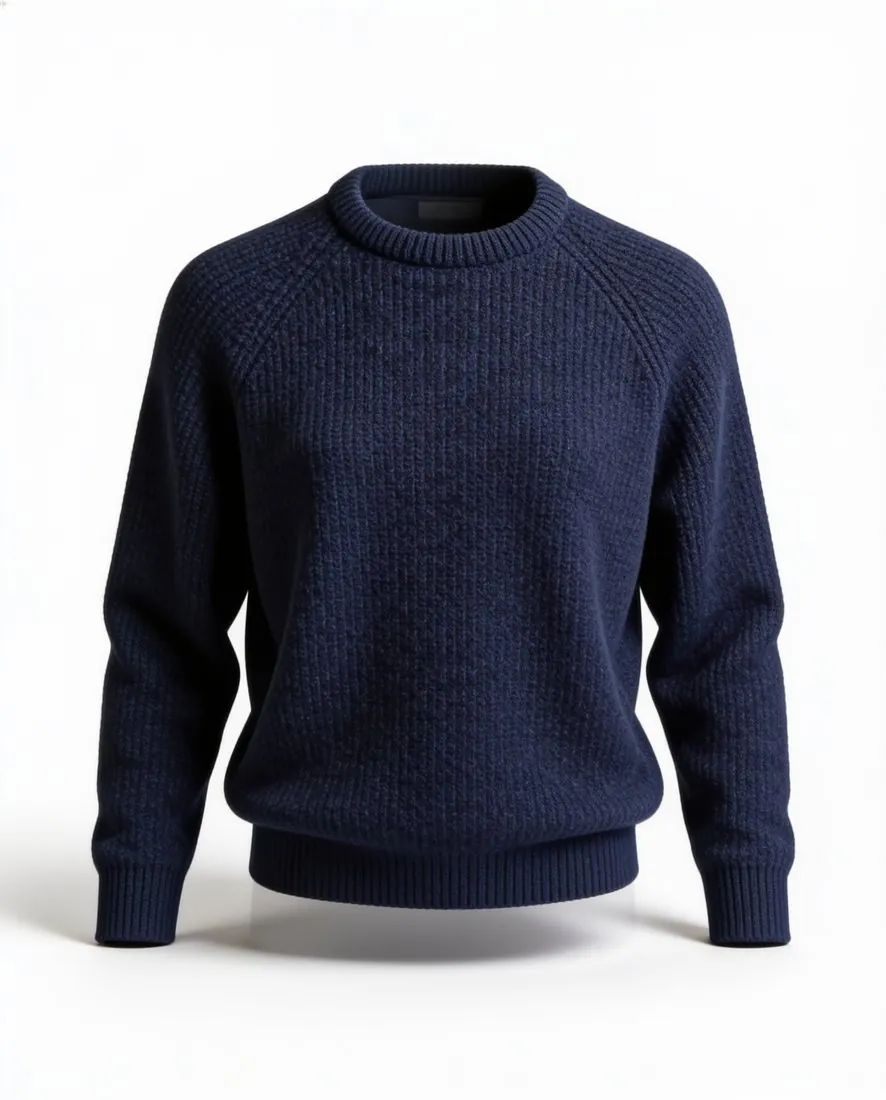
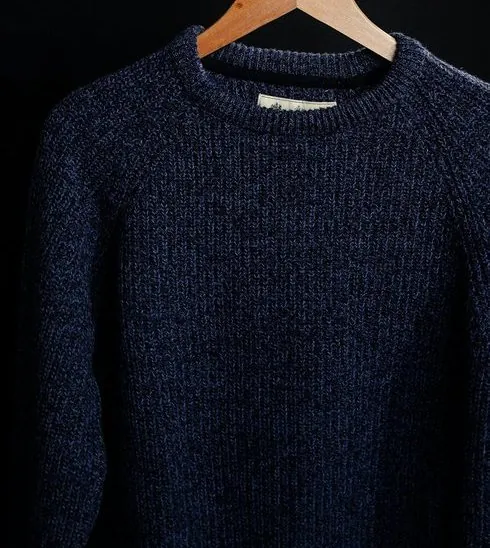
What only the back view can show.
- 1
Back prints and embroidery
A large back graphic, a column of lettering, a logo below the collar or an embroidered motif can be the reason a piece is bought. Herofab is briefed to keep it as photographed. Read the lettering line by line in the result, and compare the placement between the shoulder blades and the size of the motif with the garment.
- 2
Yokes, vents, pleats and back pockets
The back carries construction that the front never shows: a shirt yoke and box pleat, the centre or side vents of a blazer, the back pockets and yoke seam of jeans, a half belt on a coat. Count the pockets and the vents, and see that a vent hangs closed and straight as it does on the garment.
- 3
Zips, racerbacks and open backs
A centre-back zip, a keyhole closed by a button, a racerback, crossed straps or a low scooped back decide how a dress or a sports top is worn. Each is small or fine-edged in the frame. Check the length of the zip and its puller, the path of every strap and the edge of any cut-out against the garment.
Photographing the back as a source.
- Turn the garment round on the same hanger or surface and photograph the back straight on, whole and unfolded, just as the front was taken.
- Upload the front photo as well, since the front is required, and add the back photo to it; a front photo holds no record of what the back looks like.
- Fasten a back zip or buttons, lay straps flat and untwisted, and take a detail close-up when a back print has small lettering.
Ghost mannequin back view, answered.
Can the back view be made from a front photo alone?
Not faithfully. A front photo contains no information about a back print, a yoke, a vent or back pockets, so there is nothing for the tool to keep. Select the back view and upload a photo of the back of the garment; what that photo shows is what the result is briefed to carry over.
How do I make the front and back images look like a pair?
Use one style for both, 3D hollow body or flat lay, and one backdrop, and photograph the two sides under the same light on the same hanger or surface. Deliver both in a single aspect ratio. In the gallery the front then leads and the back follows as its counterpart, with the side shown as the main difference between them.
Does a plain back with no print still deserve its own image?
Often it does. A plain back still tells a buyer the length at the back, whether the hem is curved or dropped, how the collar or the hood sits from behind, and where the seams run. On trousers and skirts the back holds the pockets and the shape over the seat, which a front view cannot show.
How much does it cost?
4 credits per image, plus one credit for 4K. The cost is shown before you generate, and if a job fails the credits are returned. The 20 free credits at sign-up cover 5 images with this tool.
Your next collection, shot this week.
20 credits at sign-up, no card required. Images made with free credits carry a watermark.