Jeans on a model, from a flat-lay photo.
Denim is sold on its wash, its rise and the line of the leg, and none of the three reads well on a hanger. Herofab dresses a studio model in the pair from one straight-on photo and is briefed to keep the fading, the stitching and the hardware. The rest of the outfit is kept plain, so the denim leads.
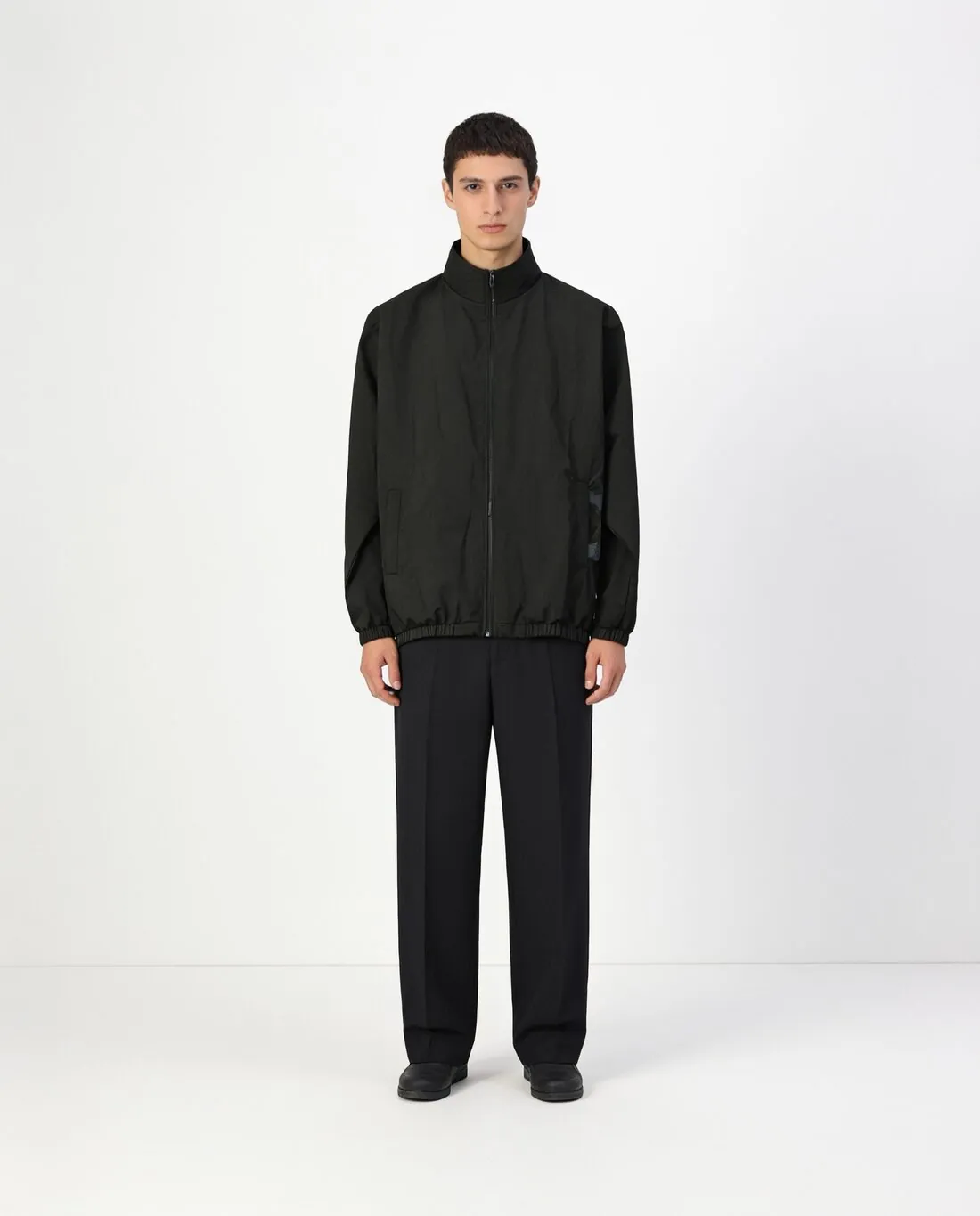
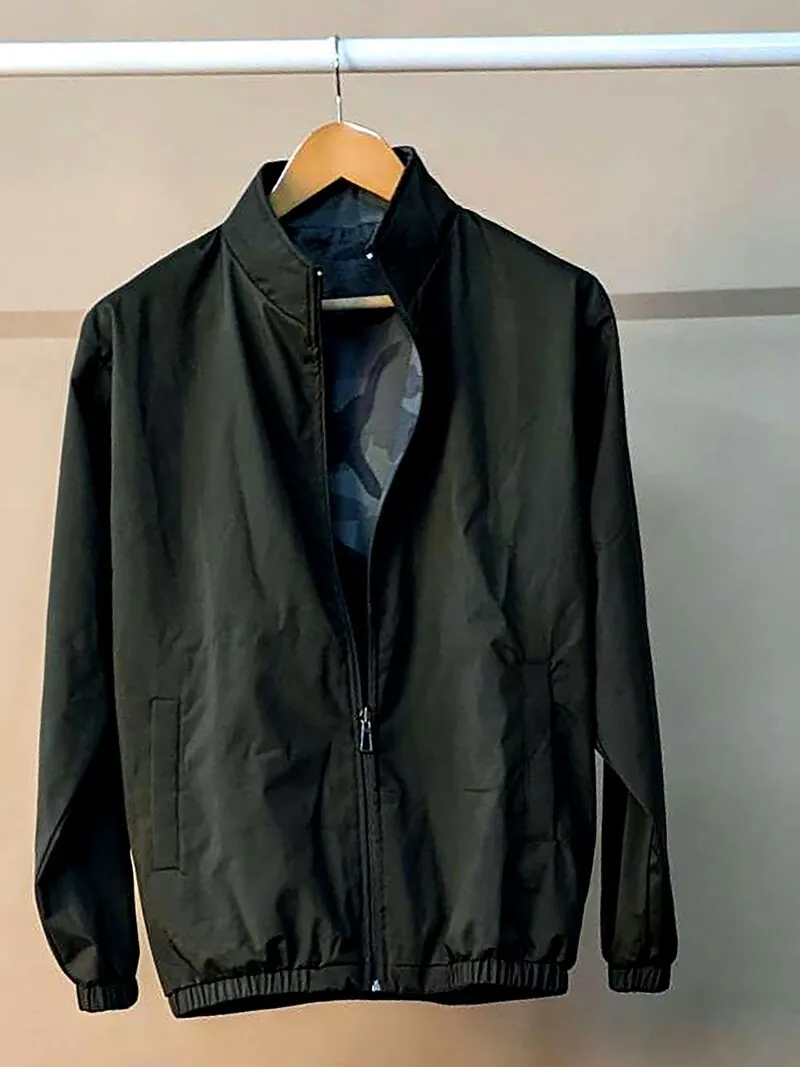
What a jeans image has to carry.
- 1
Wash and fading
The shade of indigo, the whiskers at the hip and the fading down the thigh are what a buyer compares between two pairs. Herofab is briefed to keep them as photographed. Put the result next to the source, because room light can warm or cool a denim blue before the tool ever sees it.
- 2
Rise and leg shape
Whether the waistband sits high, mid or low, and whether the leg runs skinny, straight, wide or flared, decides who buys. Both are read from the photo, so the pair has to lie with its full outline showing. Check that the leg opens at the hem the way the real pair does.
- 3
Stitching, rivets and the patch
Contrast topstitching, the rivets at the pocket corners, the fly button and the waistband patch are small and carry the brand. They are briefed to stay, and they are the first place to zoom in: lettering on a button or a leather patch is the detail most likely to soften.
Photographing jeans for try-on.
- Lay the pair flat with the fly buttoned and zipped, legs straight and slightly apart, so the waistband, both side seams and both hems are inside the frame.
- Smooth the pockets and pull the legs to full length; a turned-up cuff or a leg folded under is read as the shape of the garment.
- Turn the pair over for a second photo of the back pockets and the yoke, and add a close-up of the patch or the pocket embroidery if it carries the brand.
Virtual try-on for jeans, answered.
Will the back pockets show on the model?
They can. The front photo is required and a photo of the back can be added; front and back are then available as one set. Without a back photo the tool has no record of the pocket shape or its stitching, so add one whenever the pocket design is part of what you sell.
Which pose shows the leg shape of a pair of jeans?
Standing front shows the rise and the width of the leg most plainly, and walking shows how a wide or flared leg moves. Both can be ordered in one go on the same model. On three-quarter and looking-away poses, check the pockets and the side seam, which are harder to keep when the body turns.
Do ripped or distressed jeans work?
Rips, frayed hems and abrasion are part of the garment and are briefed to stay where the photo has them. Frayed threads are fine edges and belong on the list of things to inspect: compare each tear for position and size against the real pair, and lay the jeans so that no rip is hidden in a crease.
How much does it cost?
5 credits per image, plus one credit for 4K. The cost is shown before you generate, and if a job fails the credits are returned. The 20 free credits at sign-up cover 4 images with this tool.
Your next collection, shot this week.
20 credits at sign-up, no card required. Images made with free credits carry a watermark.