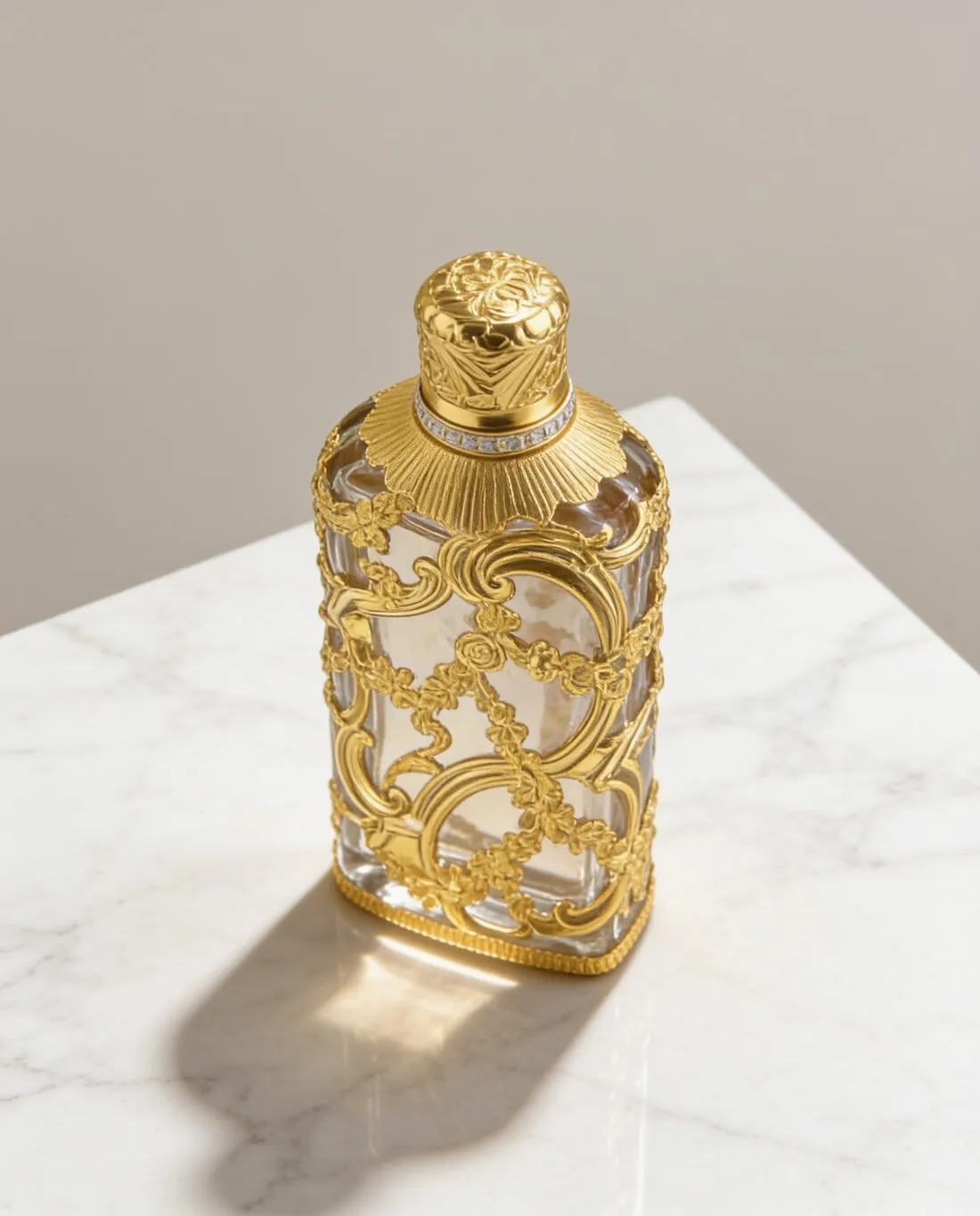
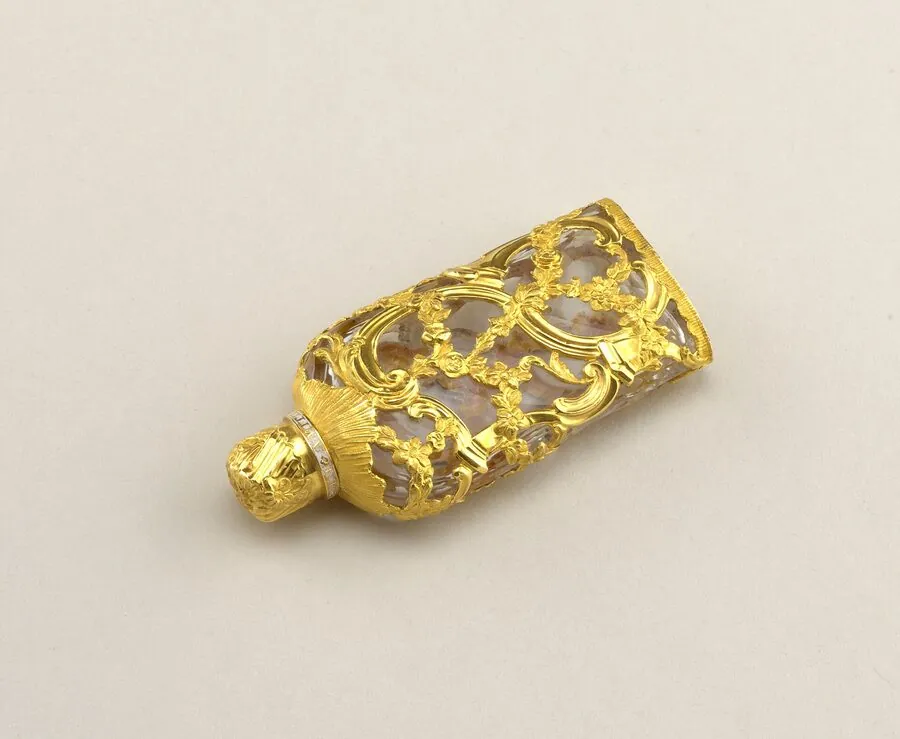
What can ChatGPT do for product photos?
ChatGPT produces useful images for jobs where a convincing picture matters more than an exact copy of the item: campaign concepts, mood boards, background ideas, social posts and rough mockups. It can also produce finished shots of simple products, such as a plain bottle or box with little small text, when the result passes a side-by-side check.
OpenAI's system card for ChatGPT Images 2.5, dated 8 September 2026, says the model “produces more consistent results when editing images” and lets users change a setting, style or composition “while retaining more of the details”. More of the details is not all of them, which is the limit a seller has to plan around.
The ratings below are Herofab's editorial judgement, based on the limits OpenAI documents. They are not a measured test of ChatGPT.
| Job | ChatGPT fit | Main risk |
|---|---|---|
| Campaign concept or mood board | Good | Low: no stocked item has to be reproduced |
| Background or scene idea | Good | Low until the real product is placed in the scene |
| Plain product with no small text | Workable with checks | Proportions, colour and surface finish |
| Product with a logo, label or printed text | Weak | Letters and logo shapes change |
| Patterned clothing on a model | Weak | Print, collar, hem and fit change |
| Jewelry with stones | Weak | Stone count, setting and metal colour change |
| Same model across a catalogue | Weak | Face and body drift between images |
| Marketplace main image | Risky | Background may not meet the rule; product detail may differ |
Read what a product photo has to show, whichever tool made it
Why does ChatGPT change my product even with a reference photo?
ChatGPT changes a product because a reference photo guides a newly generated image; the pixels of the photo are not kept in place. OpenAI's image generation guide describes the process in those terms: “You can use one or more images as a reference to generate a new image.” Targeted edits are approximate too. The same guide says “the model uses the mask as guidance, but may not follow its exact shape with complete precision”.
The guide covers OpenAI's API, including the GPT-Image-2.5 models named in the ChatGPT Images 2.5 system card. ChatGPT's own settings are not documented there and may differ, but the same behaviour is the sensible assumption.
Small text is the most exposed detail. OpenAI says the model “can still struggle with precise text placement and clarity”. Shopify's guide of 22 September 2026 lists the wider risk: “AI models can alter logos, typography, dimensions, stitching, packaging details”.
Repeated editing adds to the problem. OpenAI's prompting guide warns that “repeated edits can still change details you intended to preserve”, and its cookbook advises repeating the preserve list on each iteration “to reduce drift”. Reduce is the accurate word: a prompt lowers the risk and does not remove it.
Product changes are not unique to ChatGPT. Herofab measured 303 images from its own tools, not from ChatGPT, and found an invented detail in 9.6% and a different product in 4.0%. Any generative tool needs a check against the real item. The check covered images made between 24 September and 12 October 2026, before Herofab's late-October image engine change.
See the 303-image error measurement
How do I make a product photo in ChatGPT, step by step?
A ChatGPT product photo works best from one sharp photo of the real item, one request per image and a written list of details that must not change. OpenAI's prompting guide gives the core instruction: “For edits, say ‘change only X’ and list the details to preserve.”
A prompt built on that advice: Use the attached photo as the product reference. Create a square studio image of this exact product on a pale stone surface, with soft window light from the left. Change only the background and lighting. Preserve the shape, proportions, colour, logo, label text and stitching exactly. Do not add text, props or extra product parts.
| Step | What to do | Why |
|---|---|---|
| Photo | Use a sharp, evenly lit photo that shows the whole product | The model cannot keep a detail the photo does not show |
| Scope | Request one scene and one format | Several changes at once make faults harder to trace |
| Preserve list | Name shape, colour, logo, label text, stitching and part count | OpenAI's guide asks for the details to preserve |
| Exact words | Put required wording in quotes and ask for no extra text | OpenAI advises this, then a spelling check on the output |
| Iteration | Request one change and repeat the preserve list | Repeating the list reduces drift across edits |
| Restart | Go back to the original photo once the product has drifted | A drifted image would otherwise become the new reference |
Copy prompt patterns for white background, lifestyle, on-model and flat lay images
Can ChatGPT put my clothes on a model?
ChatGPT can attempt to dress a person in a garment from uploaded images, and OpenAI's cookbook includes a virtual try-on example for its image models. The example locks the person's face, body, pose and expression, and limits changes to the clothing.
The result is a plausible picture, not evidence of fit. Check the print, collar, hem and any label, and use a photo of a real person only with that person's permission.
See the full method for putting clothes on an AI model
Does ChatGPT use my product photos to train its models?
ChatGPT content can be used to improve OpenAI's models where the account's data controls allow it. OpenAI's ChatGPT documentation, in a passage on memories, says chat content “may be used to improve OpenAI models if allowed by your ChatGPT data controls”, and it places those choices under Settings, Data controls. Workspaces differ: Business, Enterprise and Edu data “is not used to train OpenAI models by default”.
OpenAI's system card confirms the general point: its image models were trained on sources that include “information that our users or human trainers and researchers provide or generate”. Check the setting before uploading an unreleased design, because the rules are OpenAI's to change. This page does not state the default for each personal plan: OpenAI's help centre holds that detail, and it could not be read by script on 31 October 2026.
| Account | Training use | Where to check |
|---|---|---|
| Personal plans | Depends on the account's data controls | Settings, Data controls |
| Business, Enterprise or Edu workspace | Not used to train OpenAI models by default | Workspace admin |
| OpenAI API | Not used by default since 1 March 2023, unless you opt in | Organisation data settings |
Are ChatGPT images marked as AI-generated?
ChatGPT images carry two provenance signals, C2PA metadata and an invisible SynthID watermark, according to OpenAI's system card of 8 September 2026. The metadata is fragile: OpenAI's provenance guide says “editing, converting, or sharing a file can remove its metadata”.
Marketplace rules on AI markers change often and differ by channel, so check the file after every resize and read the current rules before publishing.
Check a file with the free AI image label checker
When is ChatGPT the wrong tool for product photos?
ChatGPT is the wrong tool when an image has to prove an exact detail: a readable ingredient label, a licensed logo, a precise print placement, a stone count or a measured size. In those cases a generated image can show a different item from the one that ships.
A real photo is the better choice for flagship products, fit and drape, fine textures, and any item where a buyer judges quality from close-ups. A phone in daylight costs nothing and shows the real item. For professional on-white images, ProductPhoto.com lists from $40 per photo, as low as $30 with volume (checked 31 October 2026).
A product that does not exist yet is a separate case. ChatGPT is well suited to exploring the idea, but the image should not be sold as a photo of the finished item.
Compare alternatives to a product photoshoot
When should I move from ChatGPT to a dedicated tool?
A dedicated product photo tool becomes worthwhile when the same job repeats across many products, when images must fit marketplace sizes, or when one model has to appear across a collection. Herofab, FASHN, Photoroom, Claid, Modelia and Pebblely are examples, each with a different feature set.
A dedicated tool is not a guarantee of accuracy. Most also generate images, so the same side-by-side check applies. The practical gain is repeatable settings and less prompting. Three signs that the move is due: results often need a restart, the product carries a logo or print, or the work runs across more products than one person wants to prompt by hand.
| Need | ChatGPT | Dedicated product photo tool |
|---|---|---|
| Input | Written prompt and reference photo | Product photo and form options, in many tools |
| Many products | Prompt and check each one | Saved settings; some tools offer an API |
| Same model across images | Reference images, with drift possible | Saved model in tools that offer one |
| Marketplace sizes | Resize afterwards | Size export in some tools |
| Accuracy check | Required | Required |
Compare AI product photography tools
Checklist
- Compare the image with the real item at full size, in daylight, colour first.
- Read every letter of the logo, label and packaging text.
- Count buttons, pockets, seams, stones and other repeated parts.
- Check height, width and proportions against the real product.
- Remove any prop that suggests the buyer receives it.
- Confirm the AI metadata is still in the file after resizing.
- Check the data controls before uploading an unreleased product.
Sources
- OpenAI: ChatGPT Images 2.5 System Card, 8 September 2026
- OpenAI API docs: Image generation
- OpenAI API docs: Image prompting
- OpenAI Cookbook: GPT Image models prompting guide
- OpenAI API docs: Content provenance
- OpenAI API docs: Data controls in the OpenAI platform
- OpenAI ChatGPT docs: Image generation
- OpenAI ChatGPT docs: Computer History, on memories and data controls
- OpenAI ChatGPT docs: Browser, on Settings and Data controls
- OpenAI ChatGPT docs: ChatGPT Work cloud security
- Shopify: ChatGPT image generator guide, 22 September 2026
- ProductPhoto.com: Pricing
Checked 31 October 2026. Rules change; the official pages are the final reference.