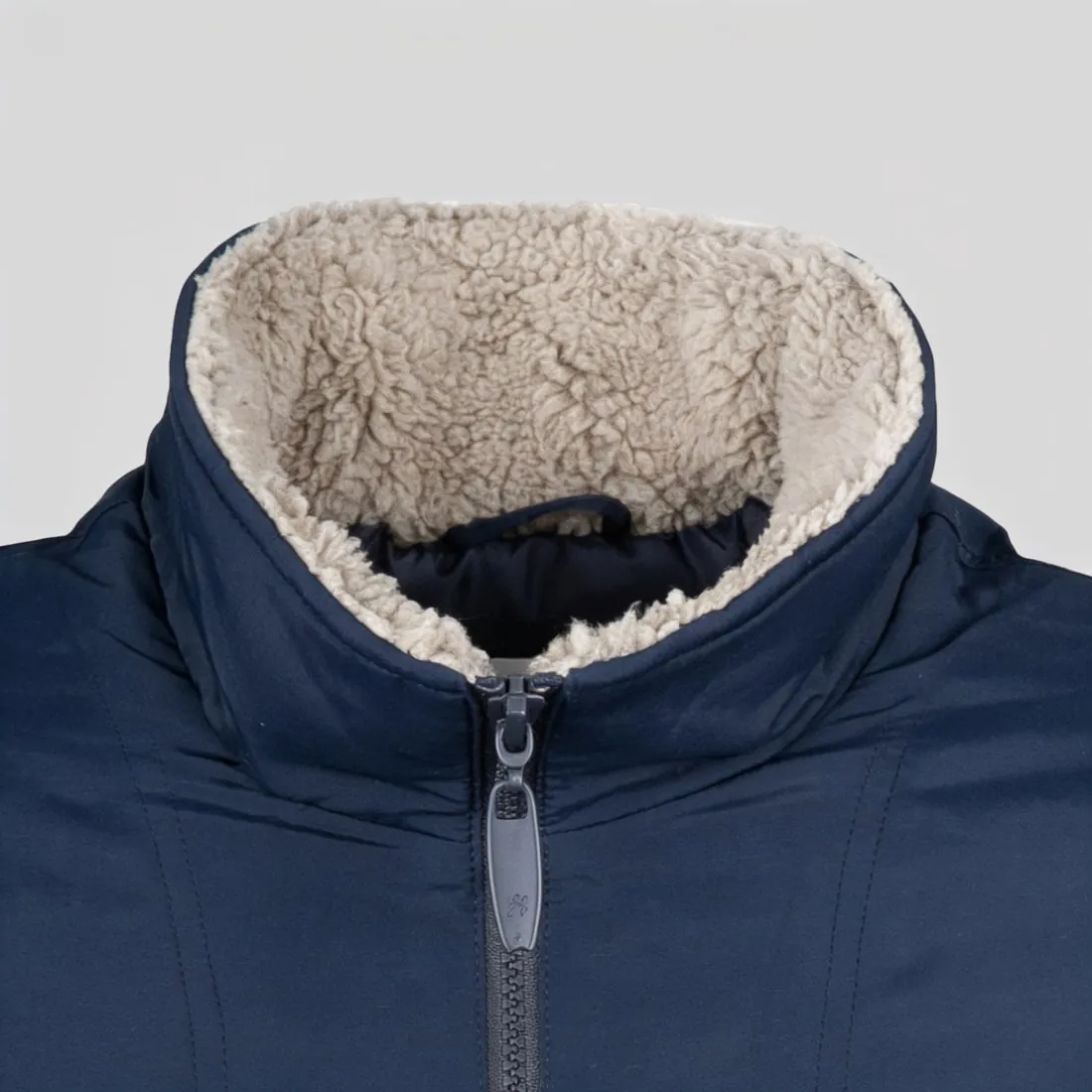
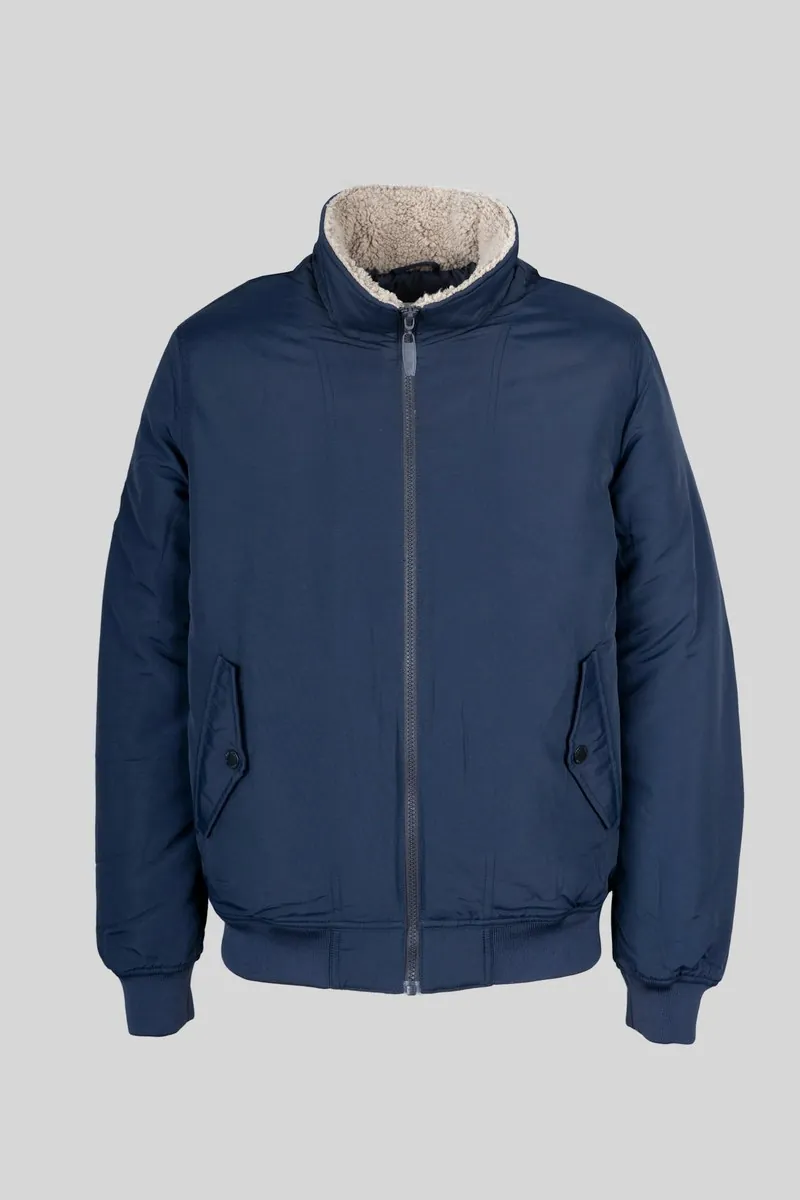
Inpainting works with a mask: the area to change is painted over, and the model fills it so that it matches the light, perspective and texture around it. Typical uses on product images are removing a hanger, a price tag, a clip at the back of a garment or a stray object on the table, repairing a mark on the backdrop, or replacing part of the scene. Outpainting is the related case where the new content lies outside the original edges.
The pixels outside the mask are kept, which makes inpainting more predictable than generating a whole image. The risk lies inside the mask and along its border. The filled area has to match the untouched rest in light, grain, sharpness and shadow, or it shows as a smooth patch with a faint halo. When the mask covers part of the product, the model redraws that part, and a seam, a button or a strap can change shape; the mask belongs on the object to remove and its surroundings, kept clear of the product's edge.
Whether an inpainted image counts as AI-edited depends on the channel. Some treat removing a clip or a backdrop flaw as ordinary retouching; others count any generative edit that adds or changes visible content, and the rules differ between marketplaces. Using inpainting on the product itself, for example to hide wear or change a detail, misrepresents the item whatever marking it carries.