
Language: EN
Start free

Image sharpening

Raising contrast along edges so that a photo looks crisper. It cannot restore focus, and too much of it draws bright and dark halos around the product.

Also called sharpening · unsharp mask · output sharpening

With Herofab Upscale

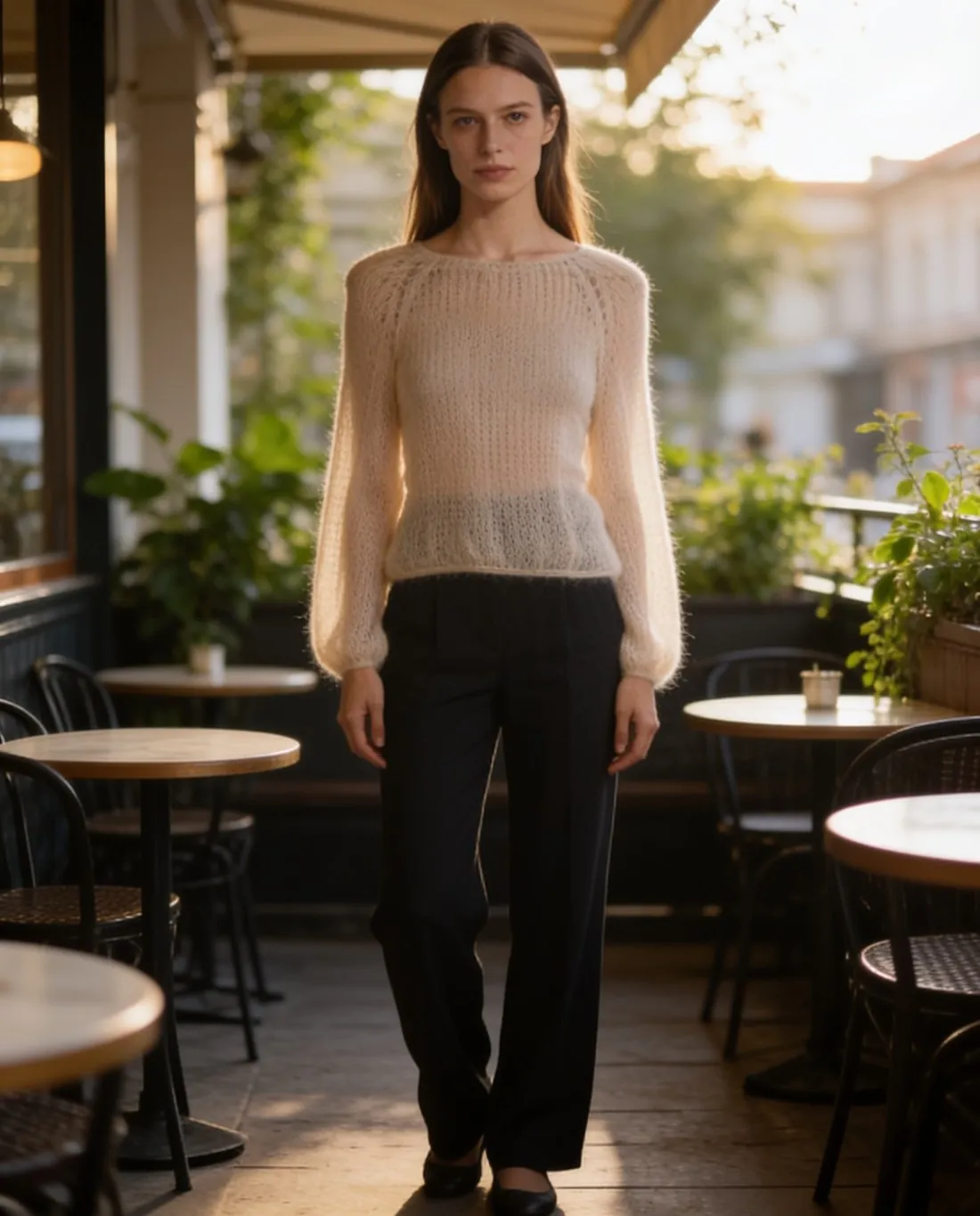
Model in the cream mohair jumper on a café terrace, three-quarter view
Source photo: By a window. Made with Herofab · Virtual try-on

Sharpening finds edges and makes the light side lighter and the dark side darker. Editors control it with an amount, a radius and a threshold. A small radius brings out a weave or a stitch line; a large one draws a visible outline around the whole product. Cameras and phones already sharpen their JPEGs, so further sharpening of a phone photo adds to what is there and quickly overshoots.

Sharpening belongs at the end, once, at the final size. Shrinking an image after sharpening can make fine knits and stripes shimmer with false patterns, and enlarging it enlarges the halos. On a white background an overdone edge shows as a dark rim around the product, which reads like a careless cut-out. Viewing the result at full size, one image pixel per screen pixel, shows halos that a reduced preview hides.

A blurred photo stays blurred. Sharpening raises the contrast of the edges that exist; it cannot rebuild detail lost to missed focus or camera shake, and on dark fabric it mostly sharpens noise. Several marketplaces turn away blurry images. The remedy is at capture: a steady support, more light, a faster shutter and focus set on the front of the product.

Questions

Image sharpening, answered.

Should I sharpen product photos before uploading them?

Lightly, and only once the photo is at its final size. Upload systems often resize images for display, which softens them a little, so modest output sharpening helps them hold up; heavy sharpening turns into halos after that resize. A phone JPEG is already sharpened by the phone and usually needs nothing more.

Can AI fix a blurry product photo?

Only partly. AI deblurring and upscaling make soft edges look crisper, but they generate likely detail rather than recover the real one, so lettering, stitching and fine prints can come out invented. Herofab's Upscale works by restoration, not generation, and cannot bring back detail the photo never recorded, so a blurred label stays unreadable.

In marketplace rules

What marketplaces say about it.

Updated 25 September 2026

Zalando
High resolution at any image size; an image with the correct file size that is blurry is rejected Official page
Vinted
Sharp and clear; Vinted's photo tips say not to use flash or filters Official page
CDON
Photos should be clear, well lit and professional; CDON says to avoid blurry images, poor lighting (overexposure, underexposure or flash reflections) and amateur photography Official page
eMAG
Out-of-focus or unclear images and images with bad edit traces are not accepted Official page
ZALORA
Pixelated or blurred images, loud or distracting backgrounds, repeated images, irrelevant watermarks or scribbles in the background, and extra images showing unrelated products Official page
Related
Free tools
Get started

Your next collection, shot this week.

20 credits at sign-up, no card required. Images made with free credits carry a watermark.