Tailored blazers, shown on a model.
Tailoring is read in lines: the roll of the lapel, the slope of the shoulder, the point where the front buttons. Herofab's virtual try-on dresses a studio model in the blazer from one hanger photo and is briefed to keep those lines along with the cloth and the buttons.
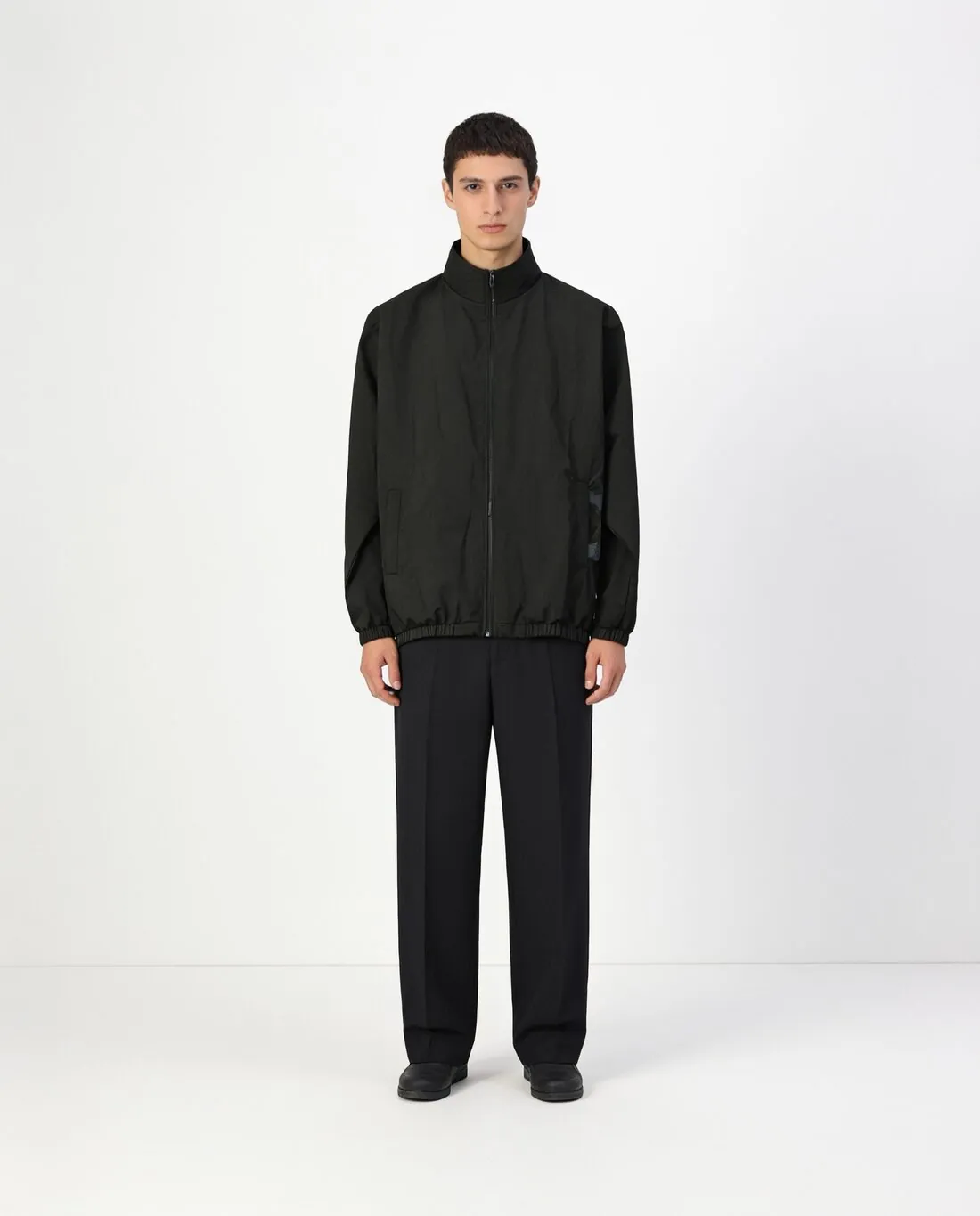
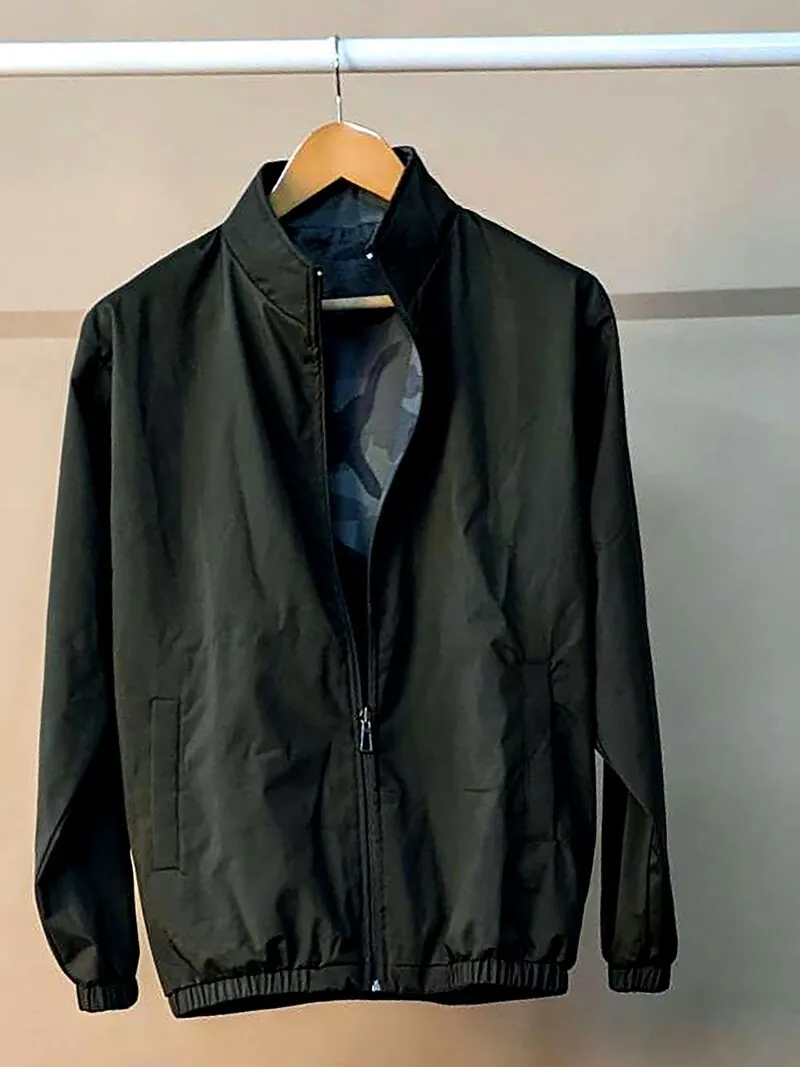
The lines a blazer image must hold.
- 1
Lapel shape and gorge
Notch, peak and shawl lapels are different jackets to a buyer, and so is a wide lapel against a slim one. With the blazer beside the screen, look at the notch, at the height where collar meets lapel, and at the lapel's width across the chest.
- 2
Shoulder line and button stance
A padded, structured shoulder and a soft unlined one fall differently. See that the shoulder has not been rounded off or squared up, then count the front buttons, single-breasted or in the paired rows of a double-breasted front, and note where the top one sits.
- 3
Pockets, vents and sleeve buttons
Flap, jetted or patch pockets and a welt breast pocket are small and easy to lose, most of all on poses that turn the body. Sleeve buttons should match in number on both cuffs. Vents sit at the back and need a back photo to be shown.
Photographing a blazer with its structure.
- Use a shaped, wide-shouldered hanger; a thin wire one collapses the shoulder, and the photo then shows a slope the blazer does not have.
- Close the main button, press the lapels flat along their roll line, pull pocket flaps out, and let both sleeves hang with the cuff buttons facing forward.
- Shoot from the height of the breast pocket, straight on, and add a close-up when the cloth has a pinstripe, a check or a textured weave.
Virtual try-on for blazers, answered.
Which pose shows the cut of a blazer?
Standing and three-quarter poses show the lapel roll and the button stance. Hands in pockets pushes the fronts apart, which suits a relaxed additional image more than the main one. A delivered image can also be sent on to Change pose; recheck pockets and buttons wherever the body turns from the camera.
Can a blazer be photographed on a person and not on a hanger?
Yes. A worn photo is an accepted source, as are a hanger, a flat lay and a mannequin. The blazer has to be fully visible and shot straight on: arms folded over the front, a bag strap or long hair across the lapel are overlaps that hide cloth, and hidden cloth cannot be copied faithfully.
Is the image large enough to show the weave?
Images are delivered in 2K, with 4K as an option. For a herringbone, a hopsack or a fine pinstripe, the larger file gives a buyer more to zoom into. Resolution does not replace checking: compare the weave and the stripe spacing with the cloth, as detailed patterns are worth a close look.
How much does it cost?
5 credits per image, plus one credit for 4K. The cost is shown before you generate, and if a job fails the credits are returned. The 20 free credits at sign-up cover 4 images with this tool.
Your next collection, shot this week.
20 credits at sign-up, no card required. Images made with free credits carry a watermark.