Check your photo against Tiki's rules.
Tiki sets rules for the main image that can be measured from the photo: background colour, product fill, cut-off edges, and square format. Drop a photo to see which ones it meets. It runs in your browser; nothing is uploaded.
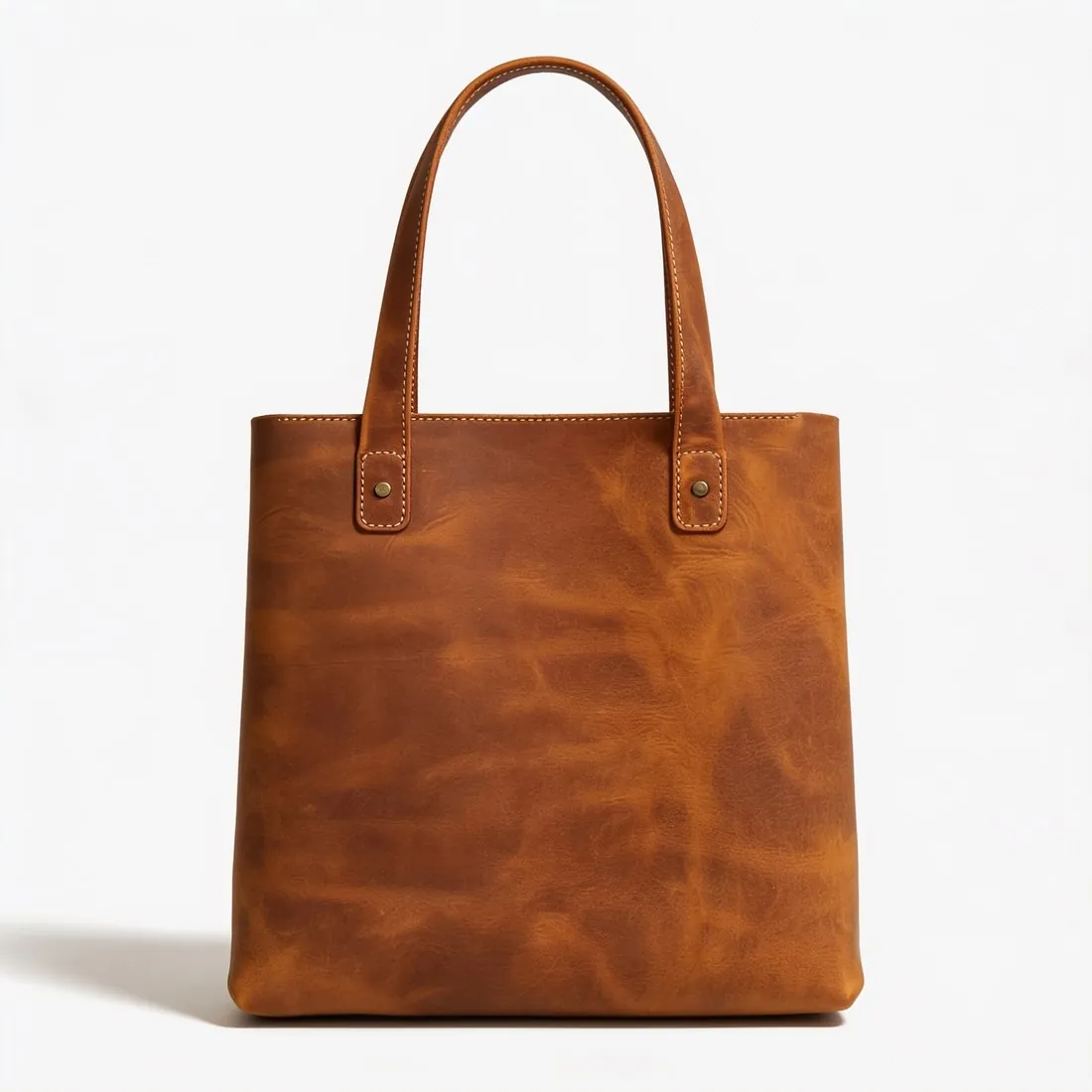

Choose a marketplace and a photo.
Rules come from each marketplace's own help pages, summarised in the guides (checked 11 October 2026). Size, file size and format are checked as well.
What Tiki asks for.
Source: Học viện Tiki — Quy chuẩn về hình ảnh sản phẩm · checked 11 October 2026
- Main image
- Pure white background (RGB 255, 255, 255)
- Main image
- The product fills at least 80% of the image
- Main image
- The whole product in frame, nothing cut off
- Main image
- Square image, width equal to height
- Main image
- Square 1:1 at 1,200 × 1,200 pixels; a front view of the product on a white background (HEX #FFFFFF; RGB 255, 255, 255)
- Product fill
- The product takes up at least 80% of the frame; it does not touch the edge and is not cut by it, except jewellery such as necklaces
- Not allowed
- Text, logos, borders, colour blocks, watermarks or other graphics over or behind the product; packaging, boxes or bags, unless they are an important feature of the product
- Real photos
- A professionally shot, real photo of the product, or the product's cover
- Extra images
- From the second image on: at least 5 and at most 15, square at 1,200 × 1,200 pixels; the product does not need a white background
- Clothing and shoes
- Swimwear, sleepwear and underwear are shown on their own, not on a model; footwear is shown as a single shoe, side view, facing right
How each rule is measured.
- Background colour
- The background colour is the median of a thin band along all four edges. A pure-white rule passes only when that band is RGB 255, 255, 255; near-white values such as 253 are reported with their exact colour.
- Product fill
- The product is separated from a plain background by growing the background inwards from the edges until the colour changes sharply. Fill is the product's share of the frame on its longest axis, the way Amazon's 85% and Google's 75–90% rules are read.
- Cut-off edges
- A product whose outline reaches the edge of the frame is reported as cut off, together with the edges it touches.
- Square format
- Width and height must match to within 2%.
- Scene photos
- Room and lifestyle photos have no plain background to measure against, so fill, edges and shadow are marked as not measured rather than guessed.
Checkers by marketplace.
Tiki main images, answered.
What background does Tiki require for the main image?
Pure white background (RGB 255, 255, 255). The checker reads the background from the edges of the photo and reports its exact RGB value.
How much of the image must the product fill on Tiki?
The product fills at least 80% of the image. The checker measures the product on its longest axis and reports the percentage.
Can the product touch the edge of the frame on Tiki?
The whole product in frame, nothing cut off. A photo in which the product reaches the edge is reported as cut off.
Does Tiki require square images?
Square image, width equal to height. The checker compares the width and height in pixels.
Where do these figures come from?
From Học viện Tiki — Quy chuẩn về hình ảnh sản phẩm, read on 11 October 2026. Marketplaces update their rules; the official page is the final reference.
Is my image uploaded?
No. The file is read and processed inside your browser; nothing is sent to a server.
Your next collection, shot this week.
20 credits at sign-up, no card required. Images made with free credits carry a watermark.