Check your photo against Best Buy Canada's rules.
Best Buy Canada sets rules for the main image that can be measured from the photo: background colour. Drop a photo to see which ones it meets. It runs in your browser; nothing is uploaded.
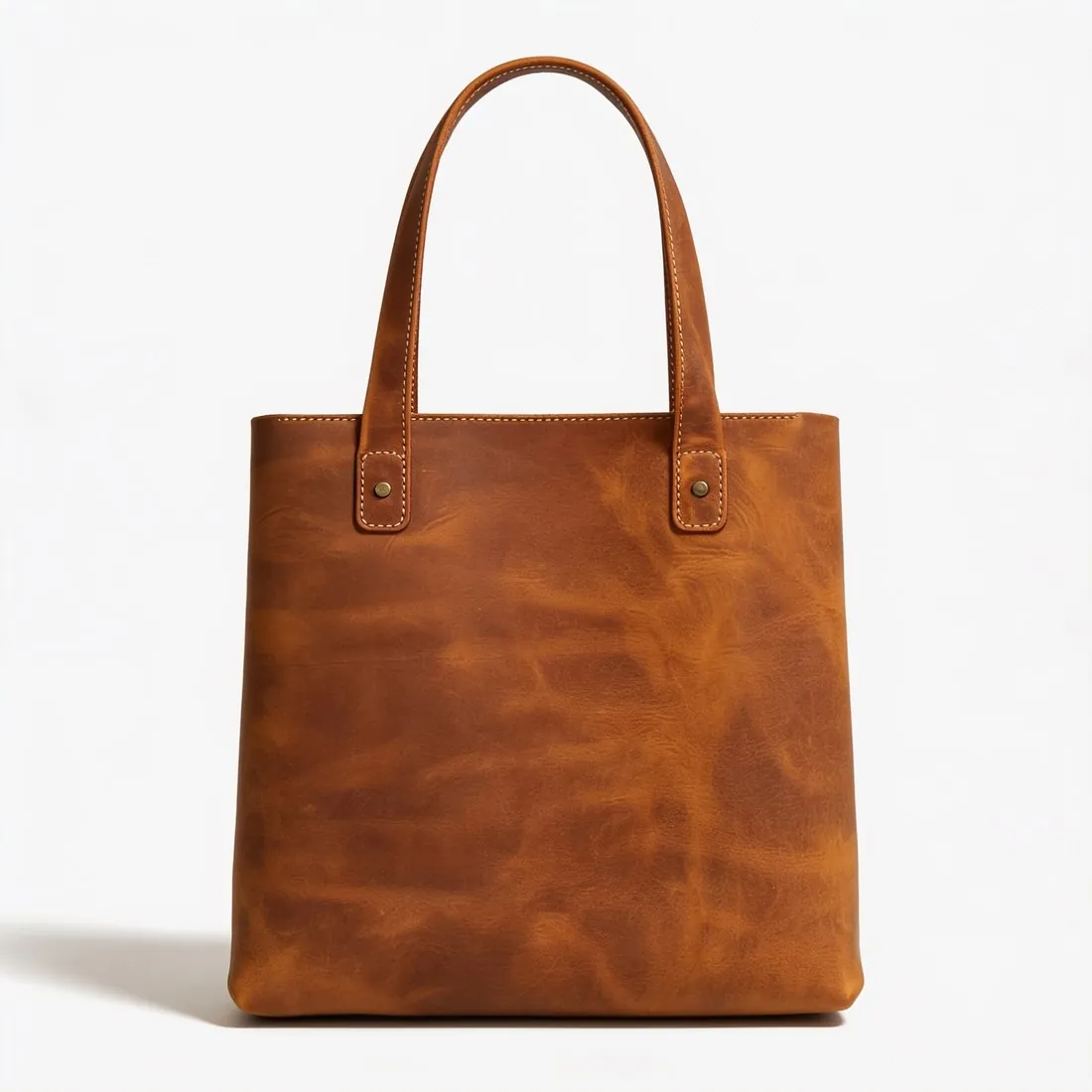

Choose a marketplace and a photo.
Rules come from each marketplace's own help pages, summarised in the guides (checked 27 September 2026). Size, file size and format are checked as well.
What Best Buy Canada asks for.
Source: Best Buy Partner Portal — Digital Assets Product Shot Guide - Canada (last updated 30 October 2019) · checked 27 September 2026
- Main image
- White background
- Who it covers
- These guides set the assets Best Buy requires from its suppliers for e-commerce, print, digital media and in-store advertising. Marketplace sellers list through their own seller account, where upload rules may differ from these guides
- Size
- Minimum 1,500 × 1,500 pixels at 300 DPI, identical in the ring, earring, necklace, bracelet, watch, handbag, backpack and luggage guides; a close crop must still meet the minimum
- Background and files
- Cropped close to the product on a white background; EPS, TIFF, JPEG or PSD, in that order of preference; RGB or CMYK
- Minimum shots
- Default image preferably at 45° or front facing. Rings: 45° angle. Earrings: both front facing, then one front facing with one in side profile. Necklaces: front facing. Bracelets: top down. Watches: front and profile. Handbags and backpacks: dynamic 45° main image, front, side, back. Luggage: 45°, front, side, back; sets open with the full set from the front
- Enhanced shots
- Mannequin views for earrings, necklaces and bracelets; a grid or size reference for earrings, necklaces, bracelets, watches and luggage; interior views for handbags, backpacks and luggage; lifestyle or in-use images for watches, handbags, backpacks and luggage; a 360° video, or 20 to 50 photos instead, for rings, watches, handbags, backpacks and luggage
- Marketplace guide
- Best Buy Marketplace's own seller guide lists points to consider rather than requirements: several angles, at least 1,500 × 1,500 pixels for zooming in, lifestyle images in real-life settings, a solid white background, and no logos, watermarks or text laid over the image
How each rule is measured.
- Background colour
- The background colour is the median of a thin band along all four edges. A pure-white rule passes only when that band is RGB 255, 255, 255; near-white values such as 253 are reported with their exact colour.
- Scene photos
- Room and lifestyle photos have no plain background to measure against, so fill, edges and shadow are marked as not measured rather than guessed.
Checkers by marketplace.
Best Buy Canada main images, answered.
What background does Best Buy Canada require for the main image?
White background. The checker reads the background from the edges of the photo and reports its exact RGB value.
What size should Best Buy Canada product images be?
Best Buy Canada supplier shot guides: at least 1,500 × 1,500 pixels at 300 DPI, on white, EPS, TIFF, JPEG or PSD. Marketplace upload rules may differ.
Where do these figures come from?
From Best Buy Partner Portal — Digital Assets Product Shot Guide - Canada (last updated 30 October 2019), read on 27 September 2026. Marketplaces update their rules; the official page is the final reference.
Is my image uploaded?
No. The file is read and processed inside your browser; nothing is sent to a server.
Your next collection, shot this week.
20 free credits when early access opens. No card required.