A wide banner, from a portrait shot.
A shop header or a campaign banner is wide; most product and on-model images are tall. Extend frame generates the missing scene until the image fills a wide banner format. Only the new area is generated, and the original pixels are placed back on top, so the product stays as it was.
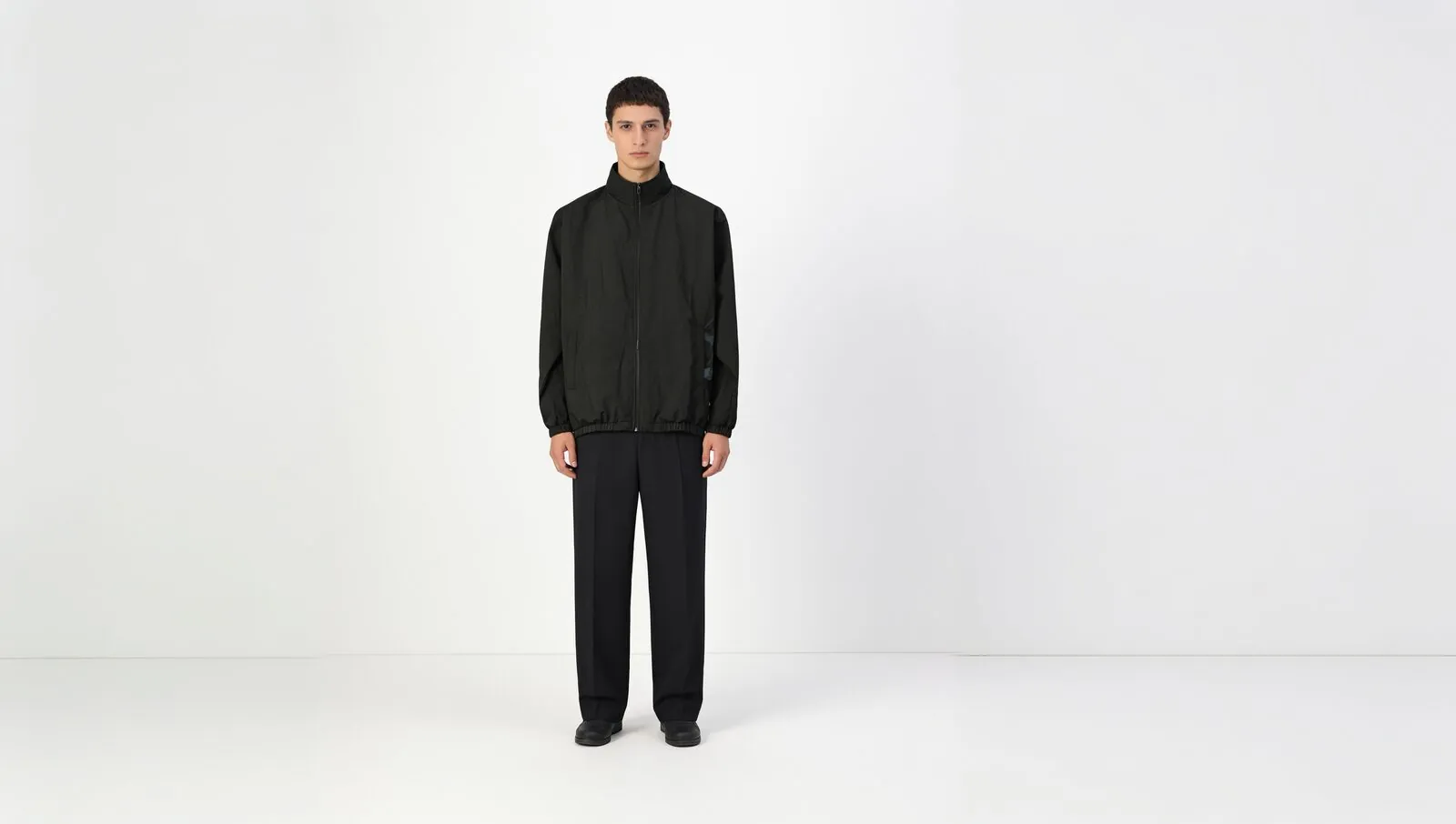
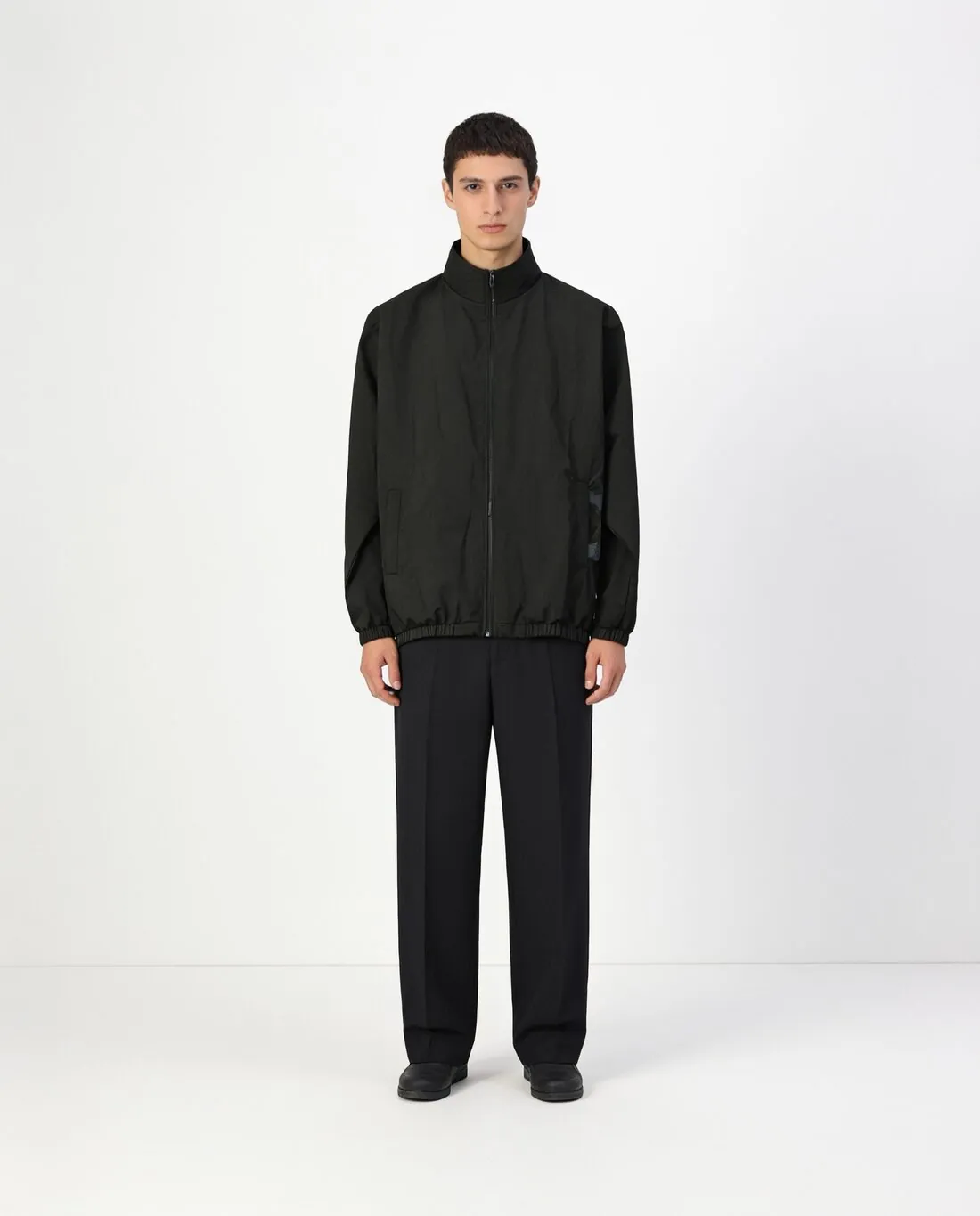
What a banner asks of the source image.
- 1
The original is not redrawn
Cropping a portrait image to a banner cuts through the model or the product. Extending it leaves every original pixel in place and adds scene beside it. The garment, the face and the product are therefore the ones in the source; what needs checking is the new area and the line where it joins the old.
- 2
Plain and busy backgrounds
A studio wall, a paper sweep or an even sky extends into a calm surface, which is what a banner needs behind text. A street, a room or foliage has to be continued with new buildings, furniture or leaves, and invented detail draws the eye. Look for repeated shapes, and for a horizon or a skirting board that bends at the join.
- 3
Room for a headline
The banner gains empty scene next to the subject, and that is where a designer later sets a headline, a date or a button. Herofab adds no text. Check where the subject sits in the delivered banner, whether the new area is quiet enough to carry lettering, and that nothing important lies at the outer ends, which narrow screens often trim.
Choosing the image to extend into a banner.
- Pick an image in which the product or the model is complete, with a little background on every side, so the new scene has something to continue from.
- Prefer an even backdrop and soft light; a strong shadow or a gradient running to the edge of the photo has to be carried on across the whole banner.
- Avoid images in which an arm, a bag or a hem is cut by the left or right border; a part outside the frame cannot be added back faithfully.
Extend an image for banners, answered.
Is my product stretched to fit the banner?
No. Nothing in the source image is stretched, cropped or redrawn. The scene around it is generated to fill the wide format, and the original pixels are placed back on top, so the product and the model have the proportions they had in the portrait shot.
Does Herofab add the headline or the logo to the banner?
No. Extend frame delivers the image only, with more scene around the subject. A headline, a logo or a button is added afterwards by a designer or in the shop's own editor. A plain extended background gives that text a calm area to stand on.
What if my image is already wide?
If the image already has the chosen format, nothing is generated and the credits are returned. A wide image can still be extended to another format, for example to a square for a product grid, in which case scene is added above and below instead of at the sides.
How much does it cost?
2 credits per image, plus one credit for 4K. The cost is shown before you generate, and if a job fails the credits are returned. The 20 free credits at sign-up cover 10 images with this tool.
Your next collection, shot this week.
20 credits at sign-up, no card required. Images made with free credits carry a watermark.