Every colourway, from one shot.
A garment sold in six colours usually means six shoots, or five colours without a photo. Herofab takes one image of the garment, flat or on a model, and delivers the same image with the product in another colour, chosen from a palette of shades or matched to a reference photo.
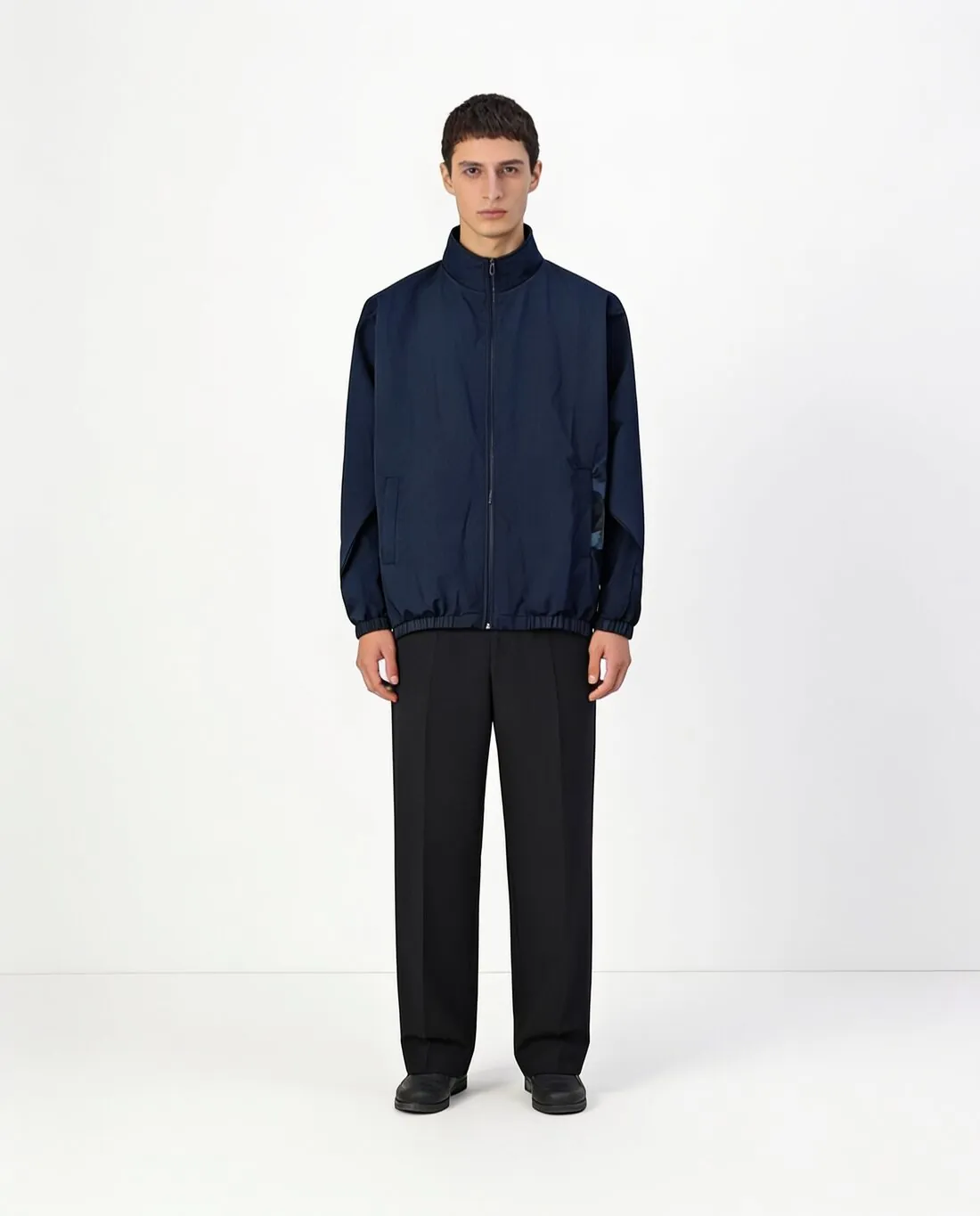
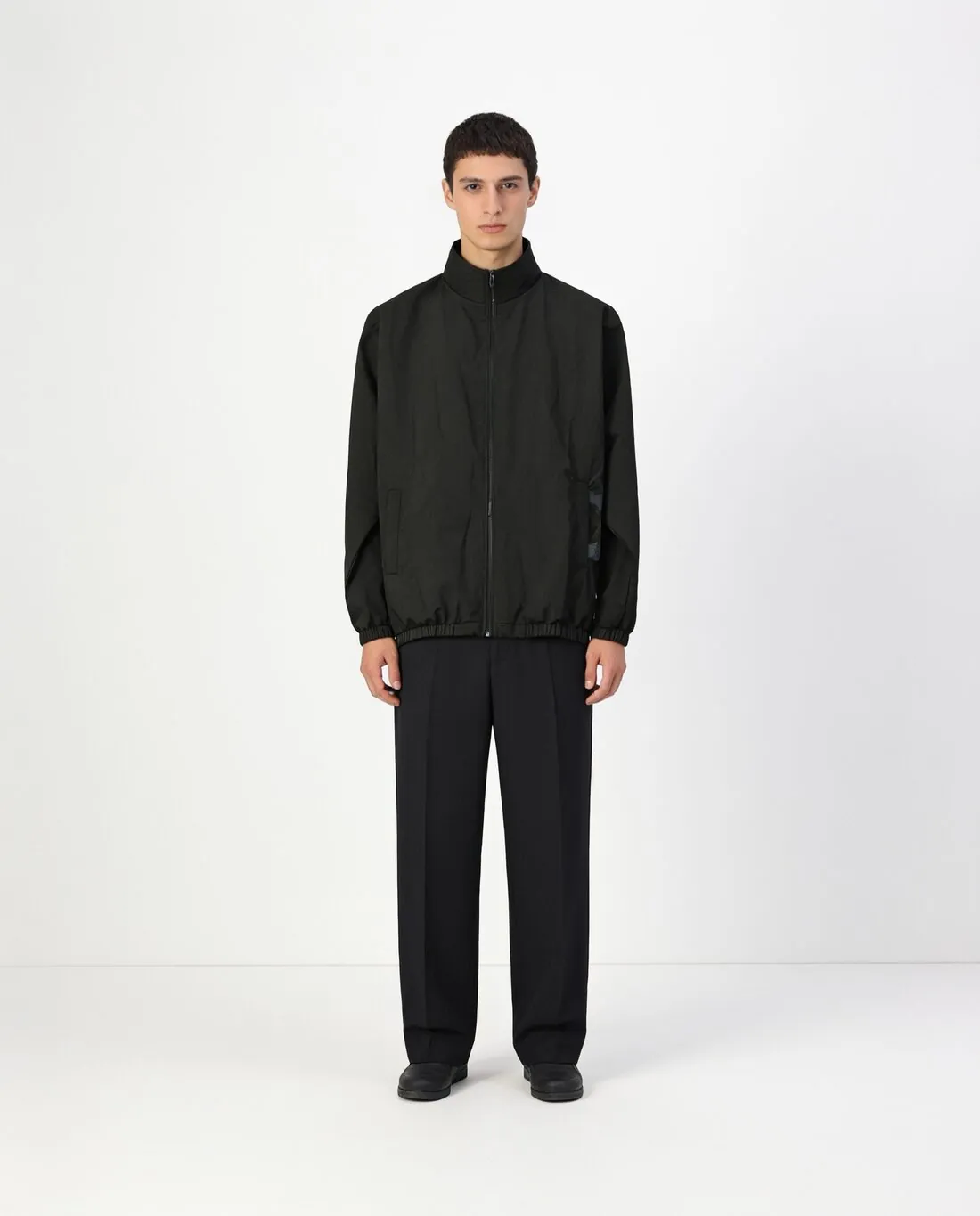
What a colour variant must keep the same.
- 1
Only the colour changes
The cut, the folds, the pose and the background are meant to stay as in the source image, so that a row of colour swatches on a product page shows one garment in several shades. Lay the variant over the original in your mind: seams, buttons and hem should sit in the same places.
- 2
Prints, logos and trims
By default a print keeps its own colours and only the garment around it is recoloured; recolouring the print as well is an option. Decide which applies to the real product. Then look at contrast stitching, zips, buttons and labels, which often stay one colour across a whole range.
- 3
The shade against the real fabric
A shade on a screen is not a dyed cloth. The variant follows the colour picked or the reference photo, and dark colours hide folds that light ones show. Compare each variant with a physical swatch or the garment itself before it goes into a listing.
The source image for colour variants.
- Start from the clearest image of the garment you have, a product shot or an on-model image; every variant inherits its framing and its light.
- Photograph a mid-tone colour of the range when possible, since very dark cloth hides the folds and seams that a lighter variant needs.
- For a colour that is not in the palette, photograph the real swatch or garment in daylight and use it as the colour reference.
Colour variants for clothing, answered.
Can a colour outside the palette be matched?
Yes. Next to the palette of shades, from black and off-white to sage, burgundy and camel, a photo of the colour can be uploaded as a reference. A photo of the actual dyed fabric in daylight gives the closest starting point.
Is the whole outfit recoloured or only the product?
The seller chooses: the main product only, or the whole outfit. For a listing of one garment, the main product only keeps the other pieces the model wears unchanged, so the variants differ in the one thing that is for sale.
Do colour variants need separate photos for patterned fabric?
It depends on the pattern. A logo or a placed print usually keeps its colours while the body changes. Where each colourway has its own print colours, set the print to be recoloured too, and compare the result with the real fabric of that colourway.
How much does it cost?
3 credits per image, plus one credit for 4K. The cost is shown before you generate, and if a job fails the credits are returned. The 20 free credits at sign-up cover 6 images with this tool.
Your next collection, shot this week.
20 credits at sign-up, no card required. Images made with free credits carry a watermark.