What is the simplest way to create an AI model for a clothing brand?
The simplest way to create an AI model for a clothing brand is a fashion model generator: describe the person in a form, keep the best result and save it to a library that the try-on tool reads. As of 13 October 2026, FASHN, Photta and Modelia also listed model creation on their sites. Creating a model is not always needed; a ready-made model is enough for a small range or a first test.
A general image generator works too, with more manual steps, and a trained custom model gives the most control at the highest effort. Google's documentation lists up to 4 character images per request for Nano Banana 2 and 2.1, and Black Forest Labs documents character consistency for FLUX.1 Kontext. The guide on keeping the same AI model across photos covers what happens after the first image.
| Route | How the person is made | Cost basis | Suits |
|---|---|---|---|
| Ready-made model | Picked from a tool's existing models | Part of the cost of a try-on image | Small ranges and first tests |
| Fashion model generator | A form or description, then a saved library entry | Herofab: $0.16 to $0.48 per model image | Brands that want one recognisable look |
| General image generator | A written prompt, then the chosen image attached as a reference | Free tier limits or a paid subscription | One-off tests and teams used to writing prompts |
| Trained custom model (LoRA) | Extra weights trained on your own images | GPU time; Hugging Face's example run takes about 5 hours on an 11 GB GPU | Technical teams that need full control |
| Licensed real person | A model photo or digital replica, with written consent | The person's fee plus the tool cost | Brands with a house model |
Create model: settings and cost
What should an AI model casting brief include?
An AI model casting brief should name the customer, gender, age range, body type, ethnicity, hair and image use, because a vague prompt returns a generic face. Write the brief as if an agency would cast from it, and keep it on file so that the next model for the brand follows the same logic.
| Brief item | Decide | Example |
|---|---|---|
| Customer | Who the model should represent | Women of 35 to 50 buying workwear |
| Gender | Female, male or unspecified, by line | Female for a womenswear line |
| Age range | An adult range that matches the customer | 36 to 50 |
| Body type | The build the range is cut for | Curvy, not the tool's default |
| Ethnicity | The markets the brand sells to | South Asian for one line, European for another |
| Hair | Length and style that keep the neckline visible | Tied back for a collar-led range |
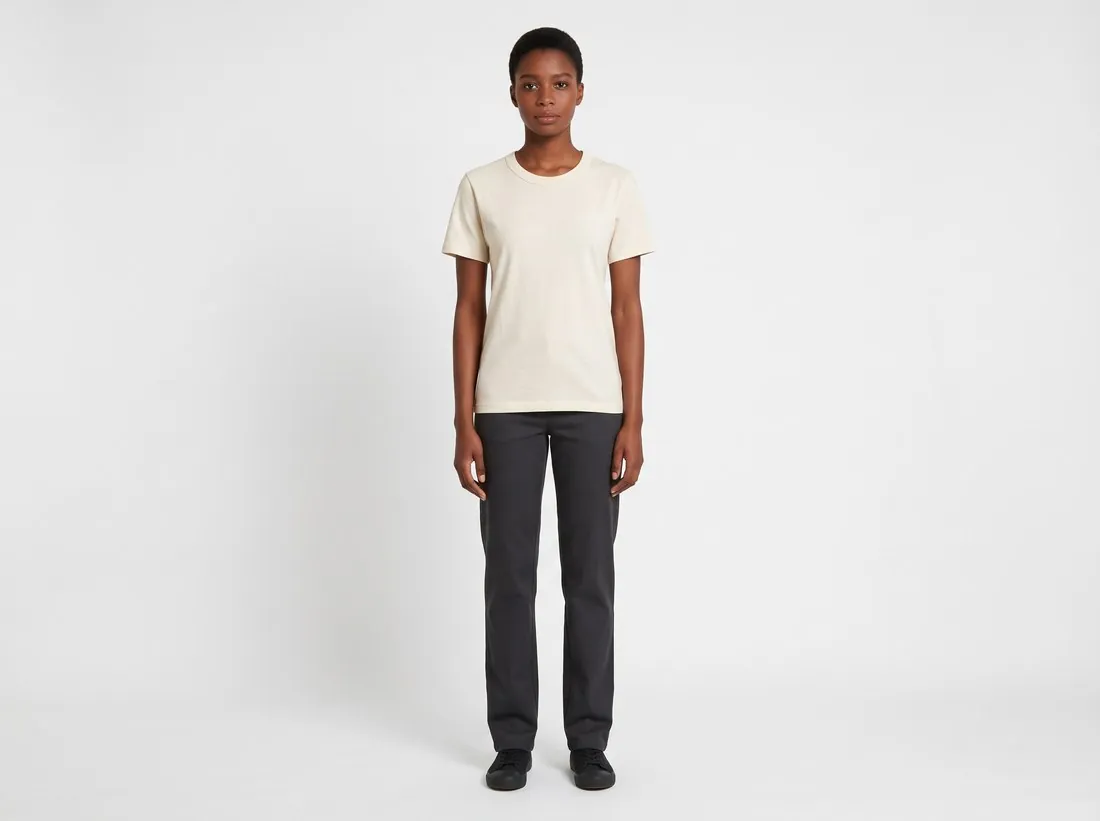
| Base image | Plain clothes, a neutral expression and a plain background | Full figure in a plain grey top on white, no logos |
| Exclusions | Anything the model must not resemble | No celebrity, staff member or former model |
How do I check an AI model before using it across a range?
An AI model passes when the whole figure is in frame, the face, hands and feet look natural, and the build and hair match the brief. Generate again rather than save a flawed base image, because every later image inherits it. Then judge the model against the catalogue: the same person should suit the lightest summer piece and the heaviest coat in the range.
Can I generate plus-size AI models?
Yes, plus-size AI models can be generated, but the body type has to be set explicitly, because image generators can skew heavily towards thin bodies. In a 2025 study of 4,000 DALL-E 3 images by Warren and colleagues, 3.4% of the generated people were overweight or obese, against about 73% of US adults, and 24.4% were underweight, against 1.6%. The study used general character prompts on one model, not fashion prompts, so the figures are a warning and not a rate for every tool.
A plus-size image needs the larger garment as well as the larger body. Photograph the actual garment in the larger size, because pattern grading changes the rise, hem width and seam placement. Then compare the hem, sleeve width, neckline and print placement with that garment. An image shows the style on a matching body type; bust, waist, hip and length measurements in the listing decide the fit.
Body diversity across a range is a casting decision, so give each line its own model and body type instead of stretching one person across all of them. Herofab's Create model offers slim, average, curvy and plus body types. Its try-on size list runs from XS to XXL, so a garment made in larger sizes takes the largest setting, and the listing states the real size.
AI is not a diversity programme. Levi Strauss announced an AI-model pilot with Lalaland.ai in March 2023 and, after criticism, said the pilot was not a “means to advance diversity” or “a substitute for the real action that must be taken to deliver on our diversity, equity and inclusion goals”. The company also said that AI models would supplement and not replace shoots with live models. A brand that shows larger bodies with AI while casting no larger models should expect that question.
AI product photos for plus-size brands
Can I show kids' clothing on AI models?
Kids' clothing is best shown without a model, and children's form-fitting items should not be put on a model at all, real or generated. Amazon and TikTok Shop require them to be shown flat, without a model, and TikTok Shop rules out mannequins for them too. Zalando's apparel guide, updated 7 October 2026, says model images of children in restricted articles are legally prohibited. Treat a generated child as covered by those rules, which the Herofab guide to kids' clothing image rules lists with sources.
Tools limit generated children. Herofab's Create model age ranges start at 18 to 25, and its Canvas refuses briefs that ask for minors, so a kidswear range in Herofab is shown without a model, through Ghost mannequin, Remove background or Product studio. Items that must lie flat take Ghost mannequin's flat-lay style, or a flat-lay photo in Remove background.
The law on synthetic images of children is strict. US federal law at 18 USC 1466A covers obscene visual depictions of minors, including computer-generated images, and states that the minor depicted need not actually exist. In the UK, section 72 of the Crime and Policing Act 2026 creates an offence for England and Wales, with up to five years in prison, of making, adapting, possessing or supplying a thing made for creating child sexual abuse images. Legislation.gov.uk still marked the section as prospective on 31 October 2026. Ordinary kidswear imagery is not the target of those laws, yet they are a further reason to keep generated children out of any image of form-fitting items.
A real child's photo needs more care than an adult's. GDPR Recital 38 says children merit specific protection for their personal data, in particular when it is used for marketing. Keep a child's photo out of AI tools by default; any exception needs the written consent of a parent or guardian and a check of local rules on child performers. Where a real child model is used, Zalando's kids guide, updated 3 March 2025, asks that children are not styled older or younger than their age, with no suggestive poses and minimal make-up. Its image guidelines, updated 1 October 2026, say to avoid stereotypes and make-up. This is general information, not legal advice.
Kidswear product photos without a model
Can I make an AI model from a real person or my own face?
Yes, an AI model can be based on a real person or your own face, but only with that person's written consent, stating the scope, purpose, pay and duration of the use. A face is not free material because a tool will accept it, and the same applies to staff, friends and former models.
New York sets the clearest benchmark. The Fashion Workers Act, signed on 21 December 2024 and in force since June 2025, requires clients to obtain “clear and conspicuous prior written consent” for any creation or use of a model's digital replica, detailing scope, purpose, rate of pay and duration. The consent has to stand apart from the representation agreement where a management company is involved.
Other jurisdictions reach a person's likeness by other routes. Under GDPR Article 4(1), information relating to an identifiable person is personal data, which covers a photo of a recognisable face. New York's synthetic performer law excludes anyone recognisable as an identifiable performer, and leaves rights under Civil Rights Law sections 50, 50-f and 51 intact. Denmark was due to introduce a bill on 8 October 2026 that would ban sharing lifelike deepfakes of a person's face or voice without consent, and the minister hoped it would take effect at the start of 2027; it was not yet law on that date.
Contract wording is the current flashpoint. Reuters reported on 27 October 2026 that unsigned brand contracts sought rights to create digital clones with no extra pay, and that the British Fashion Model Agents Association's code says AI should be used only with a model's consent and that the model would own any digital twin. Write the terms below before any image is made. This is general information, not legal advice.
| Consent term | What to write |
|---|---|
| Scope | Which images, products and campaigns the likeness may appear in |
| Purpose | Product pages, advertising, social media or editorial use, listed one by one |
| Rate of pay | The fee for creating the likeness and for each use |
| Duration | Start date, end date and what happens to the files afterwards |
| AI training | Whether the images may train any tool, and on what terms |
| Ownership | Who holds the digital replica |
| Exit | How the person ends the use and how published images are removed |
How does Herofab handle a real person's photo?
Herofab's Create model starts from a description and takes no photo, so a real person does not enter that tool. Virtual try-on accepts a model photo only when the seller confirms permission, and the job is not created without that confirmation. A model photo you upload is never tagged as synthetic. Confirmation in an app does not replace the written agreement with the person.
When should a clothing brand not create an AI model?
A clothing brand should not create an AI model when its customers buy the real people behind it, as with a community brand, an inclusive casting promise or a founder-led label. A generated face contradicts that promise, so choose a real model or a licensed one. A named ambassador cannot be replaced by a generated face either.
The method is also wrong when fit is the proof. A tailoring or shapewear brand needs real bodies and measurements, and the guide on whether AI can show how clothes fit sets out the limit. For a handful of products, creating a model is unnecessary work, and a ready-made model does the same job.
Disclosure is part of the decision. New York General Business Law section 396-b, in effect since 9 June 2026, requires conspicuous disclosure of a synthetic performer in an advertisement where the advertiser has actual knowledge, with civil penalties of $1,000 and then $5,000. Marketplace and EU rules differ, and the 2026 rules guide sets them out by channel.
Are AI models legal for clothing brands?
Checklist
- A written casting brief, kept on file
- An adult age range and an explicit body type
- A base image in plain clothes on a plain background
- Face, hands, feet and full figure checked before saving
- One model per line, tested on the lightest and heaviest garments
- Written consent on file for any real person
- Kidswear shown without a model
Sources
- New York Senate — S9832, Fashion Workers Act
- New York Senate — S8420-A, synthetic performer disclosure
- Warren et al. — Decoding Fatphobia, Findings of NAACL 2025
- NBC News — Virtual supermodels made with AI spark fears in fashion workforce
- Silicon Canals — Levi Strauss clarifies its use of AI-generated models
- Reuters via iTnews — Fashion's AI era: face swaps and digital clones
- Cornell LII — 18 USC 1466A
- Legislation.gov.uk — Crime and Policing Act 2026, section 72
- Zalando Partner University — Apparel image guide
- Zalando Partner University — Kids image guide
- Zalando Partner University — Image guidelines
- GDPR — Recital 38
- GDPR — Article 4
- Euronews — Denmark's bill on faces and voices
- Google — Gemini API image generation
- Black Forest Labs — FLUX.1 Kontext image editing
- Hugging Face — LoRA training guide
Checked 31 October 2026. Rules change; the official pages are the final reference.