Bags on white, handles and hardware in view.
A bag photographed on a chair, a table or a door hook becomes a packshot: the bag alone on a white studio background, evenly lit. Herofab is briefed to keep the shape, the leather or canvas, the stitching and every buckle, zip and logo plate.
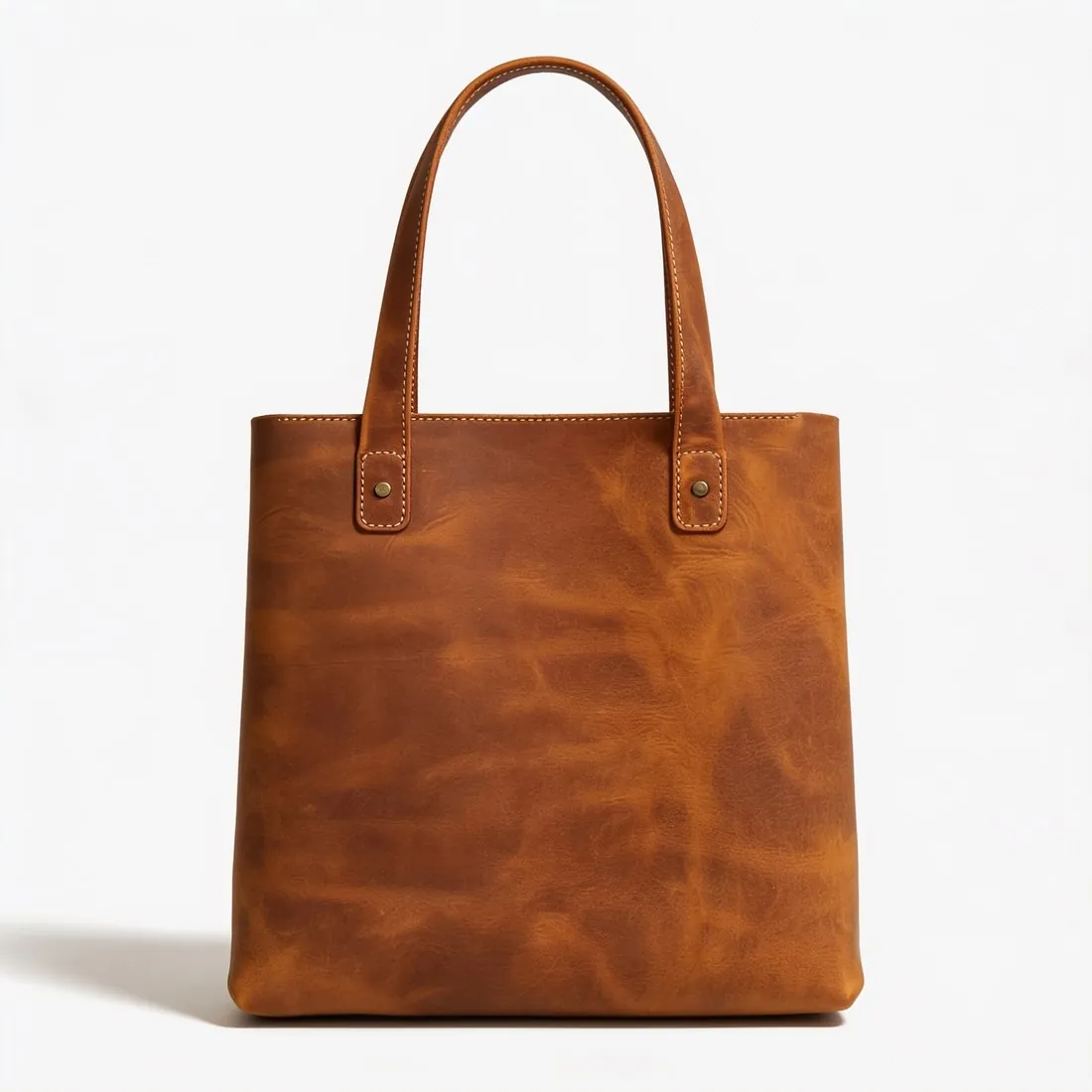

What a bag packshot has to show.
- 1
Shape and structure
A bag is judged by its silhouette: the line of the top edge, the gusset, the base and how the handles sit. The packshot follows the shape in the photo, so a bag that slumped on the table reads as a slumped bag on white. Stuff it before the shot and the outline holds.
- 2
Hardware and logo plates
Buckles, zip pulls, rings, studs and clasps are small, reflective and carry the brand. Herofab is briefed to keep each one in its place and colour. Before publishing, compare the embossed or engraved logo and the metal tone, gold or silver, with the bag itself.
- 3
Handles, straps and shadow
Handles can stand upright or lie behind the body of the bag; a shoulder strap can be tucked away or laid in a curve. Whatever is chosen should be whole in the frame. A soft contact shadow grounds the bag on white, a reflection suits glossy or patent finishes, and no shadow gives a plain cut-out look.
Photographing a bag for a packshot.
- Fill the bag with paper or a cushion so the sides stand and the base sits flat, then close the zip or flap as a buyer would first see it.
- Stand it upright on a plain surface and shoot straight on at the height of the bag's centre, with both handles and the whole strap inside the frame.
- Use daylight from a window to one side and turn off the flash; glare on leather or on a metal clasp hides the grain and the engraving underneath.
White background for bags, answered.
Do the handles need to stand up in the photo?
No, but they need to be fully visible and should not cover the front. Handles lying across the front panel hide part of the bag, and what is hidden cannot be added back faithfully. Prop them upright or lay them behind the bag, and keep them inside the frame.
Can I photograph the bag while it hangs from a hook or a hand?
Yes. A hand, a hook or a chair in the picture is left out, and only the bag is carried to the white background. A hanging bag stretches along its handles and loses its flat base, though, so a bag standing on a surface gives a truer outline for the main image.
Which side of the bag should the main image show?
The front, straight on, which is also the view required as the source. A three-quarter angle shows the gusset and the depth, and a side or top-down view can follow as additional images. A back photo and a close-up of the clasp or the logo plate can be added to the upload.
How much does it cost?
4 credits per image, plus one credit for 4K. The cost is shown before you generate, and if a job fails the credits are returned. The 20 free credits at sign-up cover 5 images with this tool.
Your next collection, shot this week.
20 credits at sign-up, no card required. Images made with free credits carry a watermark.