A walking pose, from an image you already have.
A standing image shows a garment at rest; a walking image shows it in use. Herofab starts from an image of a model wearing the product and renders the same model mid-step, with the person, the garment, the background and the light briefed to stay as they were.
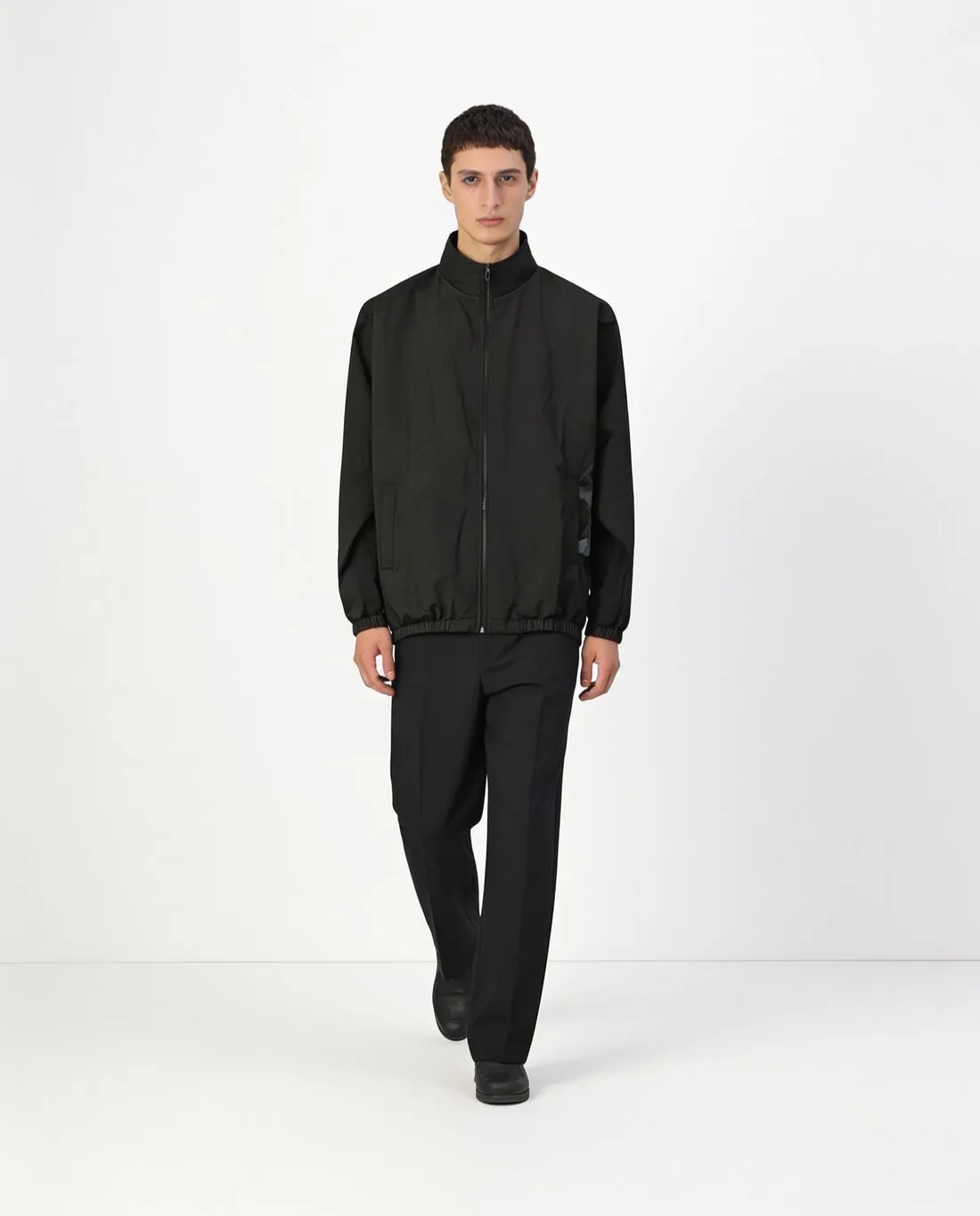
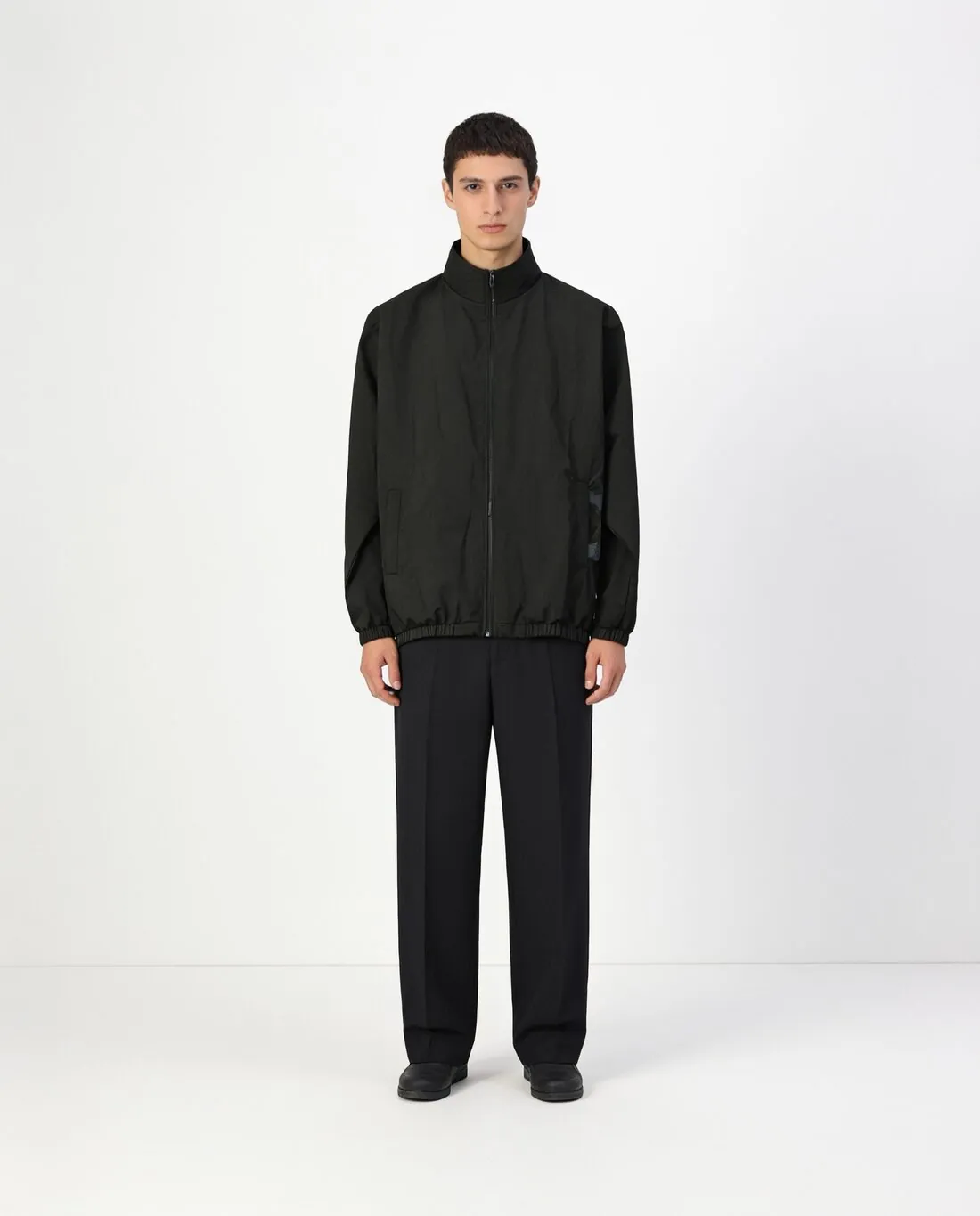
What a walking pose shows and risks.
- 1
Fabric in movement
A step swings a skirt, opens a coat front, bends a trouser leg at the knee and lifts one side of a hem. That is what a walking image adds: how the cloth falls when the body moves. The drape is rendered, so judge whether it suits the weight of the real fabric, light and fluid or stiff and structured.
- 2
Hem and length
With one leg forward the hem no longer hangs level, and length is harder to read than in a standing image. Compare where the hem of the dress, the coat or the trousers ends against the starting image. A midi should not become a mini in the stride, and a cropped trouser should stay cropped.
- 3
The side that turns to the camera
Walking usually turns the body slightly, bringing a side seam, a pocket or a sleeve forward and part of the front away. Pockets, buttons and prints on the turned side are the details to check. A print that wraps around the body is the one most worth comparing with the garment.
The image to start from for a walking pose.
- Choose a starting image that shows the model full length, from head to shoes, so the legs and the hem are already in the frame.
- A front or three-quarter standing image with arms relaxed gives the clearest view of the garment to carry into the step.
- Check the starting image first: a fault in a print or a pocket there is carried into the new pose.
Walking pose generator, answered.
Does a full-length image work better than a cropped one?
For walking, yes. The pose is about the legs and the fall of the hem, and an image cropped at the waist or the knee does not show them. Parts outside the frame cannot be added back faithfully, so start from an image in which the whole outfit, shoes included, is visible.
Will a long skirt or coat move naturally in the step?
The movement is rendered, not photographed, and it is briefed to keep the same garment. Look at whether the swing fits the fabric: a heavy wool coat should not float like chiffon. Compare the hem length, the vent or slit and any lining that shows with the starting image before using the result.
Can the walking image be made from a Herofab try-on result?
Yes. The starting image can be any image of a model wearing the product, including one made with Herofab, and a delivered image can be sent straight to the next tool. One possible order is try-on first, then the walking pose, then a new format for the place where it will be shown.
How much does it cost?
3 credits per image, plus one credit for 4K. The cost is shown before you generate, and if a job fails the credits are returned. The 20 free credits at sign-up cover 6 images with this tool.
Your next collection, shot this week.
20 credits at sign-up, no card required. Images made with free credits carry a watermark.