Hands in pockets, the same look.
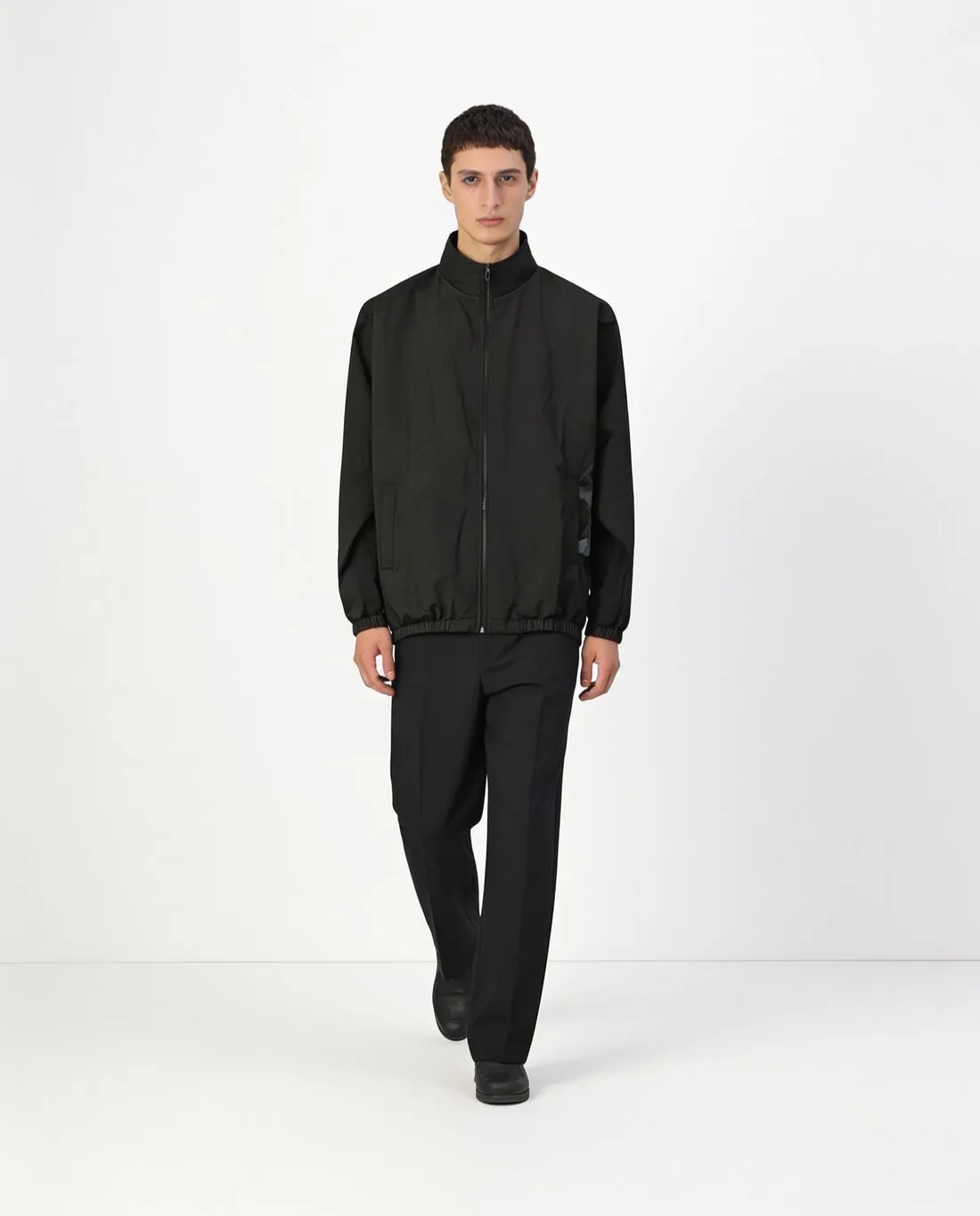
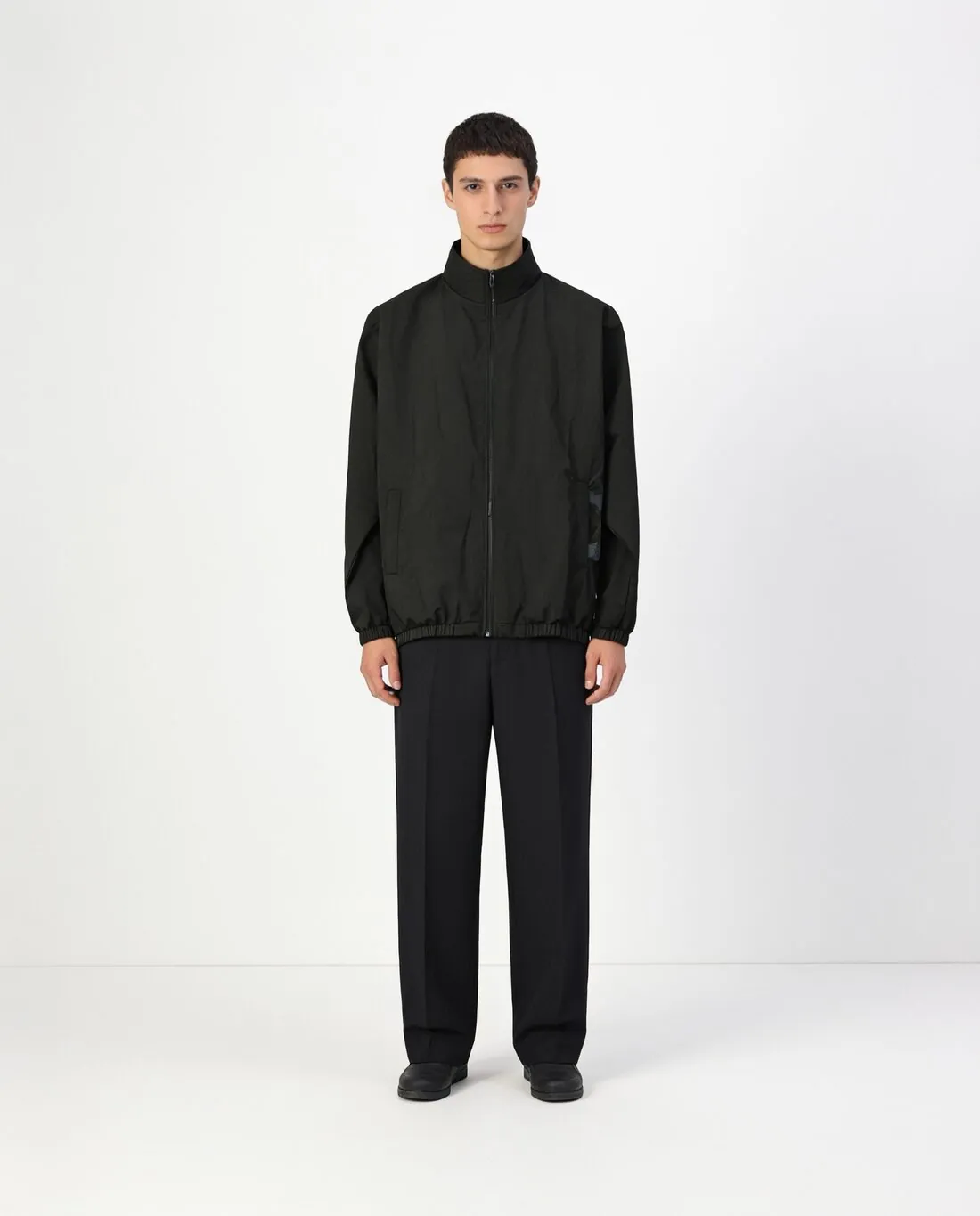
Hands in pockets is the relaxed pose of menswear, denim and outerwear: it shows that a pocket exists and how a jacket sits when it is pushed back. Herofab renders it from an existing on-model image, with the same person, garment, background and light briefed to stay.
What this pose shows and covers.
- 1
The pocket itself
With a hand inside, the pocket opening is stretched and its edge is on show: a welt, a flap, a rivet, a contrast lining. That edge has to match the garment. A patch pocket must not become a slit pocket, and a flap that exists on the real piece should still be there.
- 2
The jacket pushed back
Hands in trouser pockets push an open jacket or coat behind the wrists. The front edges move, the lining can show, and the shirt or knit underneath comes into view. Check the button row on the pushed-back edge and the hem, which rises at the sides in this pose.
- 3
Wrists, cuffs and sleeves
The hand disappears and the cuff becomes the end of the arm. Cuff buttons, a rib, a zip or a sleeve tab should remain as in the starting image. A watch or a bracelet worn in the starting image may be hidden by the pocket, which matters when it is the product.
The starting image for hands in pockets.
- Start from a standing image in which both hips are visible, so the garment has pockets in view for the hands to go into.
- Use an image where the arms hang free at the sides; arms already crossed or holding a bag leave less of the sleeves to work from.
- Choose a starting image with the jacket open or closed as you want it shown, since the pose is changed and the styling is briefed to stay.
Hands-in-pockets pose, answered.
Which garments suit a hands-in-pockets pose?
Trousers, jeans, chinos and shorts with side pockets, and jackets, coats, hoodies and cardigans with front pockets. The pose makes less sense for garments without pockets, where the hands have nowhere to go and a standing or walking pose reads more naturally.
Does the pose hide details I want to show?
It can. The hands cover the pocket mouth and sometimes a belt loop or a side seam, and an open jacket is pushed back from the front. Keep a plain standing image of the same model in the listing for a clear view, and use this pose as an additional image.
Can I get this pose and others of the same model together?
Yes. A delivered image can be sent straight back to the pose tool for another pose, and the same person, garment and background are briefed to stay each time. A product page built this way reads as one shoot.
How much does it cost?
3 credits per image, plus one credit for 4K. The cost is shown before you generate, and if a job fails the credits are returned. The 20 free credits at sign-up cover 6 images with this tool.
Your next collection, shot this week.
20 credits at sign-up, no card required. Images made with free credits carry a watermark.