Product photos ready for Cdiscount.
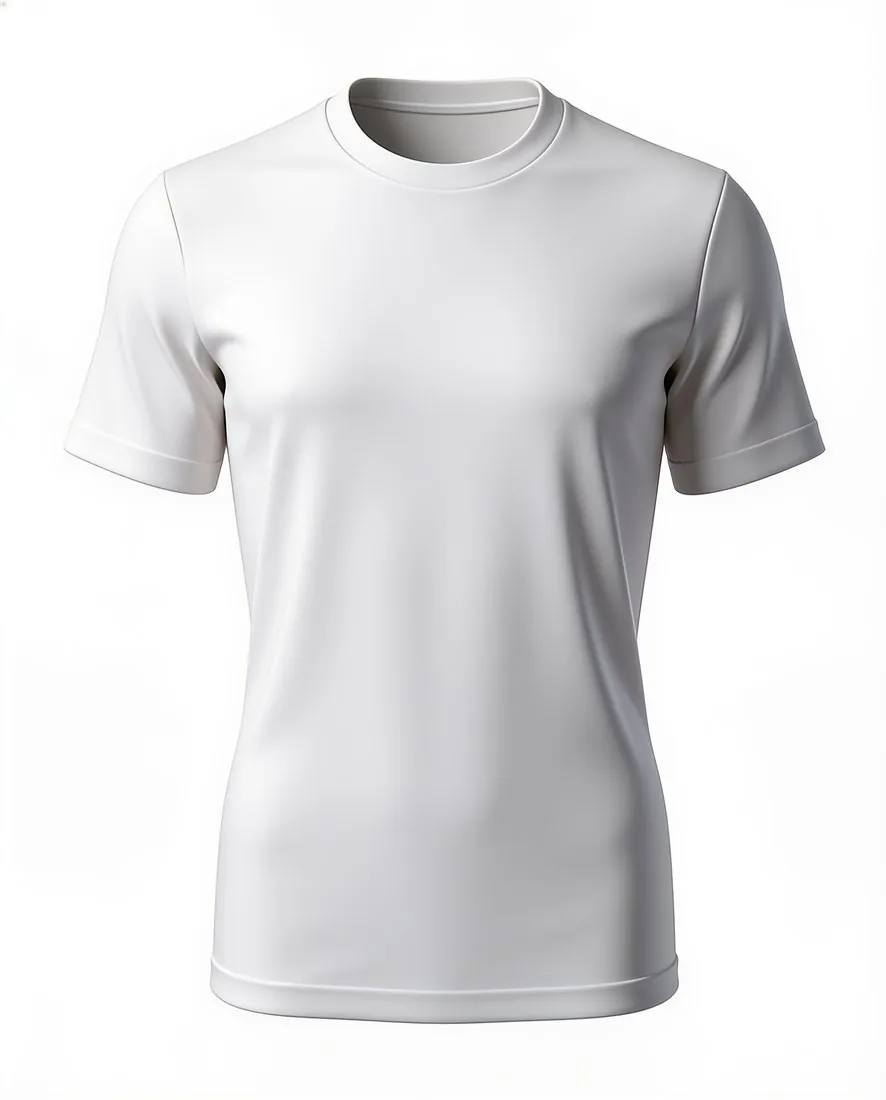
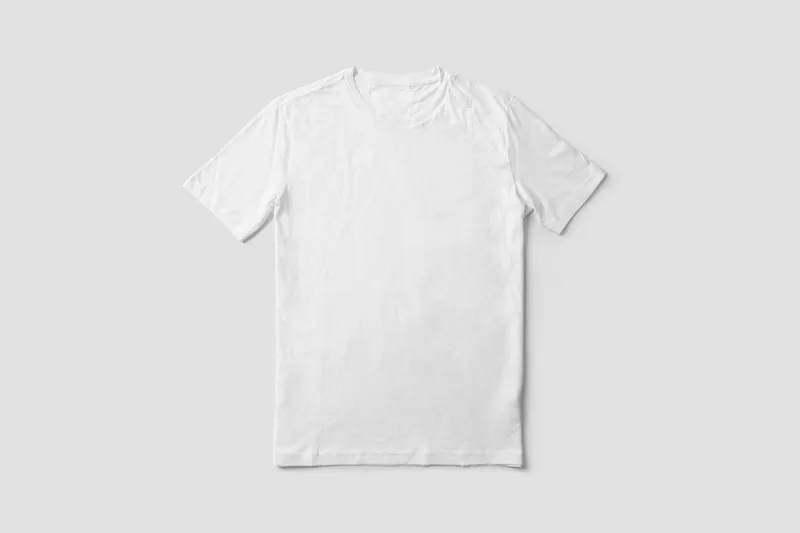
Background removal on white and the ghost mannequin show the product alone on a white background, as Cdiscount's product-sheet tutorial asks, at 2K or 4K — well above 500 × 500 pixels. Images made on a plan or with a credit pack carry no watermark or added text.
What Cdiscount asks for, covered.
Product alone on white
Background removal and the ghost mannequin show the item on its own on a white background.
Well above 500 pixels
2K and 4K output clears the 500 × 500-pixel minimum; Octopia sets no maximum.
No watermark or text
Images made on a plan or with a credit pack carry no watermark or added text.
Main image
- Background colour
- White background
Source: i1.cdscdn.com, Cdiscount (Octopia) — Product management | Octopia API documentation (8 July 2026) · checked 27 September 2026
All Cdiscount image requirements
Source: Cdiscount (Octopia) — Product management | Octopia API documentation (8 July 2026). Checked 27 September 2026.
- Size
- At least 500 × 500 pixels, with no maximum limit
- File
- JPG, PNG, GIF, BMP or WEBP, up to 5 MB per image
- Number
- At least one and up to six images per product, sent as reachable HTTPS URLs; Octopia's selling guide advises at least 3–4 high-resolution images from different angles
- Product images
- The product shown alone, from the front, on a white background, filling the image without pixelation; no multiple views in one image
- Clothing and shoes
- Clothing: a front view, a back view and a close-up of the material on a white background. Shoes: several views of the shoe and a close-up of the material on a white background
- Not allowed
- Offer details, text, illustrations, inset images, logos, drawings or watermarks, even to show the product's features, and outbound links; for clothing and erotic products, no visible intimate parts and no suggestive or provocative model poses
- Document dates
- Size, file and number limits come from Octopia's API documentation, last updated 8 July 2026; the product-image, clothing and shoe rules come from Cdiscount's product-sheet tutorial (V 2.0, 6 November 2017) — check the Seller Zone for the current version
Cdiscount, answered.
What size should Cdiscount product images be?
At least 500 × 500 pixels, no maximum, up to 5 MB, one to six images in JPG, PNG, GIF, BMP or WEBP; the product alone, from the front, on white.
Can I check my images before uploading?
Yes. The free image size checker reads each file in your browser and tests it against these rules; the image is not uploaded.
Where do these figures come from?
From Cdiscount (Octopia) — Product management | Octopia API documentation (8 July 2026), read on 27 September 2026. Marketplaces update their rules; the official page is the final reference.
Your next collection, shot this week.
20 free credits when early access opens. No card required.