Folksy product image requirements
Folksy listing photos: at least 1,000 pixels wide, square 1,000 × 1,000 main image recommended, JPG or PNG under 5 MB, up to 5 images per listing.
All Folksy image requirements
Source: Folksy Support & Knowledge Base — Photos, sizing and uploading; How do I list an item for sale or create a draft?; What can I sell on Folksy?; Creating a banner and profile picture (avatar). Checked 12 October 2026. Read again · 12 October 2026
- Size
- Ideally at least 1,000 pixels wide; Folksy says there are no hard rules on size or shape as long as an image measures at least 1,000 pixels wide and is under 5 MB
- Main image
- Recommended: a square image measuring at least 1,000 × 1,000 pixels as the main (first) image, generally showing the whole product
- Aspect ratio
- Square, landscape or portrait; product pages show images in their original proportions, while search results, category pages and product page thumbnails crop them to a square
- Formats
- Ideally saved as a JPG; the listing help tells sellers with upload trouble to make sure photos are saved as a JPG or PNG file and are less than 5 MB
- File size
- Ideally between 1 MB and 5 MB; images over 5 MB may fail to upload
- Number
- Up to 5 images per listing; Folksy Plus sellers can add up to 10
- Background
- Folksy's photography tips say the background should not be overwhelming or distracting, call simple, light backgrounds easier to work with and advise against carpets or reflective surfaces; a white-background cut-out shot is suggested as a useful additional image
- Not allowed
- Animated images in listings; on items featuring swear words, the main product image must be edited to cover up, block out or completely blur the vowel
- AI-generated art
- Folksy does not allow artwork generated using AI software, and mass-produced items with AI generated art added are not allowed; this is a rule on what can be sold
What Folksy asks for, covered.
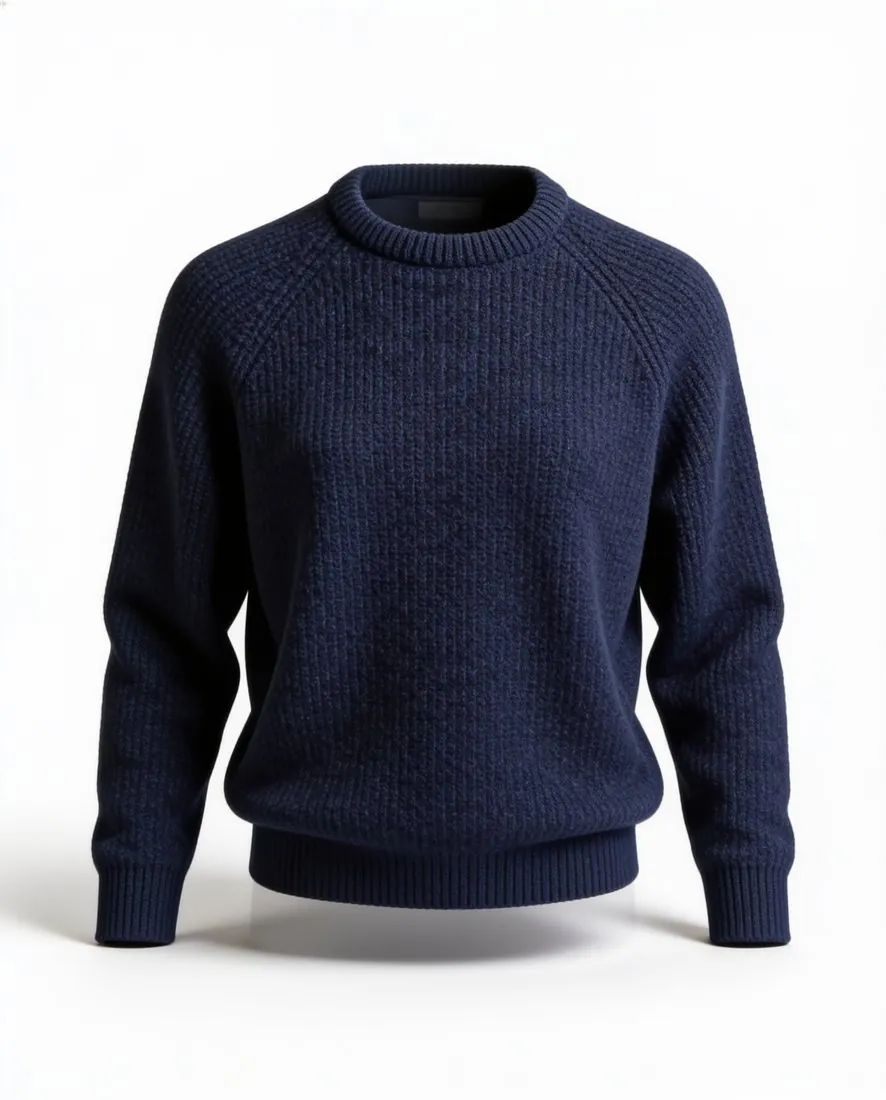
Folksy recommends a square main image of at least 1,000 × 1,000 pixels and says images should be at least 1,000 pixels wide and under 5 MB. Square 2K output is 2,048 × 2,048 pixels, above that; a 2K PNG can weigh more than 5 MB, so the JPG download is the safer file. Folksy's photography tips suggest a white-background cut-out shot as a useful additional image, which Herofab's packshot studio delivers. Folksy does not allow artwork generated using AI software to be sold; that rule concerns the item for sale, and the help pages behind this guide state no separate rule on how a listing photo is made.
Square main image
Square 2K output is 2,048 × 2,048 pixels, above the 1,000 × 1,000 pixels Folksy recommends for the first image.
JPG under 5 MB
A 2K PNG can weigh more than 5 MB; the JPG download is the safer file.
A cut-out as an extra image
Packshot studio delivers the product alone on white, the additional shot Folksy's photography tips suggest.
Folksy, answered.
What size should Folksy product images be?
Folksy listing photos: at least 1,000 pixels wide, square 1,000 × 1,000 main image recommended, JPG or PNG under 5 MB, up to 5 images per listing.
What should the main image look like on Folksy?
Recommended: a square image measuring at least 1,000 × 1,000 pixels as the main (first) image, generally showing the whole product. Source: Folksy Support & Knowledge Base — Photos, sizing and uploading; How do I list an item for sale or create a draft?; What can I sell on Folksy?; Creating a banner and profile picture (avatar), checked 12 October 2026.
Which file formats does Folksy accept for product images?
Ideally saved as a JPG; the listing help tells sellers with upload trouble to make sure photos are saved as a JPG or PNG file and are less than 5 MB. Source: Folksy Support & Knowledge Base — Photos, sizing and uploading; How do I list an item for sale or create a draft?; What can I sell on Folksy?; Creating a banner and profile picture (avatar), checked 12 October 2026.
How large can a product image file be on Folksy?
Ideally between 1 MB and 5 MB; images over 5 MB may fail to upload. Source: Folksy Support & Knowledge Base — Photos, sizing and uploading; How do I list an item for sale or create a draft?; What can I sell on Folksy?; Creating a banner and profile picture (avatar), checked 12 October 2026.
How many images per product on Folksy?
Up to 5 images per listing; Folksy Plus sellers can add up to 10. Source: Folksy Support & Knowledge Base — Photos, sizing and uploading; How do I list an item for sale or create a draft?; What can I sell on Folksy?; Creating a banner and profile picture (avatar), checked 12 October 2026.
What background should product images have on Folksy?
Folksy's photography tips say the background should not be overwhelming or distracting, call simple, light backgrounds easier to work with and advise against carpets or reflective surfaces; a white-background cut-out shot is suggested as a useful additional image. Source: Folksy Support & Knowledge Base — Photos, sizing and uploading; How do I list an item for sale or create a draft?; What can I sell on Folksy?; Creating a banner and profile picture (avatar), checked 12 October 2026.
What is not allowed in product images on Folksy?
Animated images in listings; on items featuring swear words, the main product image must be edited to cover up, block out or completely blur the vowel. Source: Folksy Support & Knowledge Base — Photos, sizing and uploading; How do I list an item for sale or create a draft?; What can I sell on Folksy?; Creating a banner and profile picture (avatar), checked 12 October 2026.
Can I check my images before uploading?
Yes. The free image size checker reads each file in your browser and tests it against these rules; the image is not uploaded.
Where do these figures come from?
From Folksy Support & Knowledge Base — Photos, sizing and uploading; How do I list an item for sale or create a draft?; What can I sell on Folksy?; Creating a banner and profile picture (avatar), read on 12 October 2026. Marketplaces update their rules; the official page is the final reference.
Your next collection, shot this week.
20 credits at sign-up, no card required. Images made with free credits carry a watermark.