
Language: EN
Start free

Adobe RGB

A wider RGB colour space made for print work, able to hold more saturated greens and cyans than sRGB. Online it shows correctly only where software reads its profile.

Also called AdobeRGB · Adobe RGB colour space

With Herofab Colour variants

Model in the terracotta bomber jacket, hands in pockets, on a city street in evening light
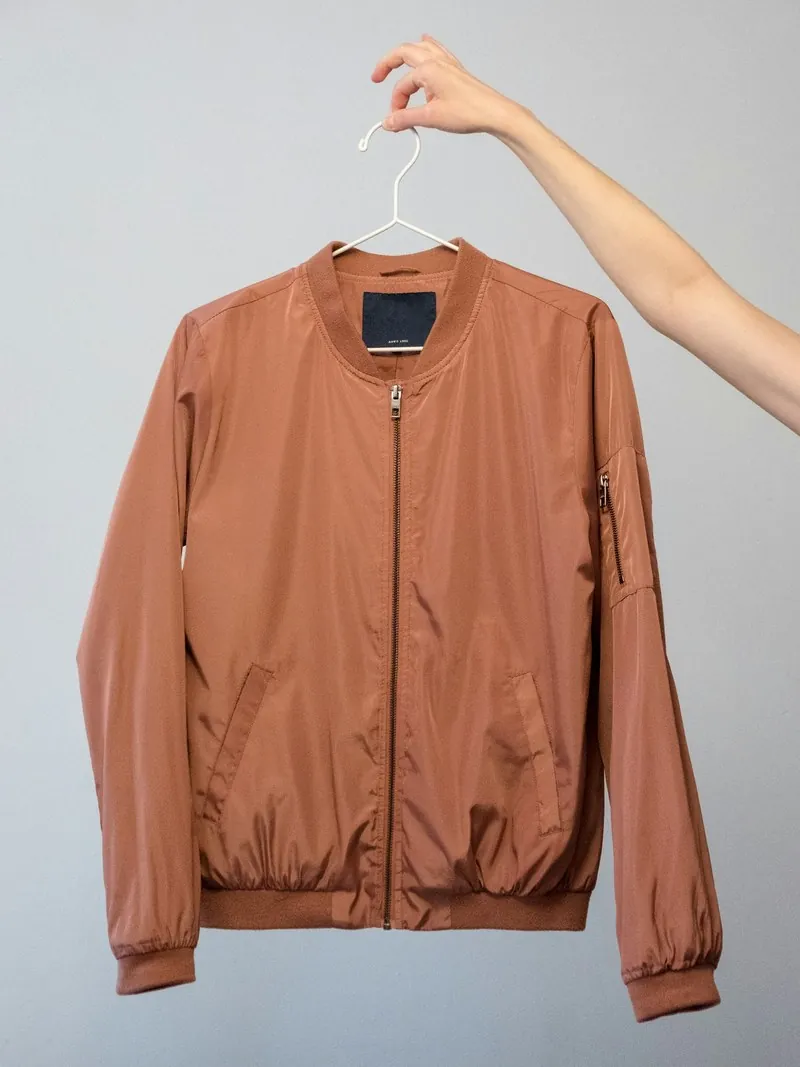
Source photo: Jacket on a hanger. Made with Herofab · Virtual try-on

Adobe RGB was designed so that colours a printing press can produce could also be edited on screen, and it reaches further into greens and cyans than sRGB does. Many cameras offer it beside sRGB, and studios that produce for print and web from the same shoot often work in it.

The trouble starts when an Adobe RGB file meets software that ignores or strips its profile. The numbers are then read as sRGB, and the picture looks pale: greens go grey, reds lose depth and skin looks flat. A listing that mixes Adobe RGB and sRGB images shows one product in two shades. The camera's colour space setting and the profile name in the file information reveal which space a file uses.

A few specifications written for retail suppliers ask for Adobe RGB, while most channels expect sRGB or convert to it, so the target is set by the channel and not by habit. A studio master in Adobe RGB is fine; each upload is a converted copy. For photos meant only for the web, setting the camera to sRGB removes the step, and for raw files the space is chosen at export.

Questions

Adobe RGB, answered.

Can I convert an sRGB photo to Adobe RGB to get richer colours?

No, converting to a wider space keeps the colours the photo already has; it cannot add saturation that the file never held. Assigning the Adobe RGB profile instead of converting does make colours look stronger, but they are then wrong, not richer. Colours outside sRGB can only come from capture, such as a raw file or a camera set to Adobe RGB.

Do I need a wide-gamut monitor to edit Adobe RGB photos?

To see the extra colours, yes; an ordinary screen shows an Adobe RGB file only within its own smaller range. Edits to saturated greens and cyans are then made partly blind, even in an editor that manages colour correctly. For product photos sold online, an sRGB workflow on a calibrated standard screen shows what shoppers can actually see.

In marketplace rules

What marketplaces say about it.

Updated 25 September 2026

Miinto
Adobe RGB (1998) colour profile, 8-bit depth Official page
Etsy
Images are converted to the sRGB colour profile; convert to sRGB before uploading if the colours appear wrong Official page
Adobe Commerce
sRGB is recommended; all other colour profiles are converted to sRGB during upload, which can cause colour inconsistency Official page
Related
Free tools
Get started

Your next collection, shot this week.

20 credits at sign-up, no card required. Images made with free credits carry a watermark.