Herofab and Photoroom, side by side.
Photoroom is a broad photo-editing app with batch editing, a Shopify integration from Max and an API that handles over 3 million images a day. Its core tools, background removal included, carry no credit cost on paid plans, which suits large catalogues. Herofab is narrower: it turns a phone photo of a product into on-model images, ghost mannequin shots and product studio scenes, with 4K on every plan and fixed per-tool pricing.
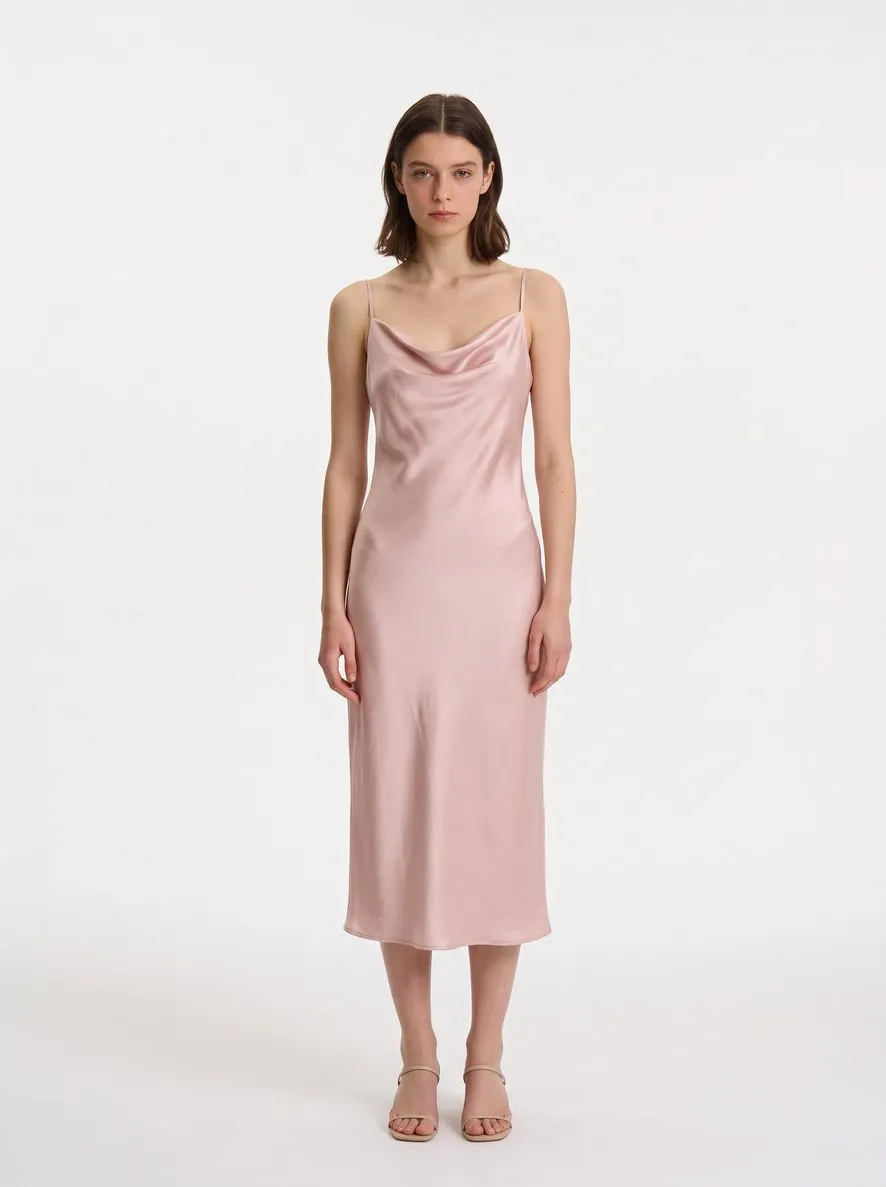
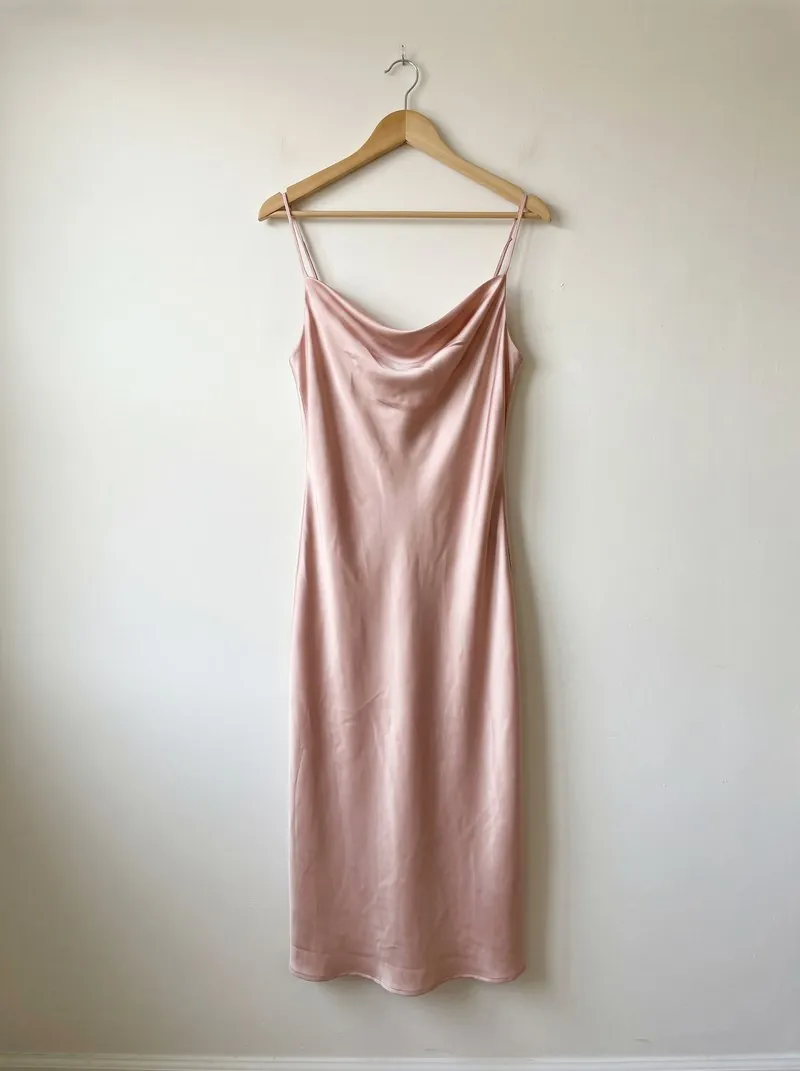
Features compared.
From each company's own site, checked 13 October 2026. A dash means the feature is not listed there, not that it does not exist.
| Herofab Our pick | Photoroom | |
|---|---|---|
| Pose change | Offered | Not listed on its site |
| Create your own AI model | Offered | Not listed on its site |
| Virtual try-on | Offered | Offered |
| Accessories on a model | Offered | Offered |
| Ghost mannequin | Offered | Offered |
| Product scenes and packshots | Offered | Offered |
| Colour variants | Offered | Offered |
| Background removal | Offered | Offered |
| Upscaling | Offered | Offered |
| Marketplace-sized downloads | Offered | Offered |
| Public API | All plans | Separate API billing |
| Video | Not offered | Offered |
| Website languages | 19 | 19 |
| Features listed, of those compared | 11 of 12 | 10 of 12 |
OfferedNot offeredNot listed on its site
Where they differ.
Herofab from its own plans and tools; Photoroom from its own site, read on 13 October 2026. A feature named under Herofab is one that Photoroom's site does not list, which does not prove it is missing.
Where Herofab is ahead of Photoroom
- Pose change
- Create your own AI model
- An API in every plan, on the same credits as the app (Photoroom: Separate API billing)
Where Photoroom is ahead of Herofab
- Video
The figures, as published.
From each company's own pricing page, checked 26 September 2026. Credit units differ between products, so the table sets the facts side by side rather than ranking them.
| Herofab | Photoroom | |
|---|---|---|
| Entry plan | Starter: $19 / month · 250 credits | Pro: $12.99 / month, or $7.50 / month billed yearly · 8,000 AI credits and 1,000 exports a month |
| Largest listed plan | Studio: $199 / month · 5,000 credits | Ultra: $99 / month, or $82.50 / month billed yearly · 75,000 AI credits and 10,000 exports a month; Enterprise at a custom price |
| Free start | 20 free credits at sign-up | Start for free; free-plan limits not listed on the pricing page. Free trial on Pro and Max |
| On-model images | 5 credits (virtual try-on); 4K +1 | AI Fashion Models on every paid plan: 1K on Pro, 2K from Max, 4K on Ultra |
| 4K | Every plan, +1 credit | Ultra and Enterprise |
| Background removal | 2 credits per image | Core tool on every paid plan, with no credit cost within fair use; each saved image counts as 1 export |
| Team members | 3 on Brand, 5 on Studio | Up to 50 seats on Pro, Max and Ultra; custom on Enterprise |
| One on-model image, entry plan to largest plan | $0.20–$0.38 | $0.01 |
| Free start | 20 credits, once · no card required · images carry a watermark | 100 exports a month |
| Refunds | Within 14 days, while the credits are unused | Under conditions, per its refund policy |
Source: www.photoroom.com/pricing · checked 26 September 2026
Pricing: every plan, as listed.
Paid plans with a public price, billed monthly, from each company's own pricing pages, read on 10 October 2026. Units differ between tools, so compare images, not credits.
| Plan | Per month | Included each month |
|---|---|---|
| Herofab | ||
| Starter | $19 | 250 credits |
| Seller | $39 | 700 credits |
| Brand | $79 | 1,600 credits |
| Studio | $199 | 5,000 credits |
| Photoroom | ||
| Pro | $12.99 | 8,000 credits |
| Max | $34.99 | 25,000 credits |
| Ultra | $99 | 75,000 credits and up, by tier |
Built for the product page.
Fixed cost per tool
Every tool has one credit cost, shown before you generate — a try-on is always 5 credits, 4K adds one.
Credits back on failure
Credits are held when a job starts and charged only on delivery; a failed job returns them.
Checked before you pay
A photo that shows only the back of a product, or a product still in its packaging, is flagged before a credit is spent.
Free fixes every month
Mark the area that is wrong and describe it; every plan includes free fixes.
Marketplace-ready sizing
Delivered at the exact size of the marketplace you sell on, without cropping the product.
AI marking built in
Every image carries the IPTC marker for AI-generated media inside the file, as the EU AI Act requires.
Ask an AI about this.
Each button opens the assistant with the question already written. The answer is the assistant's own; Herofab does not write or see it.
Compare Herofab (herofab.app) and Photoroom for AI product photos: features, price per image, and what each one does not offer. Use each company's own site and say where they differ.
What should you compare before choosing?
How does Herofab compare with Photoroom?
Photoroom is a broad photo-editing app with batch editing, a Shopify integration from Max and an API that handles over 3 million images a day. Its core tools, background removal included, carry no credit cost on paid plans, which suits large catalogues. Herofab is narrower: it turns a phone photo of a product into on-model images, ghost mannequin shots and product studio scenes, with 4K on every plan and fixed per-tool pricing.
Where do these figures come from?
From each company's own pricing page, read on 26 September 2026: Photoroom pricing and the Herofab pricing. Prices change; the source pages are the final reference.
Your next collection, shot this week.
20 credits at sign-up, no card required. Images made with free credits carry a watermark. Herofab also removes the watermark from those images once credits are purchased.