Photographing a watch yourself: bracelet, strap and buckle
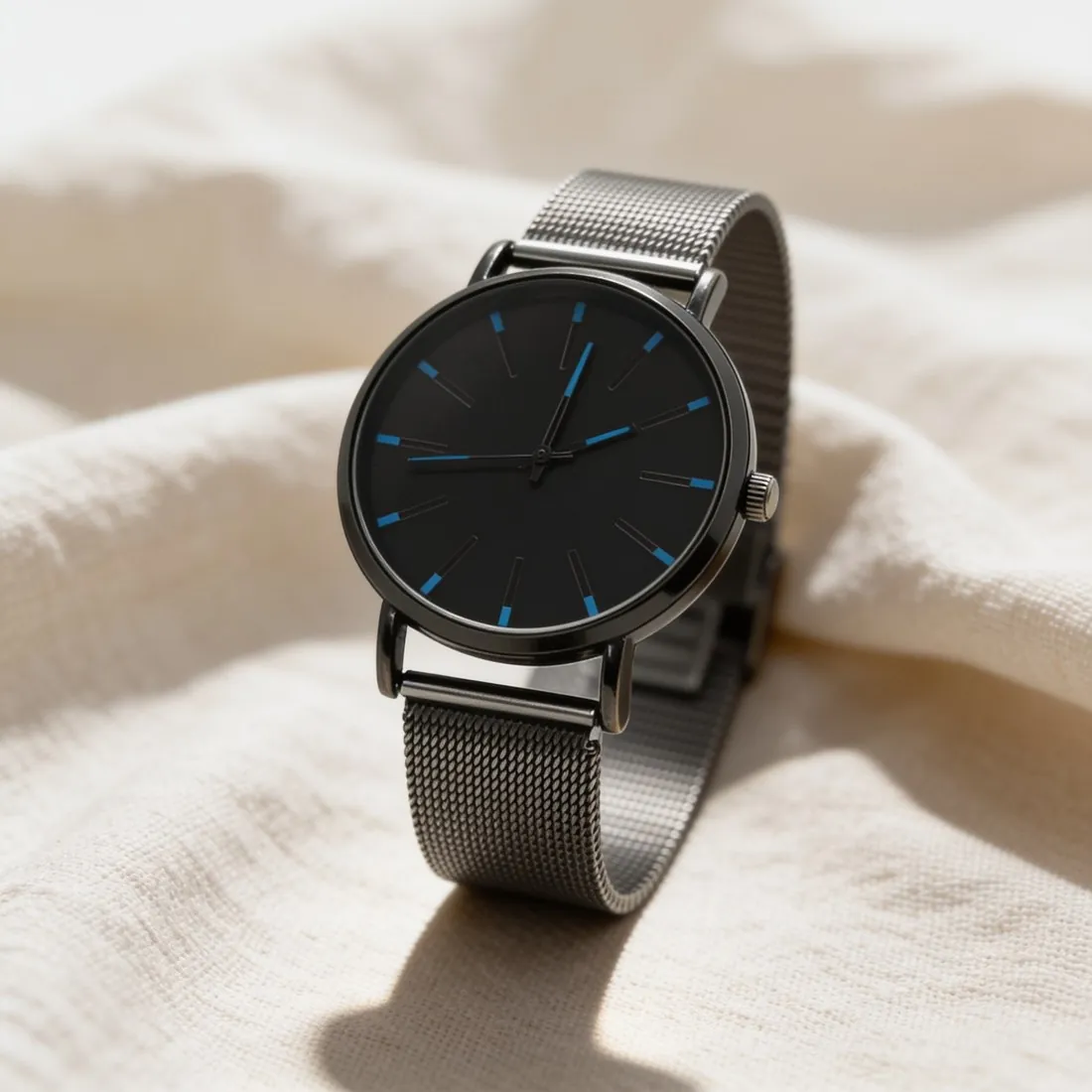
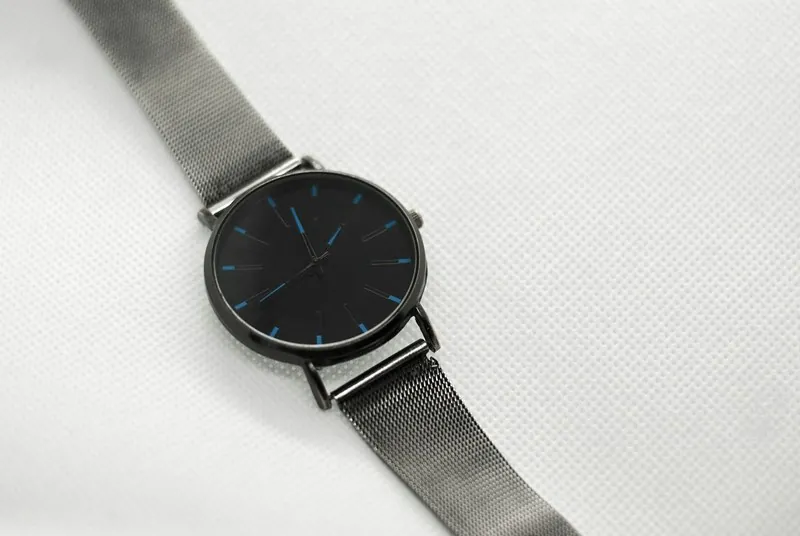
A watch can be photographed in two ways, and the source photo decides which. Closed and standing on its side, it shows the case and the round of the bracelet; laid flat with the strap open, it shows the full length of the strap, the buckle and the keepers. For a front or three-quarter image, a closed bracelet held upright by a small hidden support gives the case a natural stance; for a top-down image on linen, an open strap laid straight is the clearer start.
Buckles and clasps are the parts most often left untidy. A folding clasp left half open shows its blades, a pin buckle with the tongue outside its hole looks unfinished, and a leather strap with its end flipped over hides the stitching. Fasten the strap as a wearer would, turn a clasp that carries a logo towards the lens, and photograph the opened clasp separately for a detail image, since the product image shows the watch as the photo records it.
Dark studio, stone plinth or marble: scenes for a watch
For watches, Product studio can place the case on plain white, on a deep charcoal studio background with dramatic directional light, on that dark ground with a mirror reflection, on a honed stone plinth, on linen seen from above, on marble or in a home interior. A dark ground with defined shadows suits polished steel and gold cases and dress watches, because the light draws the edge of the case and the bezel against the black.
Each scene changes how the dial reads. On the dark ground a black dial can merge with the background, so a light, silver or coloured dial is the safer choice there. A stone plinth raises a single watch as an object, and linen from above suits a strap laid open. Whatever the scene, the watch is briefed to keep its dial, hands, indices, case and strap, and the dial text is to stay legible and unchanged.
A full set of watch photos: front, profile, caseback, clasp
A watch listing is read in views. The front shows the dial and the hands; the side angle shows the case height, the crown and the lugs; the back shows the caseback with its engraving or its display window. When the photo shows the caseback, the image can be ordered as a back view: the brief then shows the watch from behind as photographed and tells the tool not to turn it round or invent a dial on that side.
Close-ups complete the set. Detail shot frames one area of an existing image, such as the clasp or the stitching of a strap, or leaves the choice of detail to the tool, and it is briefed to show only what is already visible there. Engraving on a caseback and the finishing of a movement behind a display back still need a sharp source photo taken close, since a close-up cannot recover lettering that the source does not record.