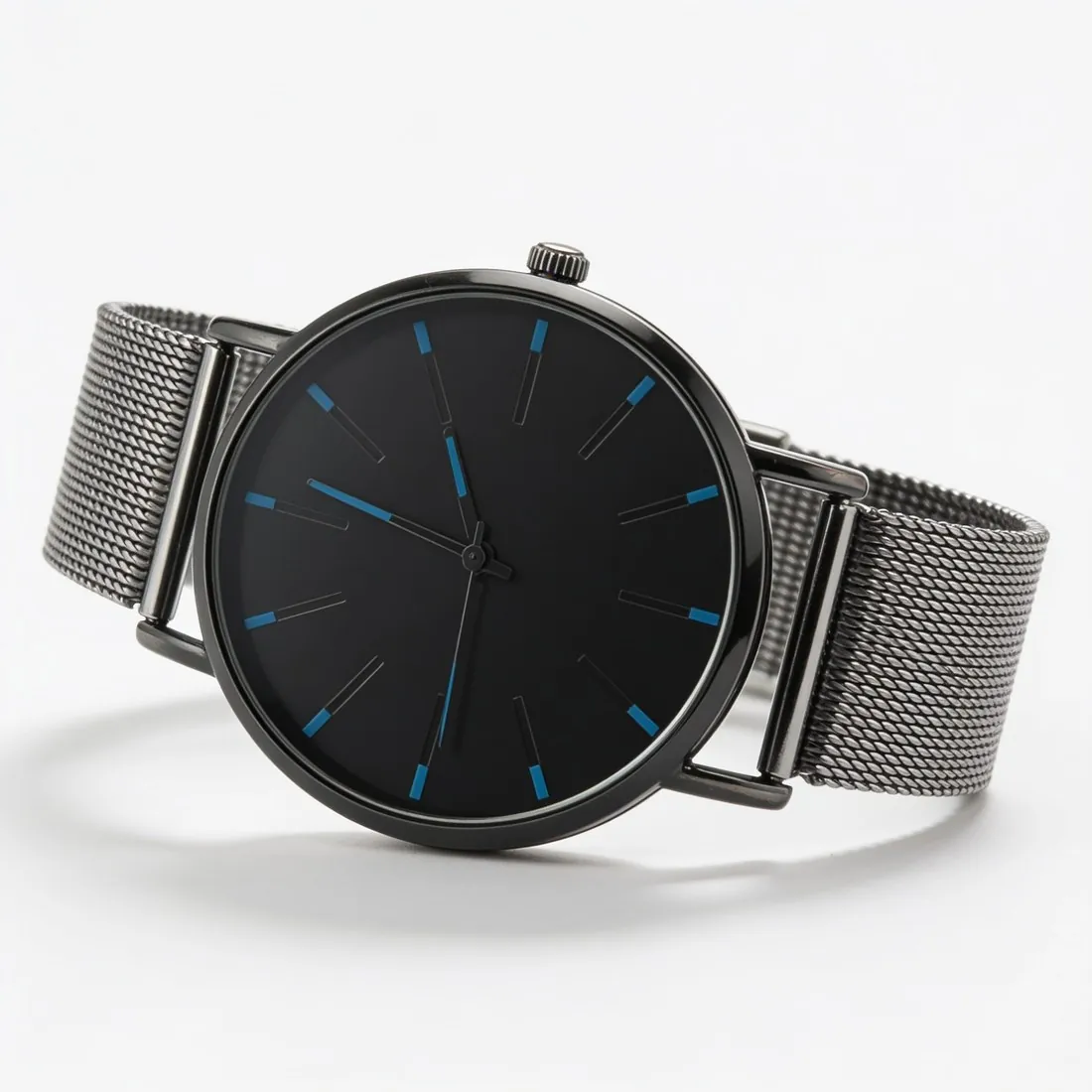
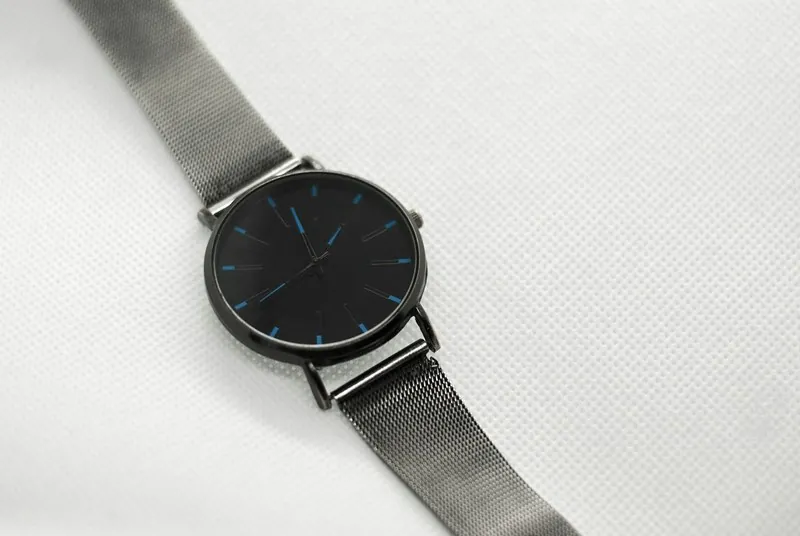
1. Clean the watch and set the time
Fingerprints on a polished case and dust under the crystal show more clearly in a close photo than to the eye. Wipe the case, the crystal and the bracelet with a microfibre cloth, then handle the watch by the strap or with cotton gloves. Brush out the gaps between bracelet links, where grime collects on a worn piece. Peel off protective film only if the watch is sold without it; on a new watch sold with film, one photo with the film in place is enough.
Set the hands before the first photo. The convention in watch photography is about ten past ten: the hands form a V that frames the brand name below the twelve and leaves the date window and subdials clear. Pull the crown out, set the time, push it back in and screw it down if it screws. A chronograph's hands go back to zero, and the date sits centred in its window rather than halfway through changing.
2. The crystal decides the light
The crystal behaves like a lens: it reflects whatever faces it. Place the watch by a window with the light coming from the side, and stand a sheet of white card opposite, just outside the frame, so the crystal reflects an even pale surface instead of the ceiling or the room. A thin white curtain over the window turns a hard highlight on the case into a soft band that describes its shape.
The phone itself appears in the crystal when it is held directly above. Tilt the watch a few degrees, or move the phone slightly off centre and correct the angle, until the dark shape slides off the glass. A sunburst dial changes colour as the angle changes; take several frames at slightly different angles and keep the one closest to the watch in hand. Leave the flash off: on a domed crystal it becomes a white spot over the dial.
3. The dial, straight on and in focus
The front view shows the dial square to the camera. Hold the phone parallel to the crystal with the lens over the centre of the dial; if the circle turns into an oval, the phone is tilted. Tap the screen on the brand name to focus, and step back and zoom in a little rather than holding the phone close, which bends the case outward at the edges. At full zoom on the screen, the printed text, the minute track and the indices should be sharp.
A three-quarter view follows: the watch turned by about a third, so the crown, the side of the case and its thickness appear alongside the dial. Keep the strap or bracelet curved in its natural shape, buckled or folded closed, with a small block of putty or a roll of card hidden behind it. A strap lying flat and open looks like a spare part, not a watch.
4. Profile, crown, clasp and caseback
Turn the watch to show the crown side in profile, with the lens at case height. This view shows the thickness of the case, the shape of the lugs, the crown and any pushers. Then photograph the clasp or buckle, closed and open, and the inside of the strap, where the size of a leather strap and the condition of its holes can be read. A bracelet laid out at full length shows the number of links, which tells a buyer whether it will fit.
Turn the watch over for the caseback. Engravings, a reference number, a serial number or a display window with the movement behind it are what a buyer of a pre-owned watch checks first. Light skimming across the back from one side makes engraving legible; light from the front flattens it. A seller who prefers not to publish a full serial number can cover part of it in the listing photo.
5. Wear, shown in the same light
On a pre-owned watch, condition is part of the description. Photograph scratches on the bezel and the clasp, marks on the crystal, wear on the lug edges and the strap, and any fading of the dial or the luminous material, each as a close-up in the same light as the main photos. Side light reveals hairline scratches that frontal light hides, so turn the watch until the mark is visible on the screen before pressing the shutter.
Leave the colours as recorded. A filter that warms the image also changes the colour of a dial, a gold tone or a leather strap, and those are features the buyer chooses on. Photograph everything included in the sale together: box, papers, spare links, a second strap or a tool. Vestiaire Collective's photo guidance asks that no liquids, such as care products for watches, appear in the photographs.
6. What marketplaces ask for watches
Allegro's Fashion guidance shows clothing on a model and lists watches among the products shown without a model in the thumbnail, the first image of the gallery. Miinto asks for at least one image for watches, against at least three for clothes, shoes and bags. A clean photo of the watch on a plain background therefore covers the first image on these channels, and the remaining photos add the views above.
A watch is small in the frame unless it fills it. Leave a margin round the case and strap, but not so wide that the dial ends up a small object in the middle of the image. Use each photo as the phone saved it: copies sent through a messaging app are compressed, and fine dial text is the first detail to dissolve. HEIC files can be turned into JPG with the free converter.
Checklist
- Case, crystal and bracelet cleaned, handled with gloves
- Hands at about ten past ten, date centred
- White card opposite the crystal, phone reflection moved off
- Dial straight on and sharp, then a three-quarter view
- Crown side, clasp, strap and caseback
- Every mark in close-up, colours unedited
Sources
- Allegro — Rules for images in the gallery and in descriptions
- Miinto — Guidelines for products' images on Miinto (PDF, 2018); Miinto Integration help — Product Feed: Headers (24 September 2026)
- Vestiaire Collective Help Center — Seller: How to Take Great Photos for Your Listing; Listing an Item for Sale; Creating the Perfect Listing
Checked 10 October 2026. Rules change; the official pages are the final reference.