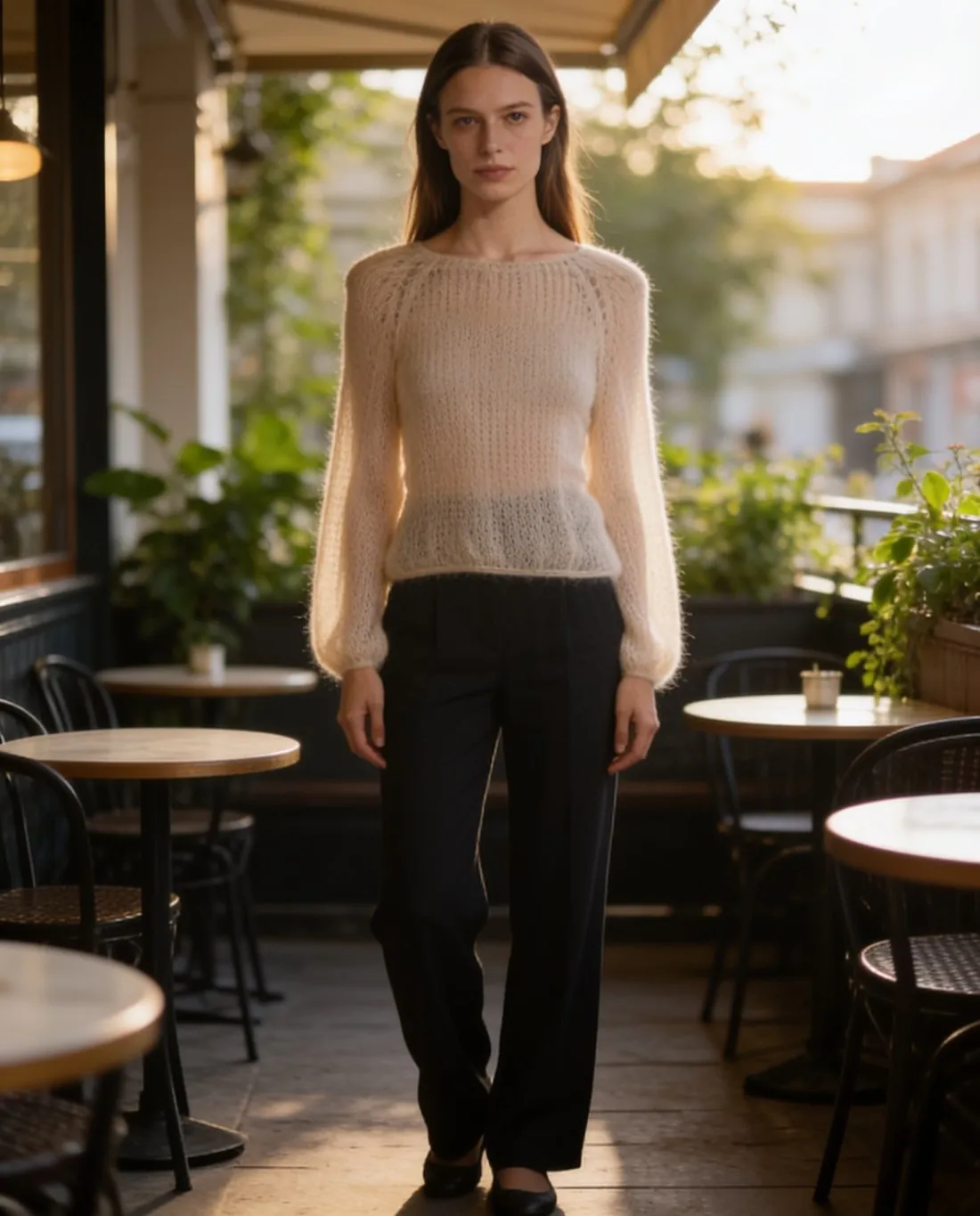
From a mannequin to a model wearing the garment.
Many shops already photograph their stock on a mannequin or a dress form. Herofab takes that photo as the source and dresses a studio model in the same garment, so the listing shows a person where the form stood.
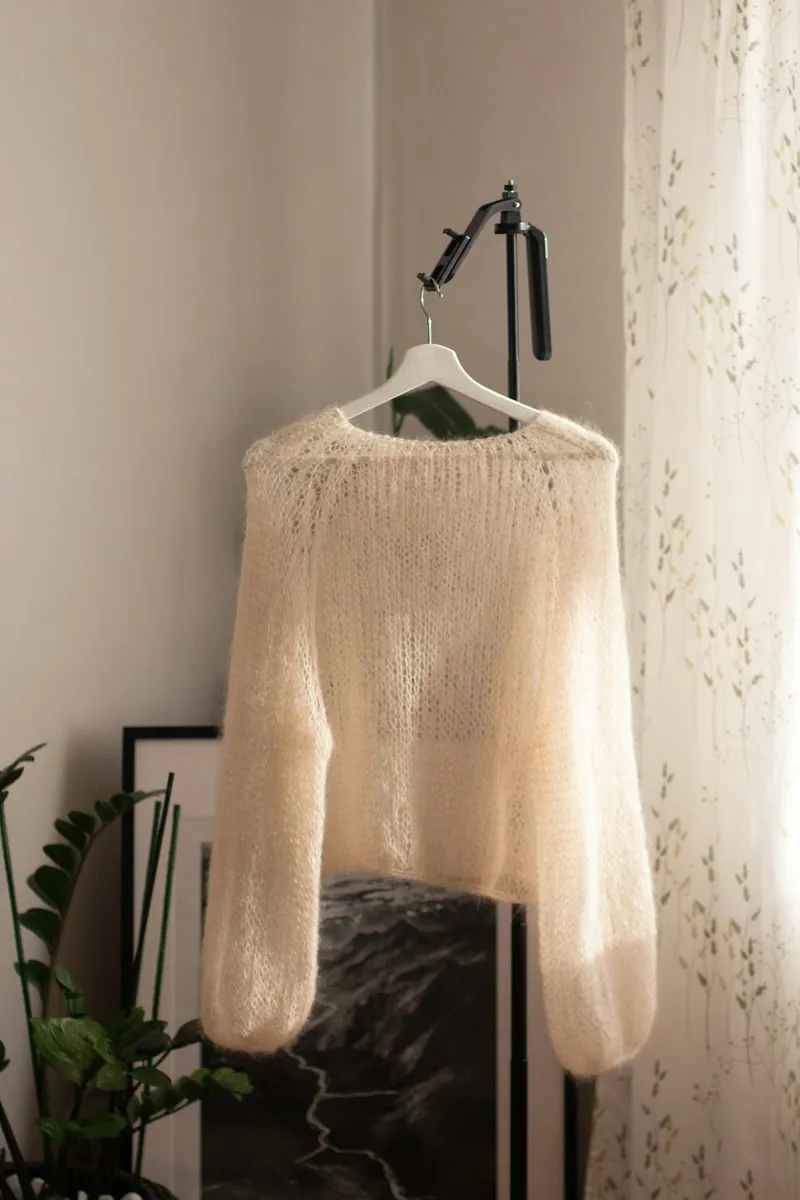
What a mannequin photo gives, and what it leaves open.
- 1
A garment already in shape
On a mannequin the shoulders are filled, the front is closed and the hem hangs at its real length. Herofab is briefed to keep the fabric, shape, colours, buttons, print and logos it sees there, which is why the whole garment has to be visible and facing the camera.
- 2
Pins and clips at the back
Shop forms are often narrower than the garment, so the back gets pinned or clipped. Pulled fabric changes the outline shown in the photo. Photograph the piece unpinned where possible, and compare the width of the body and the sleeves with the real garment before publishing.
- 3
A person in place of the form
The model is ready-made, created in the app, or a person whose photo the seller has permission to use, in sizes from XS to XXL. The fit follows the size chosen and is not a measurement of how the garment sits on a real body.
Photographing a dressed mannequin as the source.
- Dress the mannequin fully: close buttons and zips, straighten the collar, and let the sleeves hang free at the sides instead of tucking them behind the form.
- Stand directly in front at chest height and keep the phone upright, with the whole garment and a margin around it inside the frame.
- Use a plain wall behind the mannequin and even light from the front; a window behind the form turns the garment into a silhouette and hides the fabric.
Mannequin to model, answered.
Does the mannequin have to be edited out before upload?
No. The source is one item, fully visible and shot straight on, and a mannequin is one of the accepted ways to show it, next to a flat lay, a hanger or a worn photo. Herofab dresses a studio model in the garment from that photo.
Is a headless bust or a dress form enough?
For tops, dresses and jackets a torso form shows the garment, as long as its full length is on the form and inside the frame. Trousers and skirts need the whole piece visible as well; a part outside the frame or hidden in a fold cannot be added back faithfully.
How does this differ from a ghost mannequin image?
A ghost mannequin image shows the garment alone as a hollow 3D shape, with no person and no form in the frame. Mannequin to model puts the garment on a studio model. The ghost mannequin tool works from a hanger or flat-lay photo, and no mannequin is needed for that shoot.
How much does it cost?
5 credits per image, plus one credit for 4K. The cost is shown before you generate, and if a job fails the credits are returned. The 20 free credits at sign-up cover 4 images with this tool.
Your next collection, shot this week.
20 credits at sign-up, no card required. Images made with free credits carry a watermark.