ZALORA product image requirements
ZALORA product images: 762 × 1,100 pixels at a 0.69 : 1 ratio, 300 dpi, under 2 MB, on a white to light grey background with no watermarks.
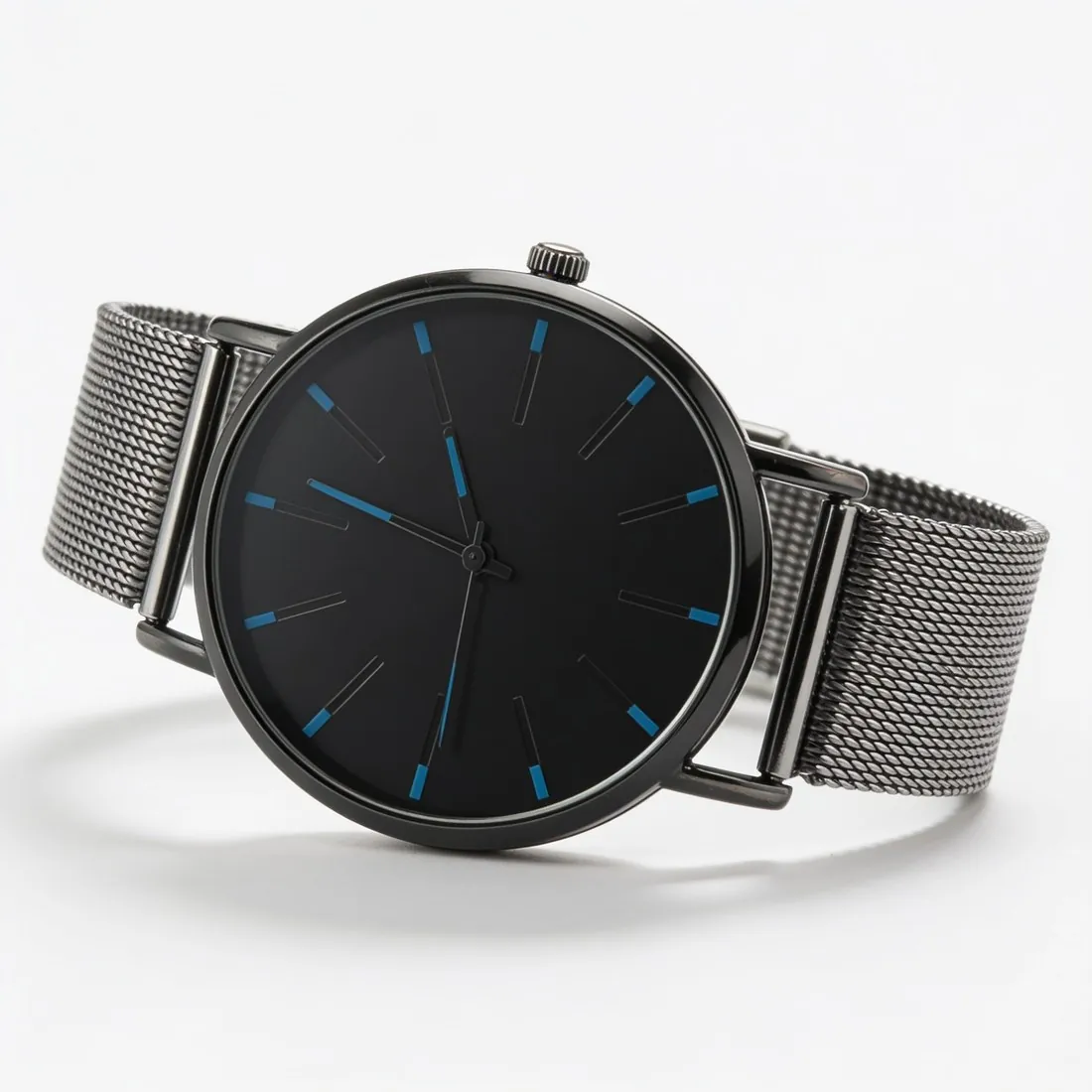
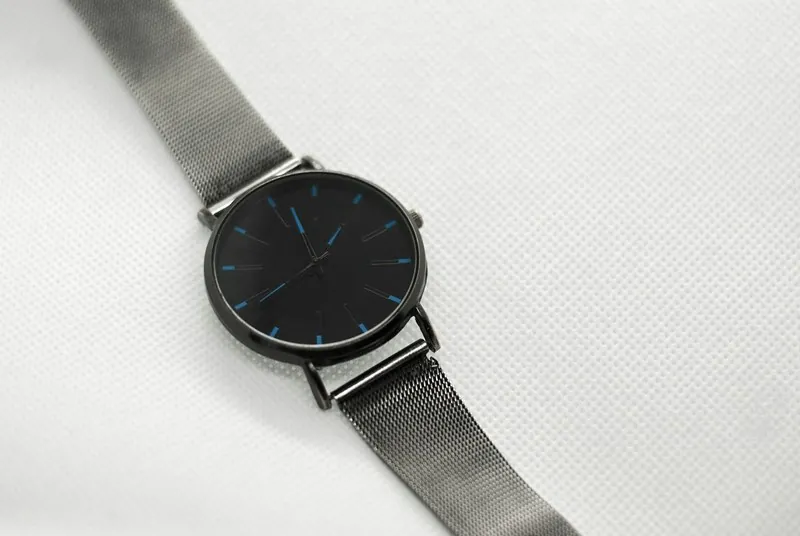
All ZALORA image requirements
Source: ZALORA Seller Center FAQ — Image Upload; Quality Control; Product Creation; Image Upload (Philippines); Products (Philippines); Product Image (Singapore). Checked 12 October 2026. Read again · 12 October 2026
- Size
- 762 × 1,100 pixels; images outside these dimensions are listed as a rejection reason and appear distorted on the website and apps
- Aspect ratio
- 0.69 : 1; the Philippines Seller Center calls 762 × 1,100 pixels the recommended size and allows larger images as long as this ratio is kept
- Resolution
- 300 dpi (Philippines Seller Center)
- File size
- Less than 2 MB (Philippines Seller Center)
- Background
- White to light grey; images with outdoor backgrounds are not allowed
- Main image
- The first image must not have an outdoor setting or a busy background
- Not allowed
- Pixelated or blurred images, loud or distracting backgrounds, repeated images, irrelevant watermarks or scribbles in the background, and extra images showing unrelated products
- Models
- Images can be rejected for poor model selection (age, expressions, presentation) or inappropriate model poses or make-up
- Product angles
- The product must be angled and displayed clearly; a missing product angle image is a rejection reason
- Review
- Every new or edited image goes through quality control before going live; the Seller Center quotes 24–48 hours on a business day for QC processing and 2–5 business days for edited products
Main image
- Background colour
- Light, neutral background
Source: ZALORA Seller Center FAQ — Image Upload; Quality Control; Product Creation; Image Upload (Philippines); Products (Philippines); Product Image (Singapore) · checked 12 October 2026
What ZALORA asks for, covered.
ZALORA's Seller Center gives 762 × 1,100 pixels for product images, a 0.69 : 1 upright shape, on a white to light grey background, and does not allow outdoor backgrounds. Herofab's virtual try-on shows a garment on a studio model against studio white or grey; its 3:4 output, 1,728 × 2,304 pixels in 2K, is not ZALORA's shape, so the image is cropped or resized to 762 × 1,100 pixels before upload. Every new or edited image goes through ZALORA's quality control before going live. The Seller Center pages behind this guide do not mention AI-generated images, so a seller planning to list one confirms it with ZALORA first.
Studio white or grey
Virtual try-on shows the garment on a model against studio white or grey; ZALORA does not allow outdoor backgrounds.
Resize to 762 × 1,100
Herofab's 3:4 output is 1,728 × 2,304 pixels in 2K and has to be cropped or resized to ZALORA's 0.69 : 1 shape.
Confirm AI images first
The Seller Center pages behind this guide do not mention AI-generated images; confirm with ZALORA before listing one.
ZALORA, answered.
What size should ZALORA product images be?
ZALORA product images: 762 × 1,100 pixels at a 0.69 : 1 ratio, 300 dpi, under 2 MB, on a white to light grey background with no watermarks.
How large can a product image file be on ZALORA?
Less than 2 MB (Philippines Seller Center). Source: ZALORA Seller Center FAQ — Image Upload; Quality Control; Product Creation; Image Upload (Philippines); Products (Philippines); Product Image (Singapore), checked 12 October 2026.
What background should product images have on ZALORA?
White to light grey; images with outdoor backgrounds are not allowed. Source: ZALORA Seller Center FAQ — Image Upload; Quality Control; Product Creation; Image Upload (Philippines); Products (Philippines); Product Image (Singapore), checked 12 October 2026.
What should the main image look like on ZALORA?
The first image must not have an outdoor setting or a busy background. Source: ZALORA Seller Center FAQ — Image Upload; Quality Control; Product Creation; Image Upload (Philippines); Products (Philippines); Product Image (Singapore), checked 12 October 2026.
What is not allowed in product images on ZALORA?
Pixelated or blurred images, loud or distracting backgrounds, repeated images, irrelevant watermarks or scribbles in the background, and extra images showing unrelated products. Source: ZALORA Seller Center FAQ — Image Upload; Quality Control; Product Creation; Image Upload (Philippines); Products (Philippines); Product Image (Singapore), checked 12 October 2026.
Can I check my images before uploading?
Yes. The free image size checker reads each file in your browser and tests it against these rules; the image is not uploaded.
Where do these figures come from?
From ZALORA Seller Center FAQ — Image Upload; Quality Control; Product Creation; Image Upload (Philippines); Products (Philippines); Product Image (Singapore), read on 12 October 2026. Marketplaces update their rules; the official page is the final reference.
Your next collection, shot this week.
20 credits at sign-up, no card required. Images made with free credits carry a watermark.