Shopware product image requirements
Shopware 6 product images: square 600 × 600 pixels recommended, 1,920 × 1,920 for zoom, thumbnails at 400, 800 and 1,920 pixels.
All Shopware image requirements
Source: Shopware 6 documentation — Products: Create products; Content: Media; Shopware Developer Documentation — Working with Media and Thumbnails. Checked 12 October 2026. Read again · 12 October 2026
- Recommended
- Square product images with a resolution of 600 × 600 pixels are recommended for optimal display; other resolutions are also possible
- Zoom
- A higher resolution is recommended if images should be zoomed in, with 1,920 × 1,920 pixels given as an example; loading times can increase with higher resolution
- Formats
- The Media Manager accepts jpg, jpeg, png, webp, gif, svg, bmp, tiff, tif and eps image files
- Thumbnails
- Three thumbnail sizes are generated by default for every uploaded image: 400 × 400, 800 × 800 and 1,920 × 1,920 pixels
- Aspect ratio
- The Keep aspect ratio folder setting keeps the proportions of the original, so a rectangular image is not distorted by square thumbnail sizes
- Cover image
- One image is chosen as the preview image, for example for the product listing; a 3D model cannot be used as a product cover
- Variant images
- A separate image can be assigned to each variant
- Alt text
- The alt text and meta title are edited in the metadata of each media file
What Shopware asks for, covered.
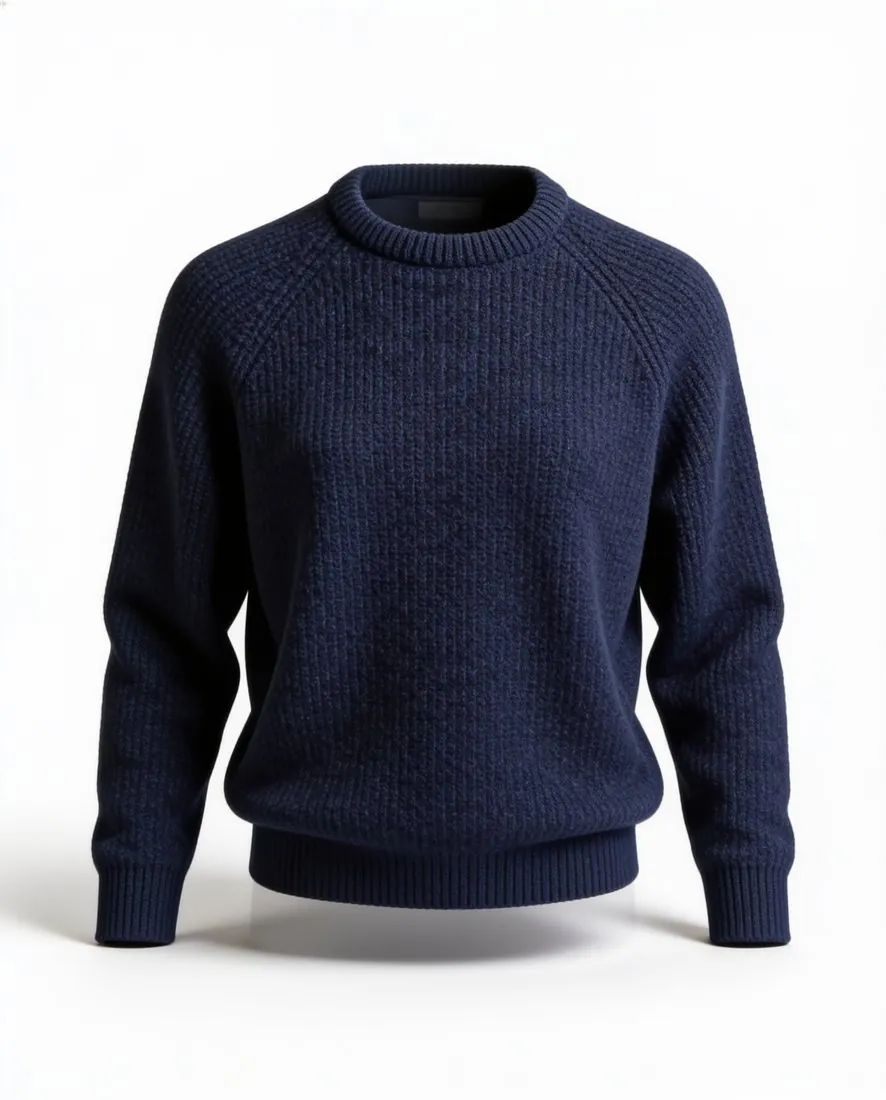
Shopware recommends square product images: 600 × 600 pixels for display and a higher resolution for zoom, with 1,920 × 1,920 as its example. Square 2K output is 2,048 pixels wide, above both and above the largest thumbnail Shopware generates by default. Herofab images can be downloaded as PNG or JPG, both accepted by the Media Manager.
Square, above 600 × 600
Square 2K output is 2,048 pixels wide, above the size Shopware recommends for display.
Enough for zoom
2,048 pixels is above the 1,920 × 1,920 pixels Shopware gives as an example for zoom.
PNG or JPG
Herofab images can be downloaded as PNG or JPG, both accepted by the Media Manager.
Shopware, answered.
What size should Shopware product images be?
Shopware 6 product images: square 600 × 600 pixels recommended, 1,920 × 1,920 for zoom, thumbnails at 400, 800 and 1,920 pixels.
What image size enables zoom on Shopware?
A higher resolution is recommended if images should be zoomed in, with 1,920 × 1,920 pixels given as an example; loading times can increase with higher resolution. Source: Shopware 6 documentation — Products: Create products; Content: Media; Shopware Developer Documentation — Working with Media and Thumbnails, checked 12 October 2026.
Which file formats does Shopware accept for product images?
The Media Manager accepts jpg, jpeg, png, webp, gif, svg, bmp, tiff, tif and eps image files. Source: Shopware 6 documentation — Products: Create products; Content: Media; Shopware Developer Documentation — Working with Media and Thumbnails, checked 12 October 2026.
Can I check my images before uploading?
Yes. The free image size checker reads each file in your browser and tests it against these rules; the image is not uploaded.
Where do these figures come from?
From Shopware 6 documentation — Products: Create products; Content: Media; Shopware Developer Documentation — Working with Media and Thumbnails, read on 12 October 2026. Marketplaces update their rules; the official page is the final reference.
Your next collection, shot this week.
20 credits at sign-up, no card required. Images made with free credits carry a watermark.