Shift4Shop product image requirements
Shift4Shop image defaults: 300 × 300 pixel product page image, 150 × 150 thumbnail, 450 × 450 large zoom image; file manager uploads up to 25 MB.
All Shift4Shop image requirements
Source: Shift4Shop Knowledgebase — How Does Image Resizing Work for Products?; Product Image Tips; Adding Products: How do I add product images?; How do I use the File Manager?; Why Are My Images Getting Cut Off Halfway?; How do I add ALT tags to my images?; What Kind of Files am I allowed to Upload?; How do I import Image Gallery Images via CSV?; How do I increase the size of the thumbnails on the home page?. Checked 12 October 2026. Read again · 12 October 2026
- Main image
- The product page image size defaults to 300 × 300 pixels; an assigned image is scaled so its largest side fits, so a 600 × 400 image becomes 300 × 200
- Thumbnail
- The thumbnail image size defaults to 150 × 150 pixels and is used on category pages, for related and upsell items and on the home page; 250 is suggested where a responsive theme shows thumbnails too small
- Zoom
- The large image size defaults to 450 × 450 pixels and is the size shown by the built-in 3dZoom option; a range of 600 to 800 pixels is suggested for it
- Resizing
- Images are only reduced to the set sizes, never enlarged; images uploaded by FTP or the file manager and then assigned through a CSV import are not resized by these settings
- Recommended
- Product images are usually best kept to widths of 400 to 600 pixels for display across different screens
- Formats
- Web-linked product images must end in .jpg, .jpeg, .png, .gif, .bmp, .webp or .svg; the image file types allowed for upload to the store are .jpg, .jpeg, .gif, .png, .bmp, .tiff and .tga
- File size
- The file manager accepts files of up to 25 MB each; files over 2 MB or 2,000 × 2,000 pixels usually display cut off when uploaded through it, and FTP is advised for larger files
- Number
- Up to 3 additional images per product, or an unlimited number of images in the product's image gallery; the gallery is for products with more than 4 images
- Background
- A solid, subtle background in light or neutral colours is advised for the main image; in-use and environment shots belong in the additional images
- Alt text
- ALT text is generated automatically from the product name for the primary image only; additional images take a manual ALT tag through the caption field
What Shift4Shop asks for, covered.
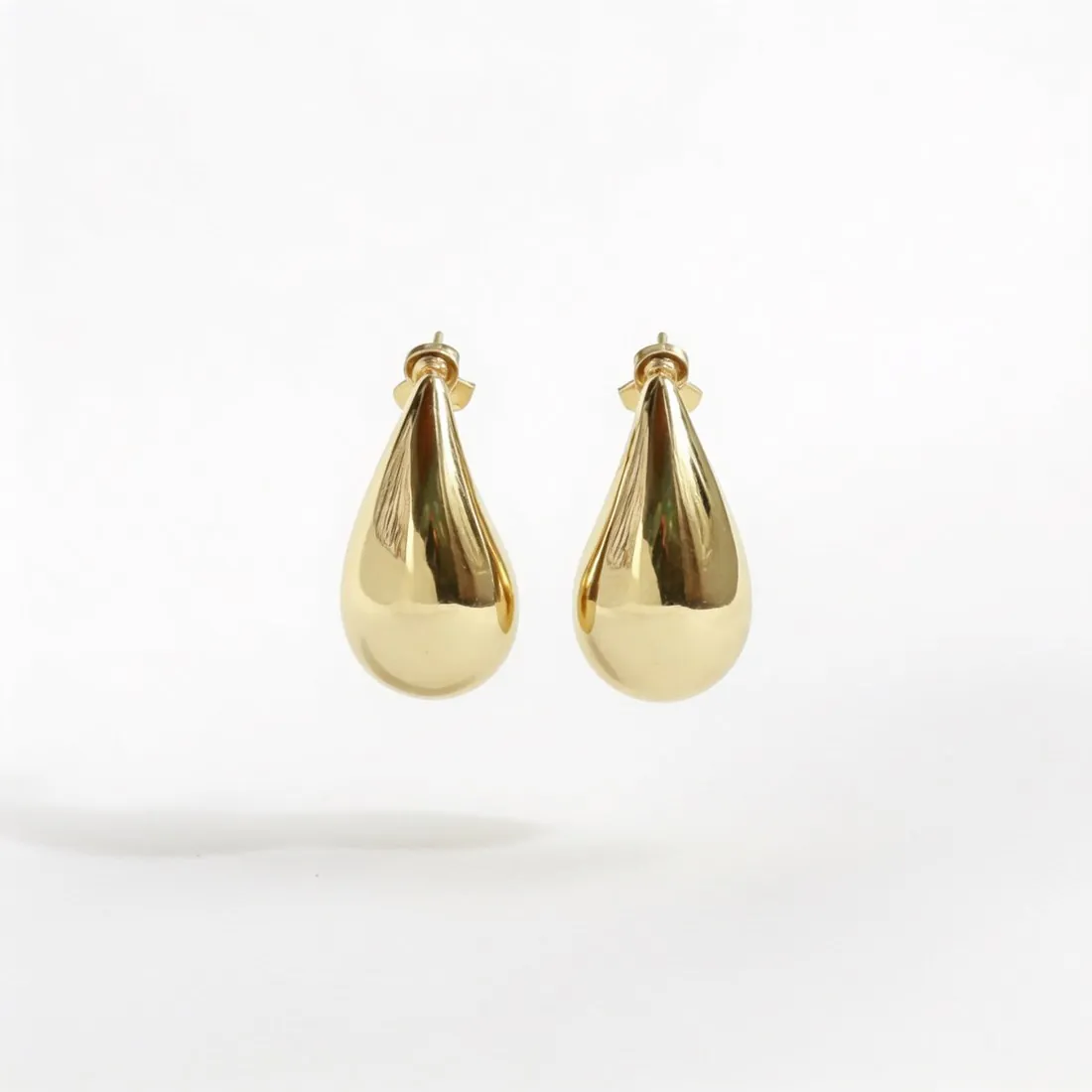
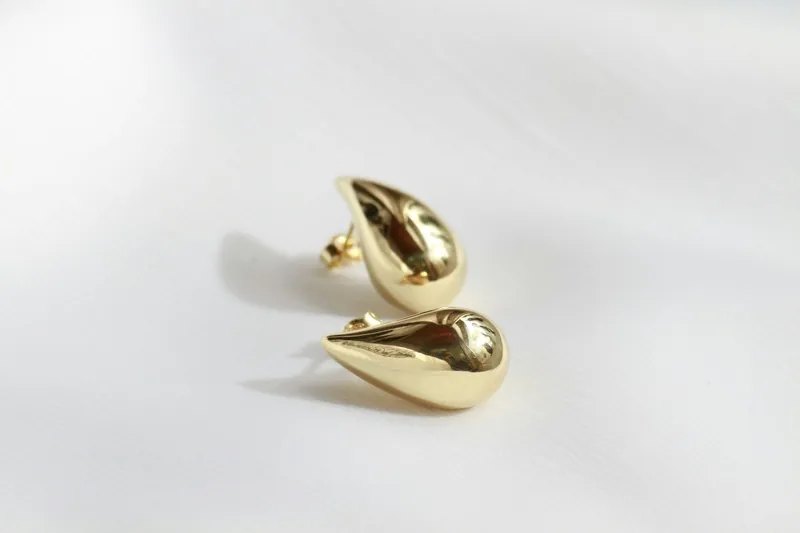
Shift4Shop only reduces images to its set sizes and never enlarges them; the defaults are 300 × 300 pixels for the product page and 450 × 450 pixels for the large zoom image, with 600 to 800 pixels suggested for zoom. Square 2K output is 2,048 × 2,048 pixels, above all of them. The knowledge base says files over 2 MB or 2,000 × 2,000 pixels usually display cut off when uploaded through the file manager, so a 2K image is resized first or uploaded by FTP; the JPG download is the lighter file. For the main image Shift4Shop advises a solid, subtle background in light or neutral colours, and Herofab's packshot studio shows the product alone on studio white, grey or beige.
Above every default size
Square 2K output is 2,048 pixels per side; Shift4Shop's default large image is 450 × 450 pixels.
Mind the file manager
Files over 2 MB or 2,000 × 2,000 pixels usually display cut off when uploaded through the file manager.
Light, neutral main image
Packshot studio shows the product alone on studio white, grey or beige.
Shift4Shop, answered.
What size should Shift4Shop product images be?
Shift4Shop image defaults: 300 × 300 pixel product page image, 150 × 150 thumbnail, 450 × 450 large zoom image; file manager uploads up to 25 MB.
What should the main image look like on Shift4Shop?
The product page image size defaults to 300 × 300 pixels; an assigned image is scaled so its largest side fits, so a 600 × 400 image becomes 300 × 200. Source: Shift4Shop Knowledgebase — How Does Image Resizing Work for Products?; Product Image Tips; Adding Products: How do I add product images?; How do I use the File Manager?; Why Are My Images Getting Cut Off Halfway?; How do I add ALT tags to my images?; What Kind of Files am I allowed to Upload?; How do I import Image Gallery Images via CSV?; How do I increase the size of the thumbnails on the home page?, checked 12 October 2026.
What image size enables zoom on Shift4Shop?
The large image size defaults to 450 × 450 pixels and is the size shown by the built-in 3dZoom option; a range of 600 to 800 pixels is suggested for it. Source: Shift4Shop Knowledgebase — How Does Image Resizing Work for Products?; Product Image Tips; Adding Products: How do I add product images?; How do I use the File Manager?; Why Are My Images Getting Cut Off Halfway?; How do I add ALT tags to my images?; What Kind of Files am I allowed to Upload?; How do I import Image Gallery Images via CSV?; How do I increase the size of the thumbnails on the home page?, checked 12 October 2026.
Which file formats does Shift4Shop accept for product images?
Web-linked product images must end in .jpg, .jpeg, .png, .gif, .bmp, .webp or .svg; the image file types allowed for upload to the store are .jpg, .jpeg, .gif, .png, .bmp, .tiff and .tga. Source: Shift4Shop Knowledgebase — How Does Image Resizing Work for Products?; Product Image Tips; Adding Products: How do I add product images?; How do I use the File Manager?; Why Are My Images Getting Cut Off Halfway?; How do I add ALT tags to my images?; What Kind of Files am I allowed to Upload?; How do I import Image Gallery Images via CSV?; How do I increase the size of the thumbnails on the home page?, checked 12 October 2026.
How large can a product image file be on Shift4Shop?
The file manager accepts files of up to 25 MB each; files over 2 MB or 2,000 × 2,000 pixels usually display cut off when uploaded through it, and FTP is advised for larger files. Source: Shift4Shop Knowledgebase — How Does Image Resizing Work for Products?; Product Image Tips; Adding Products: How do I add product images?; How do I use the File Manager?; Why Are My Images Getting Cut Off Halfway?; How do I add ALT tags to my images?; What Kind of Files am I allowed to Upload?; How do I import Image Gallery Images via CSV?; How do I increase the size of the thumbnails on the home page?, checked 12 October 2026.
How many images per product on Shift4Shop?
Up to 3 additional images per product, or an unlimited number of images in the product's image gallery; the gallery is for products with more than 4 images. Source: Shift4Shop Knowledgebase — How Does Image Resizing Work for Products?; Product Image Tips; Adding Products: How do I add product images?; How do I use the File Manager?; Why Are My Images Getting Cut Off Halfway?; How do I add ALT tags to my images?; What Kind of Files am I allowed to Upload?; How do I import Image Gallery Images via CSV?; How do I increase the size of the thumbnails on the home page?, checked 12 October 2026.
What background should product images have on Shift4Shop?
A solid, subtle background in light or neutral colours is advised for the main image; in-use and environment shots belong in the additional images. Source: Shift4Shop Knowledgebase — How Does Image Resizing Work for Products?; Product Image Tips; Adding Products: How do I add product images?; How do I use the File Manager?; Why Are My Images Getting Cut Off Halfway?; How do I add ALT tags to my images?; What Kind of Files am I allowed to Upload?; How do I import Image Gallery Images via CSV?; How do I increase the size of the thumbnails on the home page?, checked 12 October 2026.
Can I check my images before uploading?
Yes. The free image size checker reads each file in your browser and tests it against these rules; the image is not uploaded.
Where do these figures come from?
From Shift4Shop Knowledgebase — How Does Image Resizing Work for Products?; Product Image Tips; Adding Products: How do I add product images?; How do I use the File Manager?; Why Are My Images Getting Cut Off Halfway?; How do I add ALT tags to my images?; What Kind of Files am I allowed to Upload?; How do I import Image Gallery Images via CSV?; How do I increase the size of the thumbnails on the home page?, read on 12 October 2026. Marketplaces update their rules; the official page is the final reference.
Your next collection, shot this week.
20 credits at sign-up, no card required. Images made with free credits carry a watermark.