OpenCart product image requirements
OpenCart product images: 800 × 600 to 1,200 × 900 pixels and 100–500 KB recommended, in JPEG, PNG or GIF, with a white-background main image.
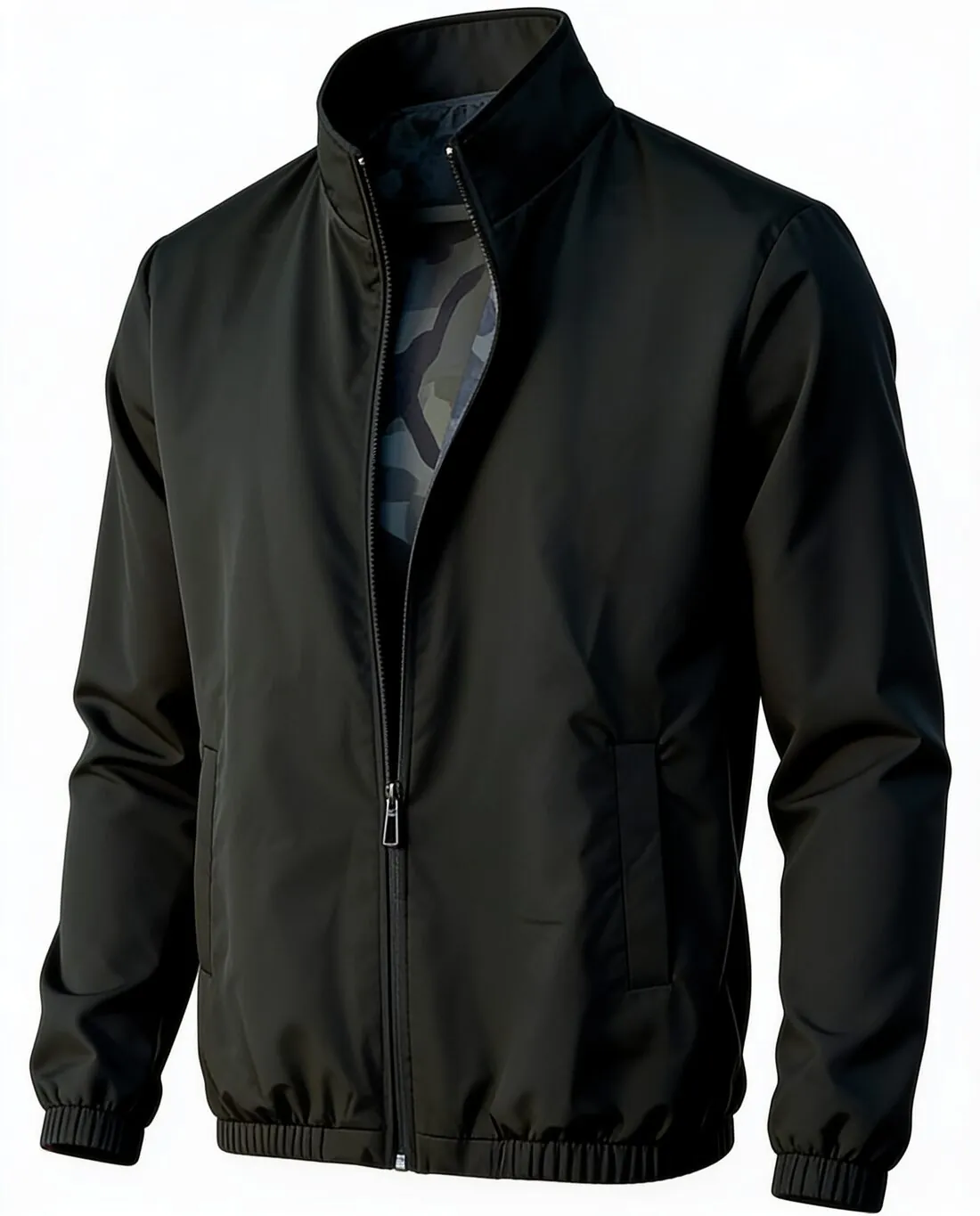
All OpenCart image requirements
Source: OpenCart Documentation — Product Form Tabs; Adding Products; Categories; Manufacturers; Banners. Checked 12 October 2026. Read again · 12 October 2026
- Main image
- The primary product image, shown in search results and on category pages; a clear front view on a white background is the suggested first image
- Recommended
- 800 × 600 pixels to 1,200 × 900 pixels is the recommended range of dimensions for product images
- File size
- 100–500 KB per image is recommended; the performance guideline is to keep each image under 500 KB and to compress images before upload
- Formats
- JPEG, PNG and GIF are the supported formats; JPEG is recommended for photos and PNG for graphics
- Resolution
- 72 DPI is the technical detail given for image quality, alongside high-resolution, well-lit photos
- Background
- A white background is suggested for the main image; the same background and consistent lighting are recommended across the catalogue
- Additional images
- Additional images show different angles, details or the product in use, and a sort order controls the sequence in which images are displayed
- File names
- Descriptive file names are recommended, for example product-name-angle.jpg
- Alt text
- Optimising image alt text is on the SEO checklist for new products, and descriptive alt text is recommended for category images
- Category image
- 800 × 800 pixels is the recommended size for the main category image
What OpenCart asks for, covered.
OpenCart's documentation recommends product images between 800 × 600 and 1,200 × 900 pixels and files of 100–500 KB. Herofab's square 2K output is 2,048 × 2,048 pixels and heavier than that, so it is resized and compressed before upload; the JPG download is the lighter file. The suggested first image is a clear front view on a white background, which Herofab's packshot studio delivers: the product alone on a white studio background. OpenCart's recommended sizes are in a 4:3 shape, a ratio Herofab does not offer.
Resize and compress first
Square 2K output is 2,048 × 2,048 pixels, above the 1,200 × 900 pixels at the top of OpenCart's recommended range.
White-background main image
Packshot studio delivers the product alone on a white studio background, the first image OpenCart's documentation suggests.
JPG for photos
OpenCart recommends JPEG for photos; Herofab images can be downloaded as JPG.
OpenCart, answered.
What size should OpenCart product images be?
OpenCart product images: 800 × 600 to 1,200 × 900 pixels and 100–500 KB recommended, in JPEG, PNG or GIF, with a white-background main image.
What should the main image look like on OpenCart?
The primary product image, shown in search results and on category pages; a clear front view on a white background is the suggested first image. Source: OpenCart Documentation — Product Form Tabs; Adding Products; Categories; Manufacturers; Banners, checked 12 October 2026.
How large can a product image file be on OpenCart?
100–500 KB per image is recommended; the performance guideline is to keep each image under 500 KB and to compress images before upload. Source: OpenCart Documentation — Product Form Tabs; Adding Products; Categories; Manufacturers; Banners, checked 12 October 2026.
Which file formats does OpenCart accept for product images?
JPEG, PNG and GIF are the supported formats; JPEG is recommended for photos and PNG for graphics. Source: OpenCart Documentation — Product Form Tabs; Adding Products; Categories; Manufacturers; Banners, checked 12 October 2026.
What background should product images have on OpenCart?
A white background is suggested for the main image; the same background and consistent lighting are recommended across the catalogue. Source: OpenCart Documentation — Product Form Tabs; Adding Products; Categories; Manufacturers; Banners, checked 12 October 2026.
Can I check my images before uploading?
Yes. The free image size checker reads each file in your browser and tests it against these rules; the image is not uploaded.
Where do these figures come from?
From OpenCart Documentation — Product Form Tabs; Adding Products; Categories; Manufacturers; Banners, read on 12 October 2026. Marketplaces update their rules; the official page is the final reference.
Your next collection, shot this week.
20 credits at sign-up, no card required. Images made with free credits carry a watermark.