Skroutz product image requirements
Skroutz product images: at least one dimension over 1,000 pixels without margins, white or monochromatic background, up to 15 images, no watermarks.
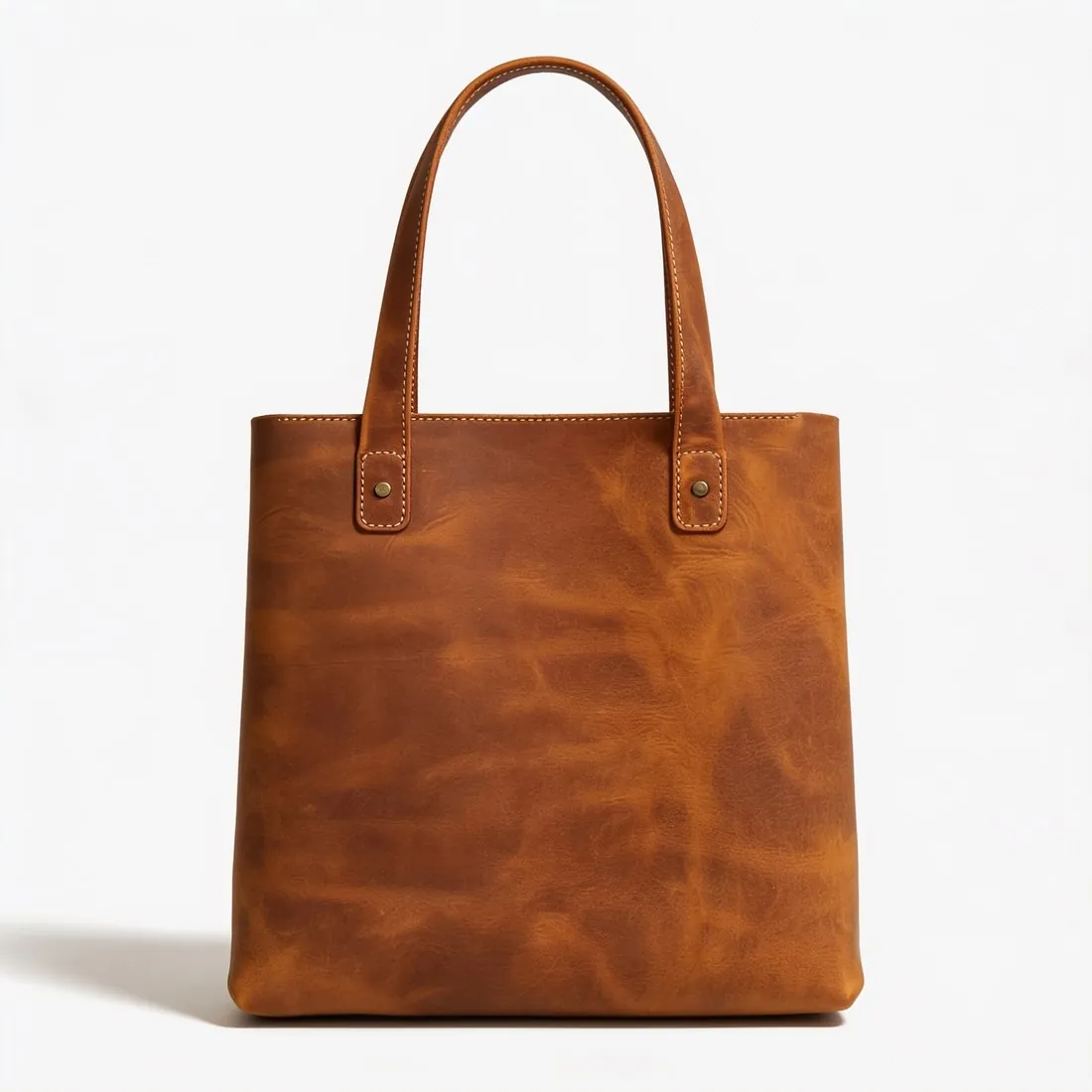

All Skroutz image requirements
Source: Skroutz Developers — XML Feed; Skroutz Partner Support — Mandatory Product Information; Information about fashion; Men's & Women's Clothes; XML structure. Checked 12 October 2026. Read again · 12 October 2026
- Main image
- Must represent the product that will be sent to the customer and show the entire product clearly; it can show the product alone or worn by a model
- Minimum
- The product shown, without margins, must have at least one dimension larger than 1,000 pixels
- Background
- White or monochromatic background; avoid lifestyle images with a colourful background
- Zoom
- Use the highest available resolution; higher resolution lets users see more detail using zoom
- Formats
- The AVIF format is not supported
- Number
- Maximum 15 unique image links per product; fashion categories must send at least 2-3 images including the main image, depending on the category
- Not allowed
- Watermarks, logos, shadows, bezels, No Image template images and overlays such as NEW or SALE; in fashion, photos on a mannequin, dress form or hanger
- Margins
- The photo should not have margins and the product should occupy the majority of the image
- Image URL
- A valid URL starting with https, publicly accessible and not URL-encoded; links to scripts that generate images should be avoided
- Clothing
- Men's and women's clothing needs at least 3 photos including the main image, shown from the front view; images of the product or model outdoors, on furniture or on stands are not acceptable
What Skroutz asks for, covered.
Skroutz asks for a white or monochromatic background without shadows, and in fashion it does not accept photos on a mannequin, dress form or hanger, or of the product outdoors or on furniture. The main image can show the product alone or worn by a model: Herofab's packshot studio delivers the product alone on white with no shadow as a setting, and virtual try-on shows clothing on a model against a white or grey studio background. Herofab's ghost mannequin is not suited to Skroutz fashion listings. Square 2K output is 2,048 pixels per side, above the 1,000 pixels Skroutz asks for on at least one dimension.
White, no shadow
Packshot studio delivers the product alone on white, with no shadow as a setting.
On a model, not a mannequin
Skroutz does not accept fashion photos on a mannequin, dress form or hanger; virtual try-on shows clothing on a model.
Above 1,000 pixels
Square 2K output is 2,048 pixels per side, above the 1,000 pixels Skroutz asks for on at least one dimension.
Skroutz, answered.
What size should Skroutz product images be?
Skroutz product images: at least one dimension over 1,000 pixels without margins, white or monochromatic background, up to 15 images, no watermarks.
What should the main image look like on Skroutz?
Must represent the product that will be sent to the customer and show the entire product clearly; it can show the product alone or worn by a model. Source: Skroutz Developers — XML Feed; Skroutz Partner Support — Mandatory Product Information; Information about fashion; Men's & Women's Clothes; XML structure, checked 12 October 2026.
What background should product images have on Skroutz?
White or monochromatic background; avoid lifestyle images with a colourful background. Source: Skroutz Developers — XML Feed; Skroutz Partner Support — Mandatory Product Information; Information about fashion; Men's & Women's Clothes; XML structure, checked 12 October 2026.
What image size enables zoom on Skroutz?
Use the highest available resolution; higher resolution lets users see more detail using zoom. Source: Skroutz Developers — XML Feed; Skroutz Partner Support — Mandatory Product Information; Information about fashion; Men's & Women's Clothes; XML structure, checked 12 October 2026.
Which file formats does Skroutz accept for product images?
The AVIF format is not supported. Source: Skroutz Developers — XML Feed; Skroutz Partner Support — Mandatory Product Information; Information about fashion; Men's & Women's Clothes; XML structure, checked 12 October 2026.
How many images per product on Skroutz?
Maximum 15 unique image links per product; fashion categories must send at least 2-3 images including the main image, depending on the category. Source: Skroutz Developers — XML Feed; Skroutz Partner Support — Mandatory Product Information; Information about fashion; Men's & Women's Clothes; XML structure, checked 12 October 2026.
What is not allowed in product images on Skroutz?
Watermarks, logos, shadows, bezels, No Image template images and overlays such as NEW or SALE; in fashion, photos on a mannequin, dress form or hanger. Source: Skroutz Developers — XML Feed; Skroutz Partner Support — Mandatory Product Information; Information about fashion; Men's & Women's Clothes; XML structure, checked 12 October 2026.
Can I check my images before uploading?
Yes. The free image size checker reads each file in your browser and tests it against these rules; the image is not uploaded.
Where do these figures come from?
From Skroutz Developers — XML Feed; Skroutz Partner Support — Mandatory Product Information; Information about fashion; Men's & Women's Clothes; XML structure, read on 12 October 2026. Marketplaces update their rules; the official page is the final reference.
Your next collection, shot this week.
20 credits at sign-up, no card required. Images made with free credits carry a watermark.