Rakuten Ichiba product image requirements
First product image: text within 20% of the image, no border lines, plain white or photo background; square, 700 × 700 pixels or larger.
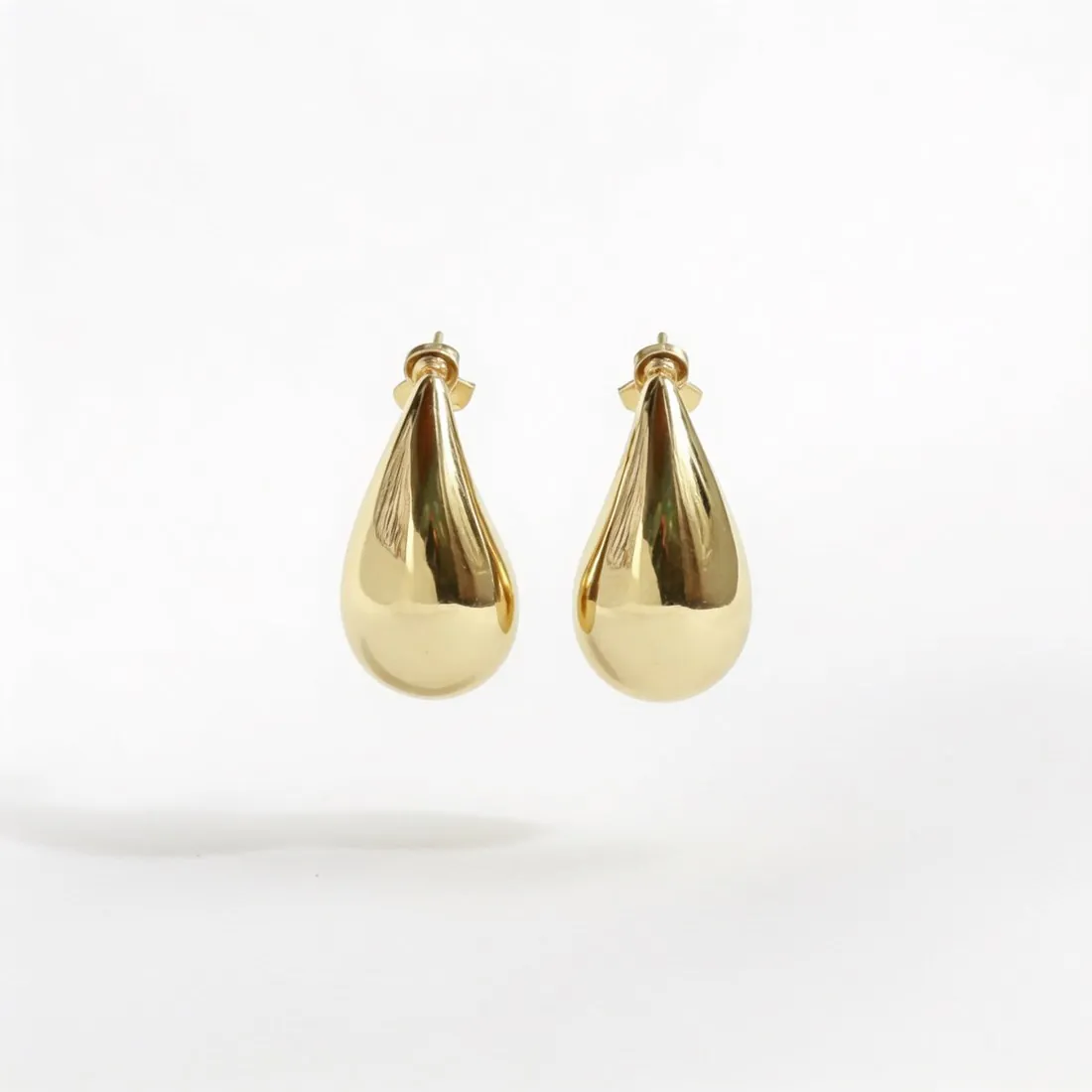
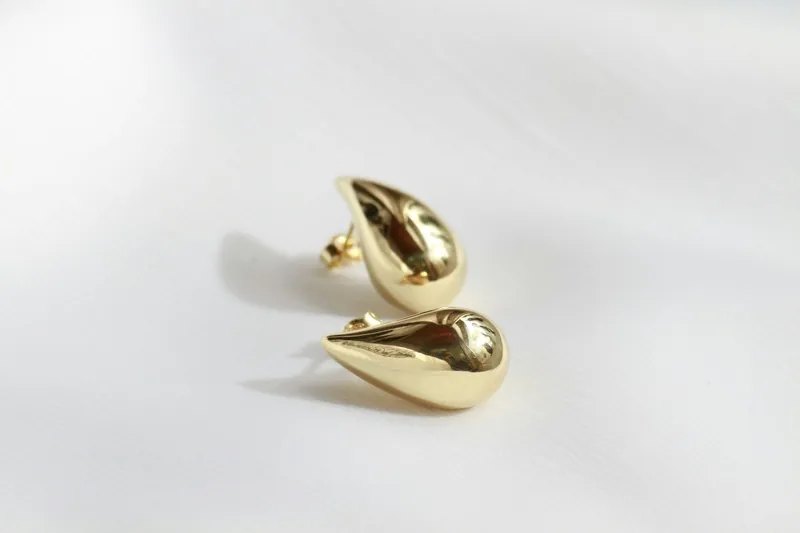
All Rakuten Ichiba image requirements
Source: Rakuten RMS Service Square — 「商品画像登録ガイドライン」徹底対応 (updated 26 December 2025). Checked 11 October 2026. Read again · 11 October 2026
- Who it covers
- The first product image and SKU images; the full guideline sits in Rakuten's store manual, which needs a seller login, and this guide follows Rakuten's own published summary
- Text and logos
- Text elements placed in the product image take up 20% or less of it; in the first image an emblem counts as decoration that contains text
- Background
- Plain white or a photographic background
- Not allowed
- Border lines, including band-shaped and L-shaped frames; animated GIFs; solid-colour backgrounds other than white
- Recommended
- Square, 700 × 700 pixels or larger; JPEG or PNG
- Models
- A model may appear, but should not be so large in the frame, or posed so, that the product loses attention; the model's permission is required
- AI quality
- Rakuten notes that AI-generated images, too, can be cut out unnaturally or have parts fused together
- Enforcement
- Registering a first product image that does not follow the rules on text share, border lines and background is listed among prohibited acts
What Rakuten Ichiba asks for, covered.
Background removal delivers the product on plain white, and virtual try-on on an outdoor or lifestyle background gives the photographic background Rakuten also accepts; images made on a plan or with a credit pack carry no watermark or added text, which leaves the whole 20% text allowance to the shop. Square 2K output is 2,048 pixels per side, above the recommended 700 × 700.
White or photo background
Background removal delivers plain white; virtual try-on delivers outdoor and lifestyle backgrounds.
No text added
Images made on a plan or with a credit pack carry no watermark or added text.
Square, above 700
Square 2K output is 2,048 pixels per side, above the size Rakuten recommends.
Rakuten Ichiba, answered.
What size should Rakuten Ichiba product images be?
First product image: text within 20% of the image, no border lines, plain white or photo background; square, 700 × 700 pixels or larger.
What background should product images have on Rakuten Ichiba?
Plain white or a photographic background. Source: Rakuten RMS Service Square — 「商品画像登録ガイドライン」徹底対応 (updated 26 December 2025), checked 11 October 2026.
What is not allowed in product images on Rakuten Ichiba?
Border lines, including band-shaped and L-shaped frames; animated GIFs; solid-colour backgrounds other than white. Source: Rakuten RMS Service Square — 「商品画像登録ガイドライン」徹底対応 (updated 26 December 2025), checked 11 October 2026.
Can I check my images before uploading?
Yes. The free image size checker reads each file in your browser and tests it against these rules; the image is not uploaded.
Where do these figures come from?
From Rakuten RMS Service Square — 「商品画像登録ガイドライン」徹底対応 (updated 26 December 2025), read on 11 October 2026. Marketplaces update their rules; the official page is the final reference.
Your next collection, shot this week.
20 credits at sign-up, no card required. Images made with free credits carry a watermark.