Orderchamp product image requirements
Orderchamp product photos: 800 × 800 pixels or higher, white plain background, at least 3 pictures per product, banner 1,350 × 270 pixels.
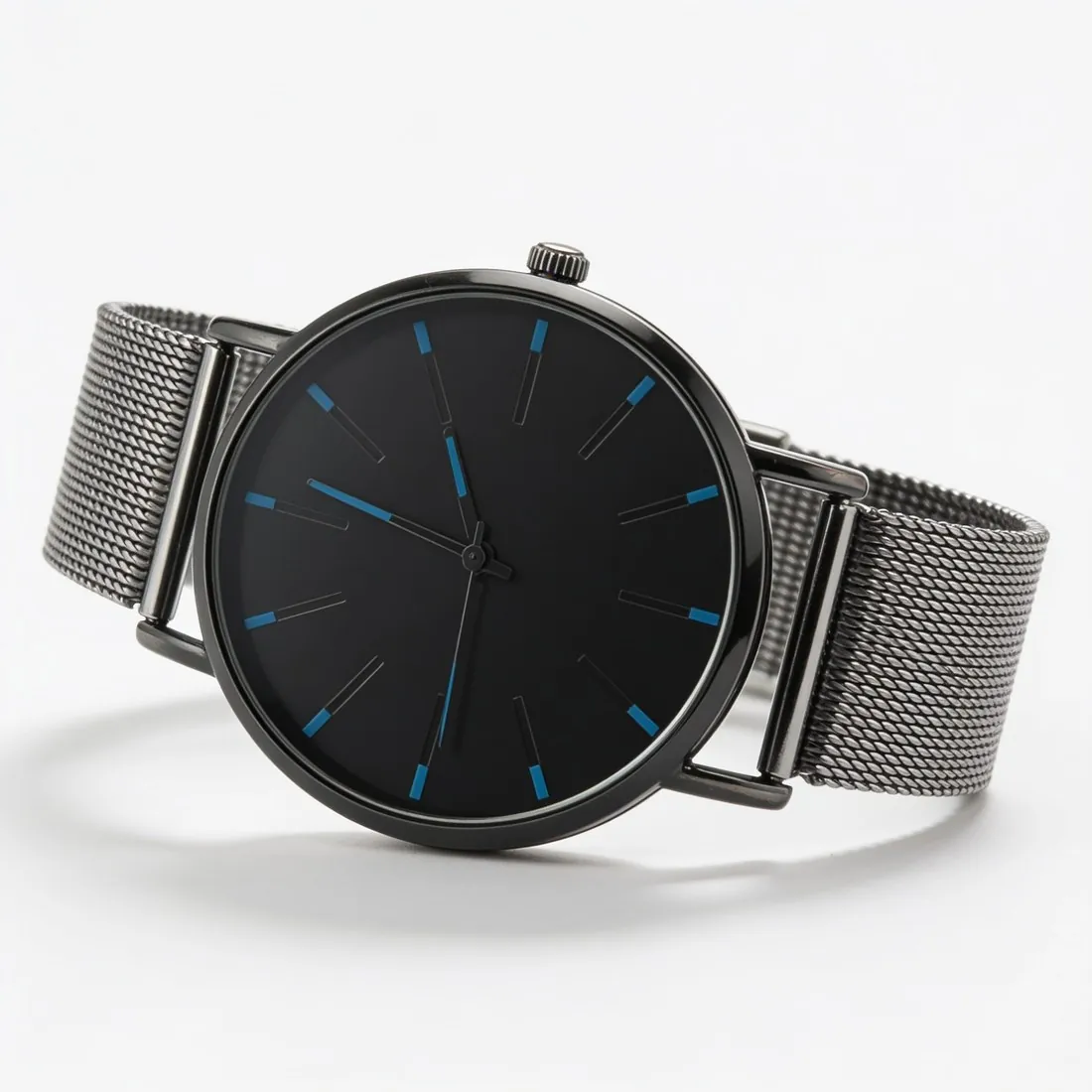
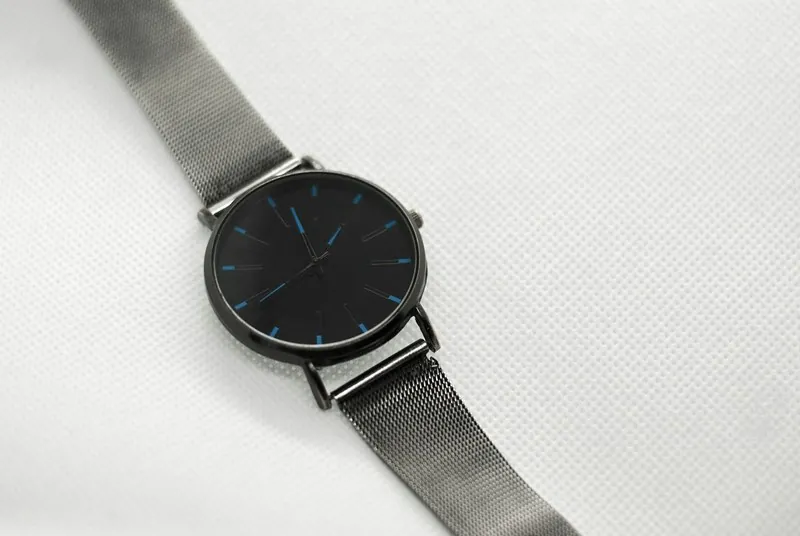
All Orderchamp image requirements
Source: Orderchamp Help Centre — What are Orderchamp's storefront guidelines?; What are the photo requirements for my products?; How to get a good Catalogue Health score?; How to manually import your products?. Checked 12 October 2026. Read again · 12 October 2026
- Size
- 800 × 800 pixels or higher for product photos
- Background
- White and plain, to highlight the details of the product; use similar backgrounds for all products so the storefront has a uniform look
- Number
- Minimum of 3 pictures per product: one with a neutral background, a mood picture and a picture of the packaging; the Catalogue Health score counts a minimum of 4 product images
- Composition
- Product centred and shot from the customer's perspective; add close-up images of special details
- Jewellery
- Include a picture of the product on a model, a neutral background picture, a mood picture and a packaging picture
- Beauty and food
- Beauty & Health products always need a picture of the ingredients; Food & Beverage products need a picture of the packaging and the ingredients
- Image order
- In the import file, image URLs go in one cell separated by commas, in the order they should appear on the storefront
- Brand images
- Logo minimum 400 × 400 pixels (1:1), thumbnail minimum 400 × 400 pixels (1:1), founder picture and 3–8 inspirational images minimum 870 × 840 pixels
- Storefront banner
- High resolution, 1,350 × 270 pixels (5:1)
- Not allowed
- On the storefront banner: logos or text, photo collages, photos with inappropriate language, explicit nudity
What Orderchamp asks for, covered.
Orderchamp asks for at least three pictures per product: one on a neutral background, a mood picture and a picture of the packaging. Herofab's packshot studio makes the first, the product alone on a white studio background, and product studio the second, the product set on marble, wood or linen or in a home setting. The packaging picture is a photo the brand takes itself. Square 2K output is 2,048 pixels per side, above the 800 × 800 Orderchamp asks for. For jewellery Orderchamp also asks for a picture on a model, which Herofab's jewelry studio produces.
Neutral background picture
Packshot studio delivers the product alone on a white studio background.
Mood picture
Product studio sets the product on marble, wood or linen, or in a home setting.
Above 800 × 800
Square 2K output is 2,048 pixels per side, above the size Orderchamp asks for.
Orderchamp, answered.
What size should Orderchamp product images be?
Orderchamp product photos: 800 × 800 pixels or higher, white plain background, at least 3 pictures per product, banner 1,350 × 270 pixels.
What background should product images have on Orderchamp?
White and plain, to highlight the details of the product; use similar backgrounds for all products so the storefront has a uniform look. Source: Orderchamp Help Centre — What are Orderchamp's storefront guidelines?; What are the photo requirements for my products?; How to get a good Catalogue Health score?; How to manually import your products?, checked 12 October 2026.
How many images per product on Orderchamp?
Minimum of 3 pictures per product: one with a neutral background, a mood picture and a picture of the packaging; the Catalogue Health score counts a minimum of 4 product images. Source: Orderchamp Help Centre — What are Orderchamp's storefront guidelines?; What are the photo requirements for my products?; How to get a good Catalogue Health score?; How to manually import your products?, checked 12 October 2026.
What is not allowed in product images on Orderchamp?
On the storefront banner: logos or text, photo collages, photos with inappropriate language, explicit nudity. Source: Orderchamp Help Centre — What are Orderchamp's storefront guidelines?; What are the photo requirements for my products?; How to get a good Catalogue Health score?; How to manually import your products?, checked 12 October 2026.
Can I check my images before uploading?
Yes. The free image size checker reads each file in your browser and tests it against these rules; the image is not uploaded.
Where do these figures come from?
From Orderchamp Help Centre — What are Orderchamp's storefront guidelines?; What are the photo requirements for my products?; How to get a good Catalogue Health score?; How to manually import your products?, read on 12 October 2026. Marketplaces update their rules; the official page is the final reference.
Your next collection, shot this week.
20 credits at sign-up, no card required. Images made with free credits carry a watermark.