noon product image requirements
noon product images: JPEG or JPG only, at least 660 pixels wide, 10 MB at most, 1 to 9 images, pure white primary background (light grey for fashion).
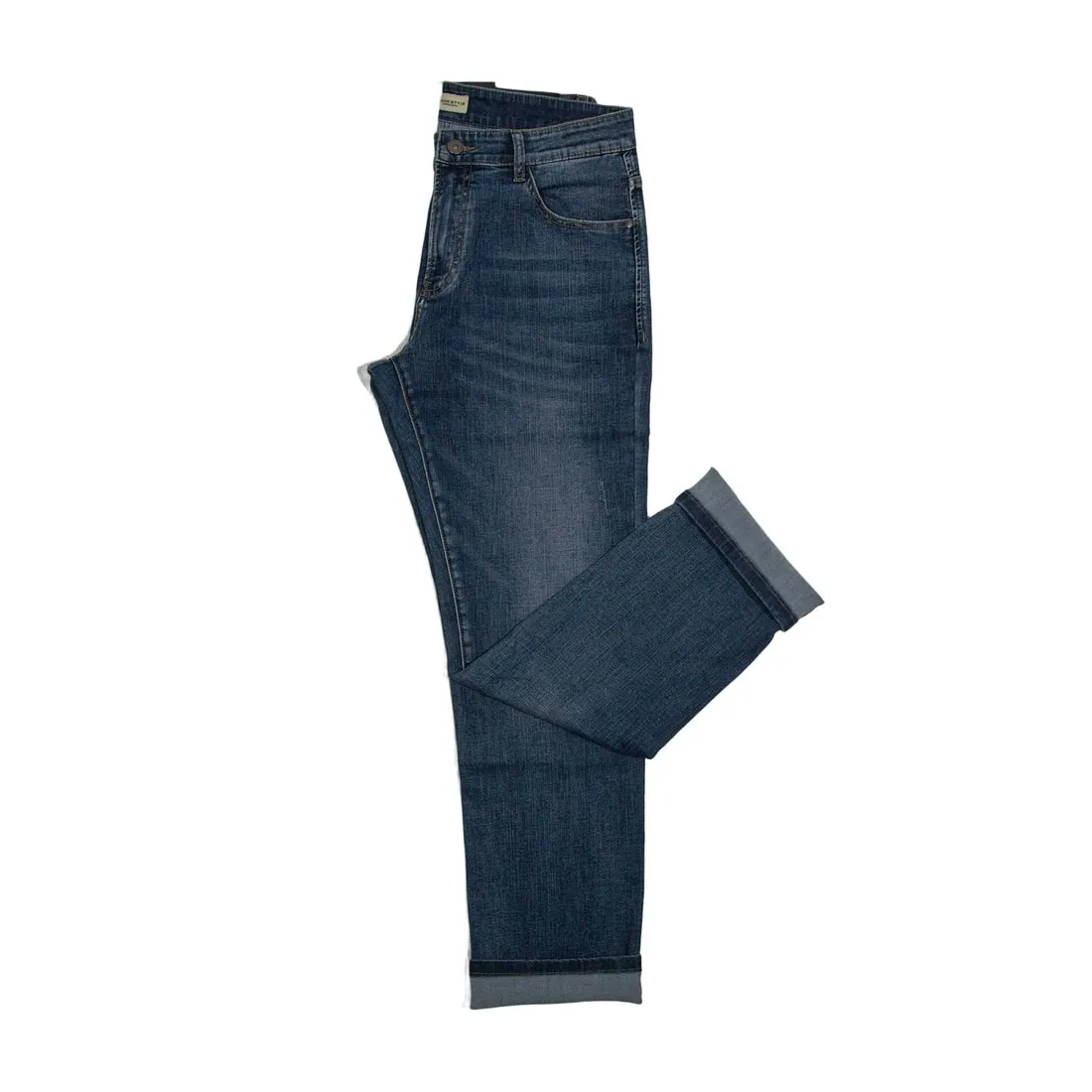
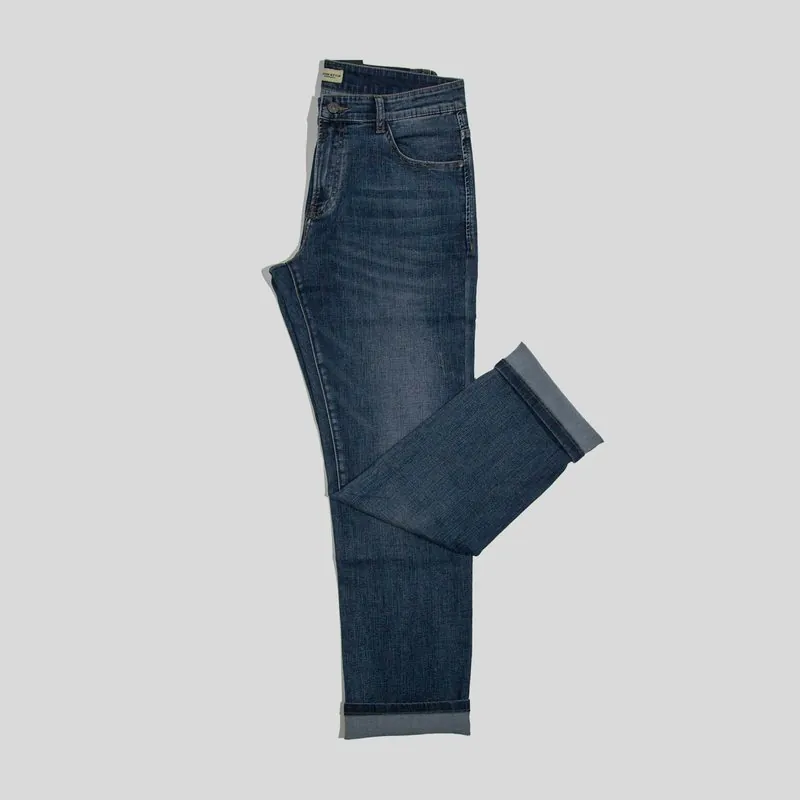
All noon image requirements
Source: noon Seller Help Center — Image requirements and rejection reasons for the seller SKU; Single SKU creation; Seller SKU content quality. Checked 12 October 2026. Read again · 12 October 2026
- Formats
- JPEG or JPG only, in RGB or sRGB colour format
- Minimum
- Image width of 660 pixels or more, with a width-to-height ratio (aspect ratio) of 0.5 or more
- Zoom
- Resolution of 72 PPI or above, to maintain image clarity when zoomed
- File size
- A product image must not exceed 10 MB
- Number
- 1 to 9 images per product; at least one good-quality image is needed for the SKU to go live, and a minimum of 3 is highly recommended
- Main image
- A front view of the product, shown in full and outside its packaging; lifestyle images and multiple views of a single product are not permitted in the primary image, and full bundles must be depicted when a bundle is sold
- Background
- Pure white background for the primary image in all categories except fashion, where the recommended background is light grey; light shadows only, no hard shadow or hard reflection
- Safe area
- A 10% margin on top and bottom when the product is shot vertically, and a 5% margin on both sides when shot horizontally; the product needs to cover at least 70-80% of the image frame
- Not allowed
- Logos, watermarks, unwanted text or objects, borders, price or warranty information, manufacturing or expiry dates, seller names, placeholder images, duplicate images, and accessories that are not included with the item
- Photographs only
- Only photographs are permitted; CAD drawings, thumbnails or illustrations are not allowed
- Apparel
- For adults apparel, pictures shot on models are recommended instead of flat lay or hanger shots, except for swimwear and underwear; for kids apparel, flat lay shots or products shot on hangers are recommended
- Image order
- Front view, back view, side view, any other angles, details, then usage; the primary image should always be a front view
What noon asks for, covered.
noon accepts only JPEG files, so the JPG download is the one to use. The primary image shows the product from the front on pure white, or on light grey for fashion: Herofab's packshot studio delivers the product alone on a white studio background, and square 2K output is 2,048 pixels wide, above the 660-pixel minimum. For adult apparel noon recommends pictures shot on models over flat lay or hanger shots, the image type virtual try-on produces. noon's page states that only photographs are permitted and does not mention AI-generated images; a seller planning to list one confirms it with noon first.
JPG only
noon accepts JPEG or JPG files; Herofab images can be downloaded as JPG.
On a model for adult apparel
noon recommends pictures shot on models for adult apparel; virtual try-on puts the garment on a model.
Confirm AI images first
noon's page permits only photographs and does not mention AI-generated images.
noon, answered.
What size should noon product images be?
noon product images: JPEG or JPG only, at least 660 pixels wide, 10 MB at most, 1 to 9 images, pure white primary background (light grey for fashion).
Which file formats does noon accept for product images?
JPEG or JPG only, in RGB or sRGB colour format. Source: noon Seller Help Center — Image requirements and rejection reasons for the seller SKU; Single SKU creation; Seller SKU content quality, checked 12 October 2026.
What image size enables zoom on noon?
Resolution of 72 PPI or above, to maintain image clarity when zoomed. Source: noon Seller Help Center — Image requirements and rejection reasons for the seller SKU; Single SKU creation; Seller SKU content quality, checked 12 October 2026.
How large can a product image file be on noon?
A product image must not exceed 10 MB. Source: noon Seller Help Center — Image requirements and rejection reasons for the seller SKU; Single SKU creation; Seller SKU content quality, checked 12 October 2026.
How many images per product on noon?
1 to 9 images per product; at least one good-quality image is needed for the SKU to go live, and a minimum of 3 is highly recommended. Source: noon Seller Help Center — Image requirements and rejection reasons for the seller SKU; Single SKU creation; Seller SKU content quality, checked 12 October 2026.
What should the main image look like on noon?
A front view of the product, shown in full and outside its packaging; lifestyle images and multiple views of a single product are not permitted in the primary image, and full bundles must be depicted when a bundle is sold. Source: noon Seller Help Center — Image requirements and rejection reasons for the seller SKU; Single SKU creation; Seller SKU content quality, checked 12 October 2026.
What background should product images have on noon?
Pure white background for the primary image in all categories except fashion, where the recommended background is light grey; light shadows only, no hard shadow or hard reflection. Source: noon Seller Help Center — Image requirements and rejection reasons for the seller SKU; Single SKU creation; Seller SKU content quality, checked 12 October 2026.
What is not allowed in product images on noon?
Logos, watermarks, unwanted text or objects, borders, price or warranty information, manufacturing or expiry dates, seller names, placeholder images, duplicate images, and accessories that are not included with the item. Source: noon Seller Help Center — Image requirements and rejection reasons for the seller SKU; Single SKU creation; Seller SKU content quality, checked 12 October 2026.
Can I check my images before uploading?
Yes. The free image size checker reads each file in your browser and tests it against these rules; the image is not uploaded.
Where do these figures come from?
From noon Seller Help Center — Image requirements and rejection reasons for the seller SKU; Single SKU creation; Seller SKU content quality, read on 12 October 2026. Marketplaces update their rules; the official page is the final reference.
Your next collection, shot this week.
20 credits at sign-up, no card required. Images made with free credits carry a watermark.