Nextdoor Ads image specs
Nextdoor image ad specs: 1,200 × 628 or 1,200 × 1,200 pixels, 1.91:1 or 1:1, JPEG or PNG, logo 100 × 100, carousels of 2 to 10 square images.
All Nextdoor Ads image requirements
Source: Nextdoor Business — Nextdoor Ads Manager: Creative Specifications & Guidelines; Advertising creative specs (small business); Nextdoor Ad Policy. Checked 12 October 2026. Read again · 12 October 2026
- Size
- Newsfeed image ad resolution is 1,200 × 628 pixels for a rectangle or 1,200 × 1,200 pixels for a square
- Aspect ratio
- 1.91:1 rectangle or 1:1 square in the Newsfeed; 1:1 for image ads in For Sale & Free and the desktop-only Right Hand Rail
- Formats
- JPEG or PNG
- File size
- Up to 150 MB for an image in Nextdoor Ads Manager; 30 MB maximum for a photo in the small-business ad specs
- Logo
- 100 × 100 pixels, cropped circular
- Carousel
- Images only, at a minimum resolution of 1,200 × 1,200 pixels and a 1:1 square aspect ratio, up to 150 MB each
- Number
- A carousel ad takes a minimum of 2 and a maximum of 10 images
- Small-business ads
- Photo at a 1:1 ratio and 1,080 × 1,080 resolution, or at a 2:1 ratio and 1,080 × 540 resolution under the Newsfeed specs; jpg or png
- Text on images
- As a best practice less than ¼ of the image should contain text, which Nextdoor links to 10% higher click-through rates; right-hand rail ads especially should contain no text
- Background
- Lifestyle imagery is advised, avoiding white backgrounds, which blend into the page
- Not allowed
- Blurry or poorly cropped images, heavy text overlay, strobing, flashing or distracting images and disorienting placement such as upside-down images
- AI images
- Content using media generated by AI must disclose that the images, audio, video or other media were created using AI; AI may not be used in ways that intentionally deceive or manipulate users
What Nextdoor Ads asks for, covered.
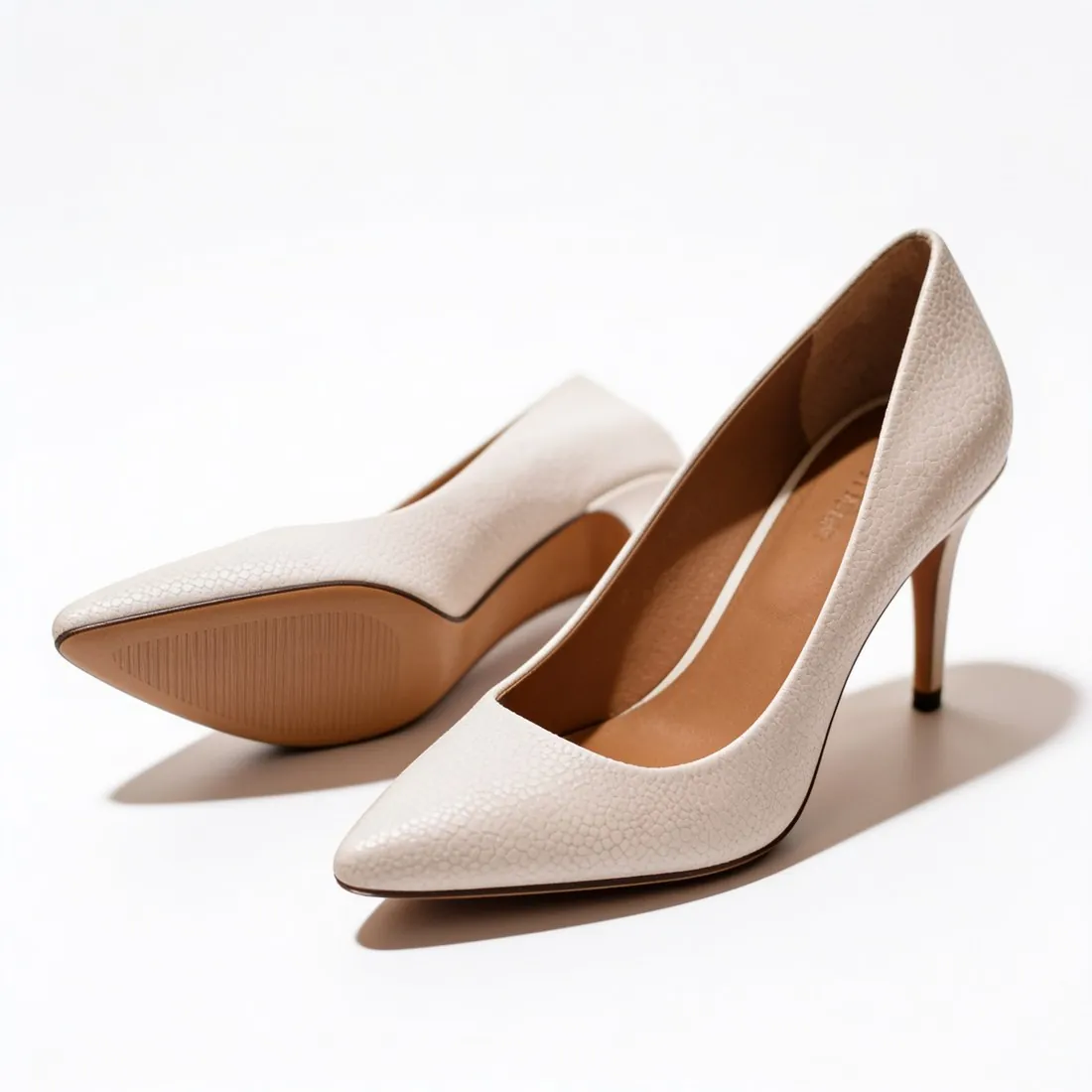
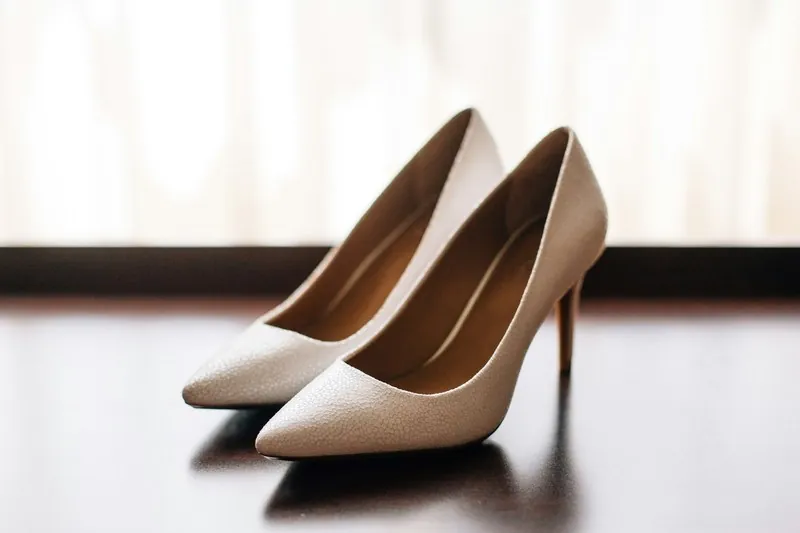
Nextdoor advises lifestyle imagery over white backgrounds, which blend into the page. Herofab's product studio sets a product in a scene, and square 2K output, 2,048 × 2,048 pixels, is above the 1,200 × 1,200 Nextdoor specifies for square and carousel images. Herofab has no 1.91:1 ratio: the 16:9 ad banner, 2,048 × 1,152 pixels, is the closest format and has to be cropped. Nextdoor requires AI-generated media to be disclosed; Herofab marks every file as AI-generated in its metadata, and the disclosure on the ad stays with the advertiser.
Scenes over white
Nextdoor advises lifestyle imagery; product studio sets the product in a scene.
1.91:1 needs a crop
Herofab has no 1.91:1 ratio; the 16:9 ad banner at 2,048 × 1,152 pixels is the closest format and has to be cropped.
Disclosure stays with the advertiser
Nextdoor requires AI-generated media to be disclosed; Herofab marks every file in its metadata.
Nextdoor Ads, answered.
What image size is right for Nextdoor Ads?
Nextdoor image ad specs: 1,200 × 628 or 1,200 × 1,200 pixels, 1.91:1 or 1:1, JPEG or PNG, logo 100 × 100, carousels of 2 to 10 square images.
Which image formats can be used for Nextdoor Ads?
JPEG or PNG. Source: Nextdoor Business — Nextdoor Ads Manager: Creative Specifications & Guidelines; Advertising creative specs (small business); Nextdoor Ad Policy, checked 12 October 2026.
How large can an image file be for Nextdoor Ads?
Up to 150 MB for an image in Nextdoor Ads Manager; 30 MB maximum for a photo in the small-business ad specs. Source: Nextdoor Business — Nextdoor Ads Manager: Creative Specifications & Guidelines; Advertising creative specs (small business); Nextdoor Ad Policy, checked 12 October 2026.
How many images can be used in Nextdoor Ads?
A carousel ad takes a minimum of 2 and a maximum of 10 images. Source: Nextdoor Business — Nextdoor Ads Manager: Creative Specifications & Guidelines; Advertising creative specs (small business); Nextdoor Ad Policy, checked 12 October 2026.
What background should product images have on Nextdoor Ads?
Lifestyle imagery is advised, avoiding white backgrounds, which blend into the page. Source: Nextdoor Business — Nextdoor Ads Manager: Creative Specifications & Guidelines; Advertising creative specs (small business); Nextdoor Ad Policy, checked 12 October 2026.
What is not allowed in images for Nextdoor Ads?
Blurry or poorly cropped images, heavy text overlay, strobing, flashing or distracting images and disorienting placement such as upside-down images. Source: Nextdoor Business — Nextdoor Ads Manager: Creative Specifications & Guidelines; Advertising creative specs (small business); Nextdoor Ad Policy, checked 12 October 2026.
What are the rules for AI-generated images in Nextdoor Ads?
Content using media generated by AI must disclose that the images, audio, video or other media were created using AI; AI may not be used in ways that intentionally deceive or manipulate users. Source: Nextdoor Business — Nextdoor Ads Manager: Creative Specifications & Guidelines; Advertising creative specs (small business); Nextdoor Ad Policy, checked 12 October 2026.
Can I check my images before uploading?
Yes. The free image size checker reads each file in your browser and tests it against these rules; the image is not uploaded.
Where do these figures come from?
From Nextdoor Business — Nextdoor Ads Manager: Creative Specifications & Guidelines; Advertising creative specs (small business); Nextdoor Ad Policy, read on 12 October 2026. Platforms update their specs; the official page is the final reference.
Your next collection, shot this week.
20 credits at sign-up, no card required. Images made with free credits carry a watermark.